

Team Collaboration: Leveraging the Project Repository for Version Control and Real-Time Team Feedback
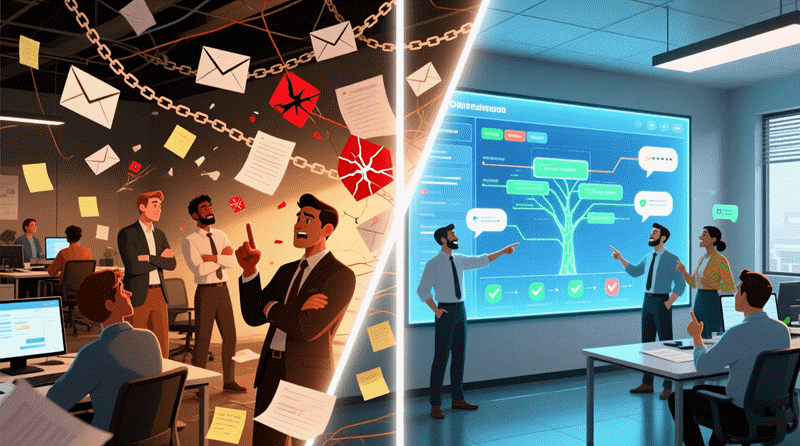
By the time a modeling project reaches production engineering and global distribution, it is rarely the work of a single architect. Modern software initiatives involve cross-functional teams: enterprise architects, solution architects, domain experts, developers, DevOps engineers, security reviewers, compliance officers, and sometimes external partners or regulators. Coordinating feedback, managing changes, preventing conflicts, tracking decisions, and maintaining a single source of truth across time zones and roles is essential—and notoriously difficult when relying on scattered files, email threads, or generic document tools.
Visual Paradigm’s project repository transforms the modeling workspace into a centralized, version-controlled, team collaboration platform that is purpose-built for architecture and design teams. Integrated with the AI-generated models from earlier modules, it enables distributed teams to work concurrently on the same diagrams, review changes, leave contextual comments, approve milestones, and govern the evolution of the architecture—all while preserving full traceability to requirements, code, and enterprise views.
Core Features of the Collaboration Repository
- Centralized Cloud or On-Premises Repository
- All project files (diagrams, model elements, documentation, code stubs, generated artifacts) stored in one secure location
- Supports team, enterprise, or cloud editions with role-based access control (RBAC)
- Encrypted at rest and in transit; SSO integration (SAML, OAuth); audit logs for compliance
- Git-Like Version Control (Branching, Merging, History)
- Every commit creates a version snapshot
- Create branches for experiments (“refactor-payment-service”, “add-GDPR-controls”)
- Compare revisions’ changes side-by-side (visual diff highlights added/removed/changed elements)
- Merge changes from one branch to another with conflict resolution wizard
- Rollback to any previous version or recover deleted elements
- Tag major milestones (“Architecture Review v1.0”, “Sprint 5 Baseline”)
- Collaboration
- Multiple users edit the same diagram simultaneously
- Smart conflict resolution support helps you review and merge changes made among the team
- In-Diagram & Threaded Feedback
- Add comments directly on diagram elements (classes, messages, components, nodes)
- See the comments instantly from within Visual Paradigm’s modeling environment
- Reply to comments
- Review & Approval Workflows
- Create formal review tasks: “Review Payment Microservice Components”
- Assign reviewers with deadlines
Practical Collaboration Patterns Enabled by the Repository
- Distributed Architecture Team — Seattle architect updates C4 views → Singapore developer sees changes instantly → Berlin reviewer adds comments → all in real time.
- Agile Sprint Reviews — Model updated mid-sprint → team branches for “spike” experiments → merge winning changes → generate code stubs → review together.
- Compliance & Governance — Auditor views read-only repository → leaves formal comments → architect responds → approval workflow completes → audit trail preserved.
- Onboarding New Members — New joiner opens repository → sees full version history → browses comments → understands decisions without lengthy handoff meetings.
Why This Repository Changes Team Dynamics
| Traditional Modeling Collaboration Pain Points | Visual Paradigm Repository Advantages |
|---|---|
| Files emailed or shared via Dropbox → version chaos | Single source of truth with Git-like versioning |
| No real-time visibility into teammate changes | Live co-editing + instant notifications |
| Feedback scattered in email, Slack, tickets | Contextual, threaded, diagram-attached comments |
| No formal review/approval process | Built-in workflow with assignments, deadlines, sign-off |
| Hard to track who changed what and why | Detailed history, visual diffs, audit logs |
| Global teams struggle with time zones | Asynchronous + real-time hybrid support |
Best Practices for Maximum Team Value
- Establish branch strategy early (main = production baseline, feature/* for changes)
- Use consistent comment categories and @mention discipline
- Require reviews before merging major changes
- Tag milestones with semantic versioning (v1.0-Architecture-Baseline)
- Train the team on repository navigation (filter comments, view history, compare branches)
This powerful collaboration layer turns the modeling environment from an individual architect’s tool into a team-wide architecture nervous system—where changes are visible, feedback is contextual, decisions are documented, and the entire organization stays aligned with the evolving design.
With version control, real-time editing, threaded reviews, approval workflows, and DevOps integration now fully enabled, the AI-powered modeling journey is complete. Your team can discover, design, validate, implement, localize, synchronize, and govern architecture together—efficiently, transparently, and at scale.
Thank you for completing the course. Your models are now living, collaborative, production-driving assets—ready to power real software systems and real business outcomes around the world.