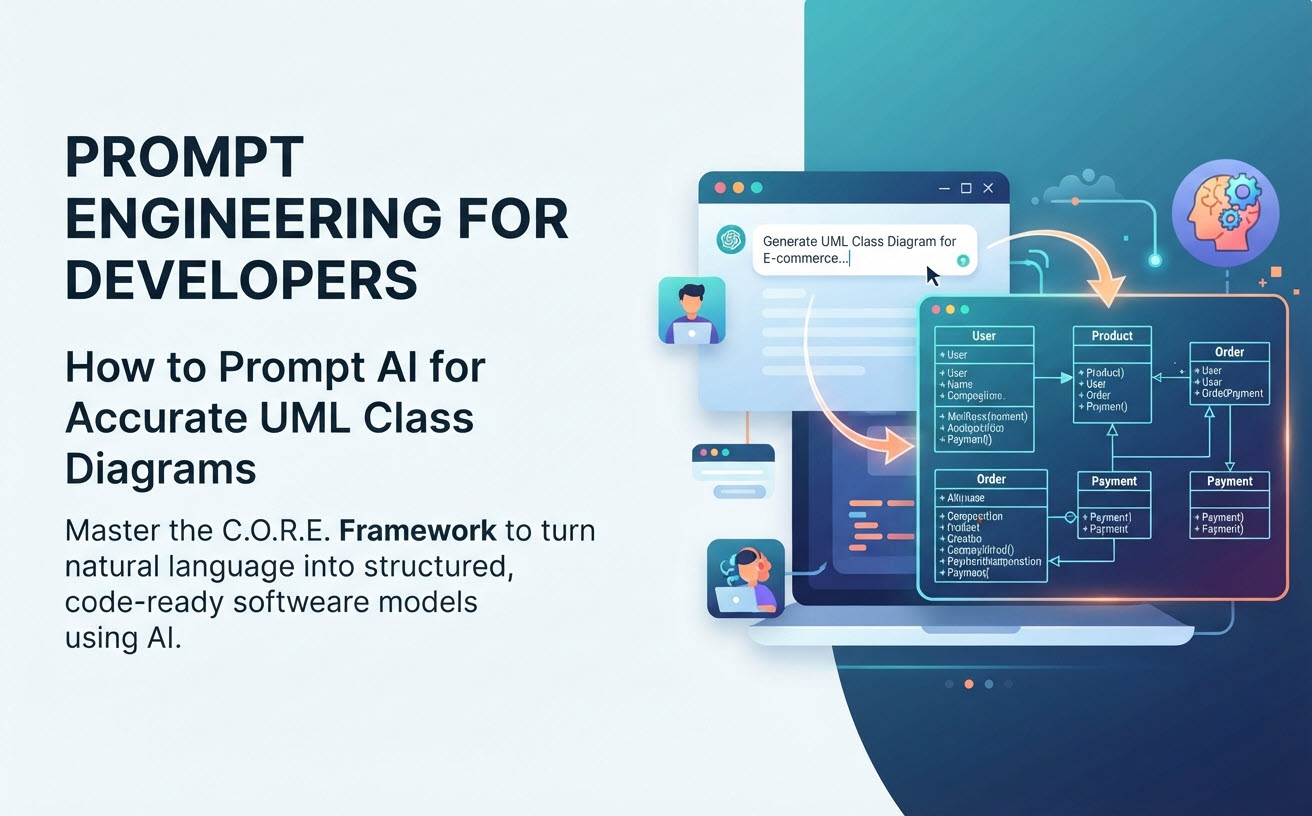
Generative AI has transformed software engineering workflows, enabling developers to turn natural language descriptions into structural architecture models in seconds. However, asking an AI for a “class diagram for an e-commerce app” often leads to generic, incomplete, or syntactically ambiguous results. To get precise, production-ready class structures, developers must master prompt engineering for UML diagrams. This tactical guide breaks down structural prompting framework principles, key constraints, and ready-to-use templates for an AI class diagram generator.
Why Generic AI Prompts Fail in Software Modeling
General Large Language Models (LLMs) treat text generation probabilistically. Without specific architectural constraints, generic prompts usually suffer from three common issues:
- Missing Notation Specifics: The AI forgets visibility indicators (
+,-,#), data types, or return values. - Ambiguous Relationships: The model defaults to plain association lines instead of specifying Composition, Aggregation, or Generalization.
- Flat Architecture: Complex domain logic gets flattened into a few monolithic classes rather than modularized microservices or clean design patterns.
By structuring your prompts using a framework tailored for software engineering, you guide the AI to generate syntactically correct, code-ready models on the first attempt.
The C.O.R.E. Prompting Framework for UML Diagrams
To achieve high accuracy with conversational AI engines like the Visual Paradigm AI Diagramming Chatbot, structure your prompts using the C.O.R.E. Framework:
- C – Context & Role: Set the architectural perspective (e.g., “Act as a Senior Software Architect designing a domain-driven microservices architecture…”).
- O – Objects & Entities: Explicitly name the core classes, interfaces, abstract classes, and enumeration types required.
- R – Relationships & Constraints: Specify relationship types (Inheritance, Composition, Aggregation, Realization) and multiplicity rules (e.g.,
1to0..*). - E – Encapsulation & Members: Request specific visibility rules, data types, and key business operations/method signatures.
Copy-and-Paste UML Prompt Templates
1. Tactical Template: Microservices Domain Model
Use this template when designing complex domain entities with strict lifecycle rules:
Prompt: “Act as a Lead Systems Architect. Generate a UML Class Diagram for a Vehicle Rental Platform containing the following entities: Vehicle (abstract class), Car, Truck, Customer, RentalBooking, Payment, and RentalLocation.
Apply these specific rules:
1. Show Generalization (Inheritance) between Vehicle and its subclasses (Car, Truck).
2. Show Composition between RentalBooking and Payment (a booking owns its payment record).
3. Show Aggregation between RentalLocation and Vehicle.
4. Include attributes with UML visibility (- for private, + for public), data types, and method signatures like calculateRentalCost() and checkAvailability().”
2. Advanced Template: Applying GoF Design Patterns
Use this template when generating object-oriented design pattern skeletons:
Prompt: “Create a UML Class Diagram illustrating the Observer Pattern for a Real-Time Notification System. Include an interface named Subject with methods registerObserver(), removeObserver(), and notifyObservers(). Include an interface named Observer with update(). Add concrete classes WeatherStation (implementing Subject) and PhoneDisplay (implementing Observer). Show realization and association connections clearly.”
Because Visual Paradigm’s chatbot is fine-tuned specifically for diagramming notations, it interprets these constraints without syntax degradation. Explore more examples on our dedicated AI Class Diagram Generator Feature Page.
Best Practices for Iterative Prompting
- Iterate via Chat Sessions: Don’t try to prompt a 50-class enterprise system in one turn. Start with 4–6 core classes, verify the baseline, and prompt the AI to expand specific modules in subsequent turns.
- Prompt for Output Formats: Ask the AI to produce declarative text formats like PlantUML or Mermaid code if you plan to version-control your models in Git.
- Refine Relationships Interactively: If an AI misinterprets a relationship as a simple association, prompt: “Change the connection between Order and LineItem to a strict Composition relationship.”
From AI Prompt to Enterprise Software Architecture
Mastering prompt engineering accelerates your ideation phase, but software engineering requires full-lifecycle tool integration. Visual Paradigm connects your prompt outputs straight into enterprise development pipelines:
1. Turn Prompts into Live Documentation in OpenDocs
Export your AI-generated class structures to Visual Paradigm OpenDocs to automatically create living technical data dictionaries and API specifications for cross-functional teams.
2. Edit Models-as-Code in VPasCode
Since the AI Chatbot outputs declarative diagram code (PlantUML, Mermaid), you can take your models straight into VPasCode for minor touch-ups.
3. Visual Refinement in VP Online
Push your generated models to VP Online for real-time team collaboration, allowing developers and product managers to refine class boundaries using an intuitive drag-and-drop canvas.
4. Automated Code Generation in VP Desktop
Import your finalized class diagrams into Visual Paradigm Desktop to auto-generate production-ready source code skeletons in Java, C#, C++, or Python, or reverse-engineer existing systems back into UML diagrams.