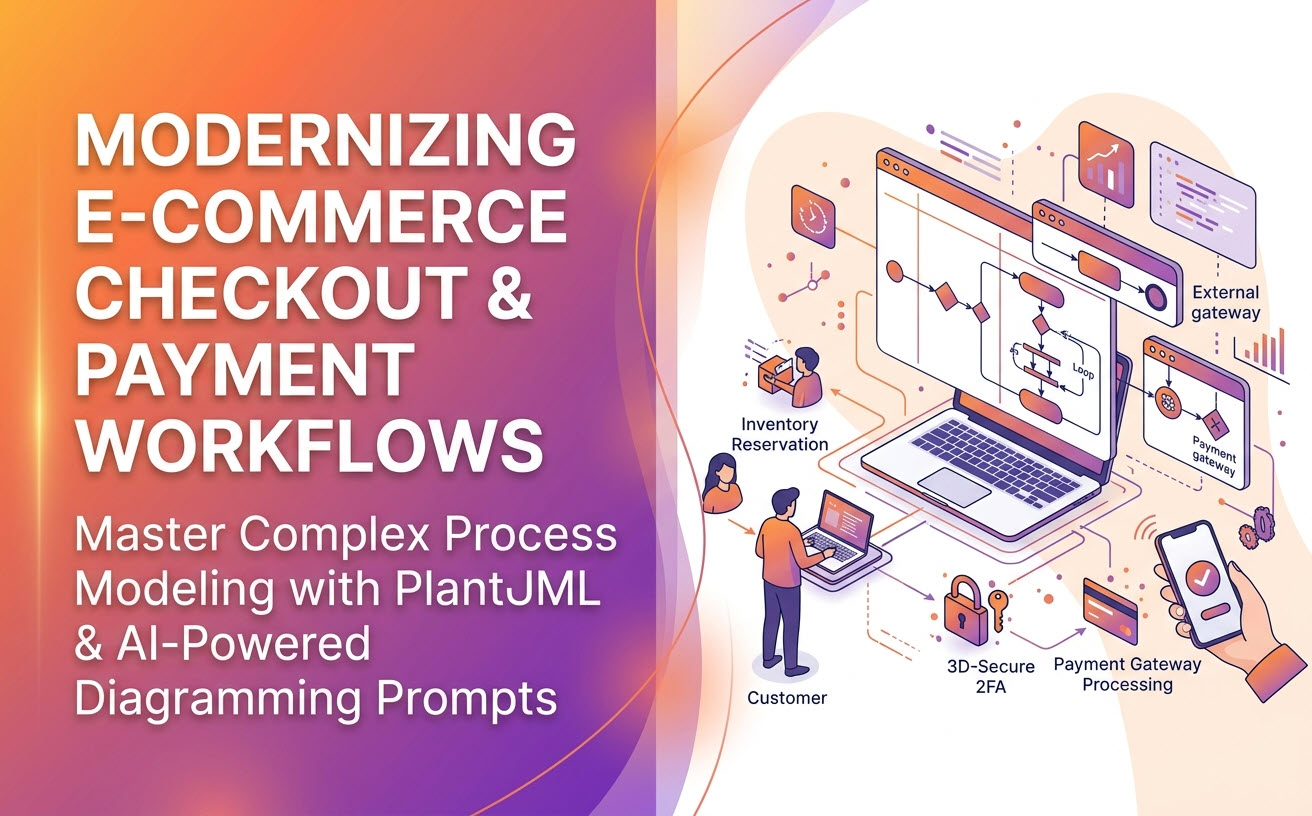
Payment processing is one of the most critical and risk-sensitive workflows in modern software engineering. Between handling concurrent inventory updates, integrating third-party payment gateways (like Stripe or PayPal), and processing 3D-Secure two-factor authentication, a clear workflow model is essential. This guide provides real-world UML activity diagram examples, complete PlantUML source code, and ready-to-use AI prompts.
Example 1: Standard E-Commerce Checkout & Inventory Reservation
This workflow maps the multi-lane interaction between a Customer, the E-Commerce System, and the Inventory Database when an order is placed.
Key Modeling Concepts:
- Swimlanes: Partitioning responsibility across UI, backend, and database.
- Parallel Fork / Join: Reserving inventory items concurrently while locking cart items.
PlantUML Code:
@startuml
|Customer|
start
:Click "Proceed to Checkout";
:Enter Shipping Address & Payment Details;
:Click "Place Order";

|E-Commerce System|
:Validate Order Payload;
if (Is Payload Valid?) then ([Yes])
  fork
    :Lock Cart Items;
  fork again
    |Inventory Database|
    :Reserve Stock Quantities;
  end fork
  |E-Commerce System|
  :Generate Pending Order Record;
else ([No])
  |Customer|
  :Display Validation Errors;
  stop
endif

|E-Commerce System|
:Initiate Payment Gate;
stop
@endumlAI Chatbot Prompt:
“Generate a UML activity diagram for a standard e-commerce checkout. Include three swimlanes: Customer, E-Commerce System, and Inventory Database. Validate the payload, and if valid, use a fork bar to concurrently lock cart items and reserve stock in the inventory database. If invalid, return an error to the customer.”
Example 2: Payment Gateway Processing with 3D-Secure (2FA)
Modern payment processing requires handling conditional branching for credit card security checks, such as 3D-Secure authentication (OTP / Bank App Approval).
Key Modeling Concepts:
- Decision Nodes with Guard Conditions: Evaluating whether 3DS authentication is required by the issuing bank.
- External Gateway Handoff: Passing control to a third-party payment processor lane.
PlantUML Code:
@startuml
|E-Commerce Backend|
start
:Submit Payment Request to Gateway;

|Payment Gateway|
:Evaluate Risk Score;
if (3D-Secure Required?) then ([Yes])
  |Customer|
  :Prompt for OTP / Bank Approval;
  :Submit 2FA Verification;
  |Payment Gateway|
  :Validate 2FA Token;
else ([No])
  :Process Card Directly;
endif

if (Payment Authorized?) then ([Success])
  |E-Commerce Backend|
  :Update Order Status to "Paid";
  :Send Order Confirmation Email;
  |Customer|
  :Display Order Success Screen;
else ([Declined])
  |E-Commerce Backend|
  :Update Order Status to "Failed";
  |Customer|
  :Display Payment Declined Notice;
endif
stop
@enduml
AI Chatbot Prompt:
“Create an activity diagram for a payment processing workflow with 3D-Secure. Include lanes for E-Commerce Backend, Payment Gateway, and Customer. Check if 2FA is required. If yes, prompt customer for OTP. Handle both payment success (send email confirmation) and payment decline branches.”
Example 3: Payment Failure & Retry Recovery Logic
A robust checkout flow must handle edge cases like expired cards, insufficient funds, and network timeouts cleanly without leaving stock reserved indefinitely.
Key Modeling Concepts:
- Rollback Logic: Releasing reserved stock if a payment fails repeatedly.
- Looping Paths: Allowing the user up to 3 payment retry attempts.
PlantUML Code:
@startuml
|Customer|
start
repeat
  :Select Alternative Payment Method;
  |Payment Service|
  :Attempt Transaction;
backward:Increment Failure Count;
repeat while (Payment Successful?) is ([Failed & Attempts < 3])

if (Payment Successful?) then ([Yes])
  |Order Service|
  :Finalize Order;
  stop
else ([Failed 3 Times])
  |Inventory Service|
  :Release Reserved Stock;
  |Customer|
  :Cancel Order & Notify User;
  stop
endif
@enduml
AI Chatbot Prompt:
“Generate a payment retry activity diagram. Allow the customer up to 3 attempts to retry a failed payment. If successful, finalize the order. If all 3 attempts fail, release the reserved stock from inventory and cancel the order.”
How to Use AI Prompts to Generate Payment Workflows
When using an AI activity diagram tool like Visual Paradigm’s AI Diagramming Chatbot, structured prompts yield the cleanest syntax. Follow these guidelines for optimal diagram generation:
- Define the Roles Explicitly: Specify the exact swimlane partitions in your prompt (e.g., “Use swimlanes: User, Application, Payment API”).
- State Parallel Actions Clearly: Use phrases like “At the same time,” or “Concurrently perform X and Y,” so the AI uses solid Fork/Join bars rather than sequential boxes.
- Explicitly Define Decision Outcomes: Instead of saying “Check payment,” specify “If payment succeeds, do X. If payment fails due to insufficient funds, do Y.”
Refining Payment Diagrams in Visual Paradigm
Generating the initial payment workflow is just the first step. Within the Visual Paradigm AI ecosystem, software engineers and business analysts can seamlessly take payment flows into production documentation:
- Instant Diagram Generation: Describe complex transaction requirements in plain language, and the AI chatbot outputs clean, error-free PlantUML or Mermaid code.
- Text-to-Diagram Version Control with VPasCode: Move generated payment diagram code directly into VPasCode. Perform code reviews on payment logic changes.
- SOP & Compliance Guides in OpenDocs: Transfer activity diagrams to OpenDocs to build comprehensive PCI-DSS compliance manuals and standard operating procedures for engineering and support teams.
- Multi-Format Exports: Export final payment architecture diagrams as SVG, PNG, or copy visual assets directly to your clipboard for design reviews.
Try these payment processing prompts directly in your browser with VP Online Deluxe Edition or within your complete desktop modeling hub via VP Desktop Professional Edition.
Frequently Asked Questions
Can the AI chatbot handle complex payment loops and exceptions?
Yes. The AI model is specifically trained on formal UML semantics, allowing it to correctly generate loops (repeat/while), decision diamonds, and fork/join parallel constructs without syntax errors.
Can I export PlantUML code directly from Visual Paradigm?
Yes. Visual Paradigm’s AI Diagramming Chatbot provides transparent, text-based code outputs (including PlantUML and Mermaid) that you can copy, edit, or maintain inside version-controlled repositories.
Is the AI Activity Diagram Tool included in VP Desktop?
Full access to the AI Diagramming Chatbot is included with licenses for both VP Desktop Professional Edition and VP Online Deluxe Edition.
Related Links
- Visual Paradigm VPasCode interactive playground: Try out Visual Paradigm VPasCode in the VPasCode interactive playground
- VPasCode overview: Learn more about VPasCode
- Try out Visual Paradigm AI Diagramming Chatbot: Generate diagrams with AI
- AI Diagramming Chatbot Overview: Learn more about AI Diagramming Chatbot: AI Diagramming Chatbot