


Overcoming the “Blank Canvas”: Using Natural Language to Describe High-Level Visions and Instantly Generate System Context
One of the most paralyzing moments in any modeling session is facing an empty diagram editor. The cursor blinks, the toolbar sits unused, and the mind races: Where do I even start? What shape goes first? Which actors or entities matter most? This “blank canvas” syndrome has derailed countless projects—leading teams to skip formal modeling altogether, rely on informal sketches that quickly become outdated, or waste hours debating scope before anything concrete appears.
Visual Paradigm’s AI ecosystem eliminates this barrier entirely by letting you bypass manual starting points. Instead of drawing your way into understanding, you describe your way into it. Natural language becomes the entry point: write or speak your high-level vision, business goal, or problem statement exactly as you would explain it to a colleague—and within seconds, the AI delivers a visual anchor that grounds the entire conversation.
How It Works in Practice
- Open the AI Chatbot (chat.visual-paradigm.com or embedded in Visual Paradigm Desktop).
- Type (or paste) a concise, high-level description in plain English—no UML syntax required.
Examples of effective opening prompts:
- “Create a system context diagram for an online food delivery platform that connects customers, restaurants, delivery drivers, and payment providers.”
- “Show the high-level overview of a university course registration system, including students, professors, administrators, courses, and the registrar’s office.”
- “Build a C4 System Context view for a modern e-commerce marketplace supporting buyers, sellers, payment gateways, logistics partners, and review systems.”
- “Generate an initial use case diagram for a hospital patient management app where patients book appointments, doctors view records, nurses update vitals, and admins manage staff schedules.”
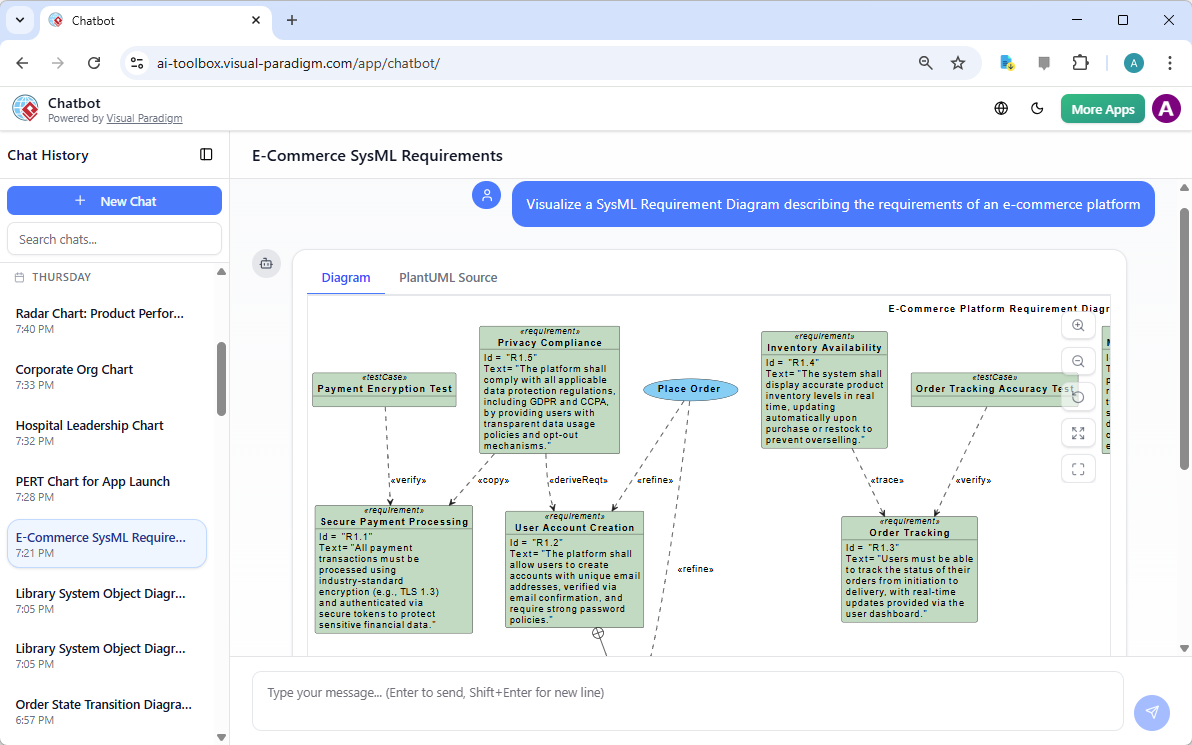
- Hit send. In moments, the AI returns a clean, standards-compliant diagram:
- Use Case Diagram (when the description emphasizes user goals).
- C4 System Context (when architectural layering is implied).
- Occasionally a simple Class Diagram or Block Definition Diagram if the focus is clearly on domain entities.
- Immediately refine with follow-up natural language commands:
- “Add the payment gateway as a separate actor with a ‘Process Payment’ interaction.”
- “Include a fraud detection service that monitors transactions.”
- “Highlight the delivery driver’s mobile app as an external system.”
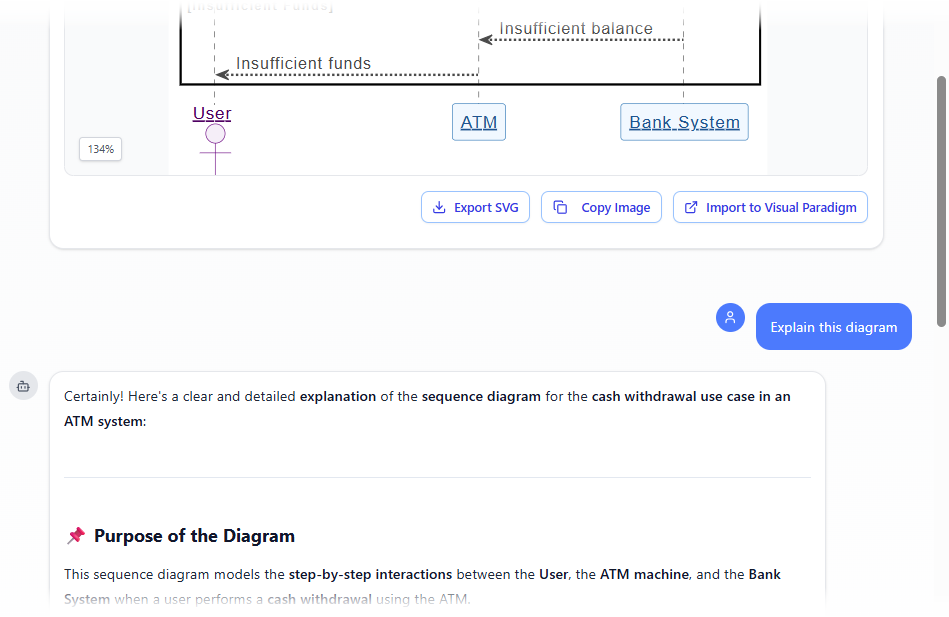
- “Generate a sequence diagram based on the Withdraw Cash use case in the diagram.”
- “Make the diagram horizontal and add a title: ‘Food Delivery Platform – System Context’.”
The Diagram Touch-Up engine ensures every change preserves layout logic, connector routing, and visual clarity—no manual dragging or reconnecting required.
Why This Overcomes the Blank Canvas So Effectively
| Traditional Starting Pain Point | AI-Powered Natural Language Start |
|---|---|
| Need to decide first element (actor? system? boundary?) | AI infers the most logical starting view from your description |
| Fear of choosing wrong notation or layout | Standards-compliant output (UML/ArchiMate/C4) chosen automatically |
| Slow to reach shared understanding with stakeholders | Instant visual artifact for discussion in seconds |
| Hard to pivot when scope changes | Conversational updates keep model fluid and versioned |
| High cognitive load on notation & tool mechanics | Cognitive load shifts to domain thinking and refinement |
Practical Benefits in Real Projects
- Kickoff workshops — Paste the project charter or product vision statement; generate a context diagram on the spot to align the room instantly.
- Stakeholder interviews — After a 15-minute discussion, summarize key points in a prompt and show a live diagram to confirm: “Is this what you meant?”
- Early scoping & boundary definition — Quickly visualize what is inside vs. outside the system, preventing scope creep before detailed modeling begins.
- Onboarding new team members — Generate a high-level context view in under a minute to give newcomers an immediate big-picture orientation.
- Proof-of-concept for feasibility — Rapidly test whether a vague idea can be expressed coherently in visual form—great for validating assumptions early.
Pro Tips for Maximum Impact
- Be descriptive but concise—focus on who interacts with the system and why (goals/outcomes), not deep implementation details.
- Use domain-specific language naturally—the AI understands context from phrases like “premium subscribers,” “inventory warehouse,” or “regulatory compliance audit.”
- If the first output isn’t quite right, don’t redraw—just refine: “This is close, but move the payment provider outside the system boundary and label the interaction ‘Authorize Transaction’.”
- Save the generated diagram directly into a Visual Paradigm project for later linkage to detailed use cases, class models, or sequence flows.
By starting with language instead of shapes, you transform the most intimidating phase—initiation—into the most energizing one. The blank canvas disappears, replaced by a living, visual conversation starter that evolves with every clarification.
In the next sections, we’ll build directly on this high-level context: using AI Textual Analysis to mine domain entities from detailed requirements text, and guided wizards to systematically flesh out the structural foundation. The journey from vision to validated domain model has never been faster or more collaborative.