


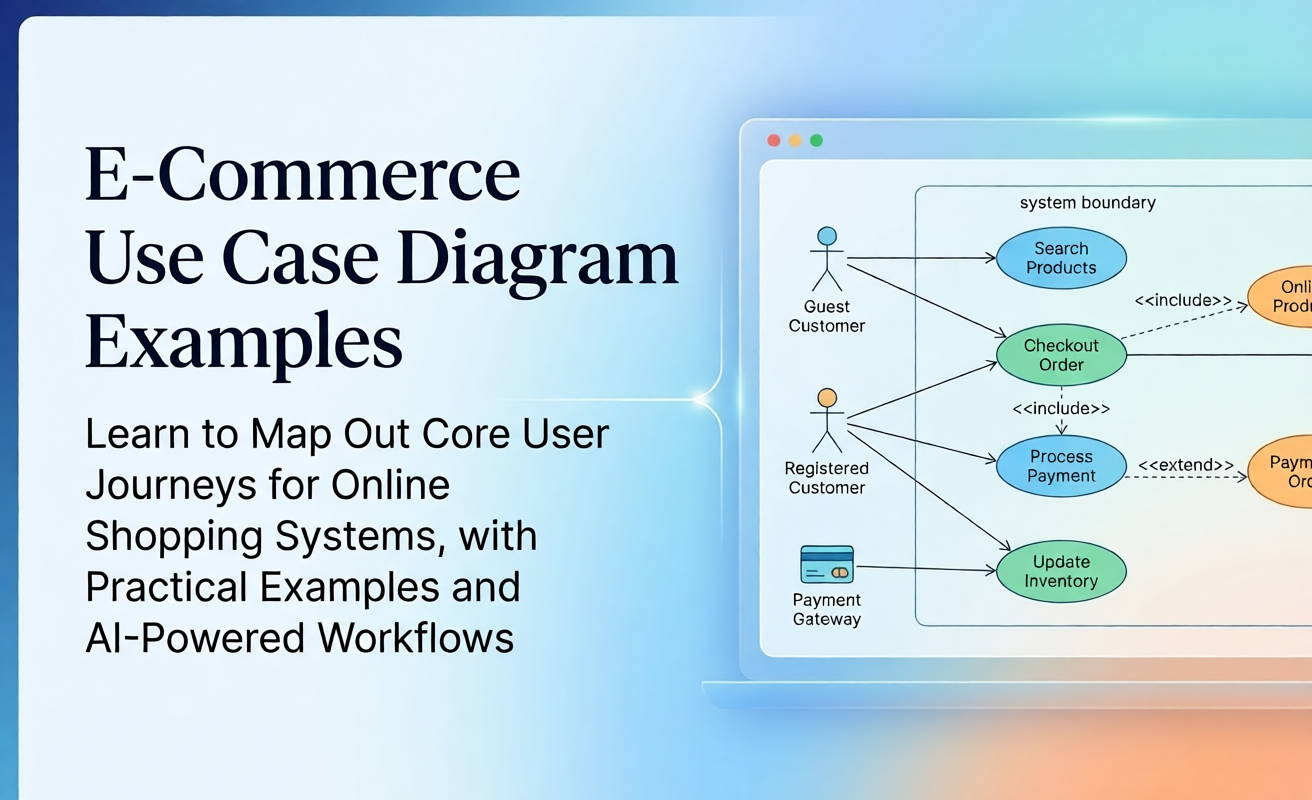
E-commerce and online shopping platforms involve multi-actor interactions, complex transactional flows, and strict security requirements. Having a clear **UML Use Case Diagram** is crucial for mapping out core user journeys—from product search and checkout to inventory updates and order fulfillment.
In this guide, we explore practical use case diagram examples for e-commerce systems, detail key actors and relationships, provide ready-to-use AI prompts, and demonstrate how to generate these architectural models instantly using conversational AI.
Core Actors in E-Commerce Use Case Models
A well-structured online shopping system typically divides actors into external users, administrative users, and automated third-party integrations:
- Guest Customer: Unauthenticated user who can browse products, search items, and add products to a shopping cart.
- Registered Customer: Authenticated user who inherits guest privileges while accessing account management, saved payment methods, and order history.
- Store Administrator: Internal user responsible for updating product catalogs, managing inventory, processing refunds, and reviewing system reports.
- Payment Gateway (External System): Third-party API (e.g., Stripe, PayPal) responsible for authorization and payment processing.
- Logistics / Shipping Service (External System): Third-party provider tracking shipment status and dispatching delivery updates.
Primary Use Cases & Interactions
E-commerce use case models highlight mandatory and conditional relationships using <<include>> and <<extend>> associations:
| Use Case | Primary Actor | Relationship Type | Description |
|---|---|---|---|
Search Products |
Guest Customer | Base Use Case | Allows users to filter items by category, price, or search keyword. |
Checkout Order |
Registered Customer | Includes Process Payment |
Initiates order placement and calculates final order total. |
Process Payment |
Payment Gateway | Included in Checkout Order |
Mandatory sub-flow for handling credit card transactions or digital wallet authorizations. |
Apply Promo Code |
Registered Customer | Extends Checkout Order |
Optional step that recalculates order subtotal if a valid coupon code is provided. |
Complete E-Commerce Use Case Diagram Example
Below is a typical structural representation of an online shopping system modeled with actors, boundary boxes, and clear relationship dependencies:
Figure 1: High-level UML use case diagram for an E-Commerce & Online Shopping System.
Ready-to-Use AI Chatbot Prompts
You can instantly generate, expand, or adjust this diagram using Visual Paradigm’s AI Diagramming Chatbot. Simply copy and paste any of the prompts below:
Prompt 1: Baseline E-Commerce Model
Generate a UML use case diagram for an online shopping system. Include Guest Customer, Registered Customer, Store Admin, and Payment Gateway actors. Show use cases for searching products, adding to cart, checkout order, applying discount codes, processing payment, and managing inventory. Use <<include>> for payment processing and <<extend>> for promo codes.Prompt 2: Adding Order Tracking & Shipping
Refine the previous e-commerce diagram by adding a Logistics Service external actor. Add use cases for "Track Shipment" and "Generate Return Label", showing how Registered Customers interact with delivery services.Diagram-as-Code (PlantUML / Mermaid)
Because Visual Paradigm’s AI Chatbot outputs clean, text-based diagram code, you can easily inspect, version control, or edit your model in code syntax:
@startuml
left to right direction
actor "Guest Customer" as Guest
actor "Registered Customer" as Customer
actor "Store Admin" as Admin
actor "Payment Gateway" as Payment

Guest <|-- Customer

rectangle "E-Commerce System" {
  usecase "Search Products" as UC_Search
  usecase "Checkout Order" as UC_Checkout
  usecase "Process Payment" as UC_Payment
  usecase "Apply Promo Code" as UC_Promo
  usecase "Update Inventory" as UC_Inventory

  Guest --> UC_Search
  Customer --> UC_Checkout
  Admin --> UC_Inventory

  UC_Checkout .> UC_Payment : <<include>>
  UC_Promo .> UC_Checkout : <<extend>>
  UC_Payment --> Payment
}
@endumlEvolving E-Commerce Models in Visual Paradigm
Once your initial AI ideation is complete, seamless integrations across the Visual Paradigm ecosystem allow you to refine your e-commerce model for enterprise documentation and development:
- Direct Web Generation: Try generating online shopping diagrams in seconds on our AI Diagramming Chatbot.
- Text-Based Touch-ups in VPasCode: Modify PlantUML or Mermaid code directly using VPasCode to fine-tune actor syntax and relationship tags.
- Drag-and-Drop Formatting in VP Online: Export your generated diagram to Visual Paradigm Online for visual adjustments, customized color styling, and stakeholder presentations.
- Enterprise Traceability in VP Desktop: Import your e-commerce models into Visual Paradigm Desktop to link use cases directly with user stories, sequence diagrams, and class models for full software lifecycle traceability.
- Publish Living Documentation via OpenDocs: Share online shopping specifications across engineering teams using Visual Paradigm OpenDocs.
Frequently Asked Questions
How does the AI handle payment gateway integrations in UML diagrams?
The AI models external third-party services (such as payment gateways or shipping APIs) as secondary actors placed outside the system boundary, connecting them directly to included or base use cases.
Can I convert this e-commerce use case diagram into sequence diagrams?
Yes. By opening your AI-generated diagram inside Visual Paradigm Desktop, you can automatically expand any use case oval (e.g., Checkout Order) into a detailed sequence diagram outlining message calls between UI, controllers, and payment databases.
Which Visual Paradigm licenses support AI e-commerce diagram generation?
Full conversational AI diagramming features are available with VP Online Deluxe Edition and VP Desktop Professional Edition licenses.
Related Links
- Visual Paradigm VPasCode interactive playground: Try out Visual Paradigm VPasCode in the VPasCode interactive playground
- VPasCode overview: Learn more about VPasCode
- Try out Visual Paradigm AI Diagramming Chatbot: Generate diagrams with AI
- AI Diagramming Chatbot Overview: Learn more about AI Diagramming Chatbot: AI Diagramming Chatbot