


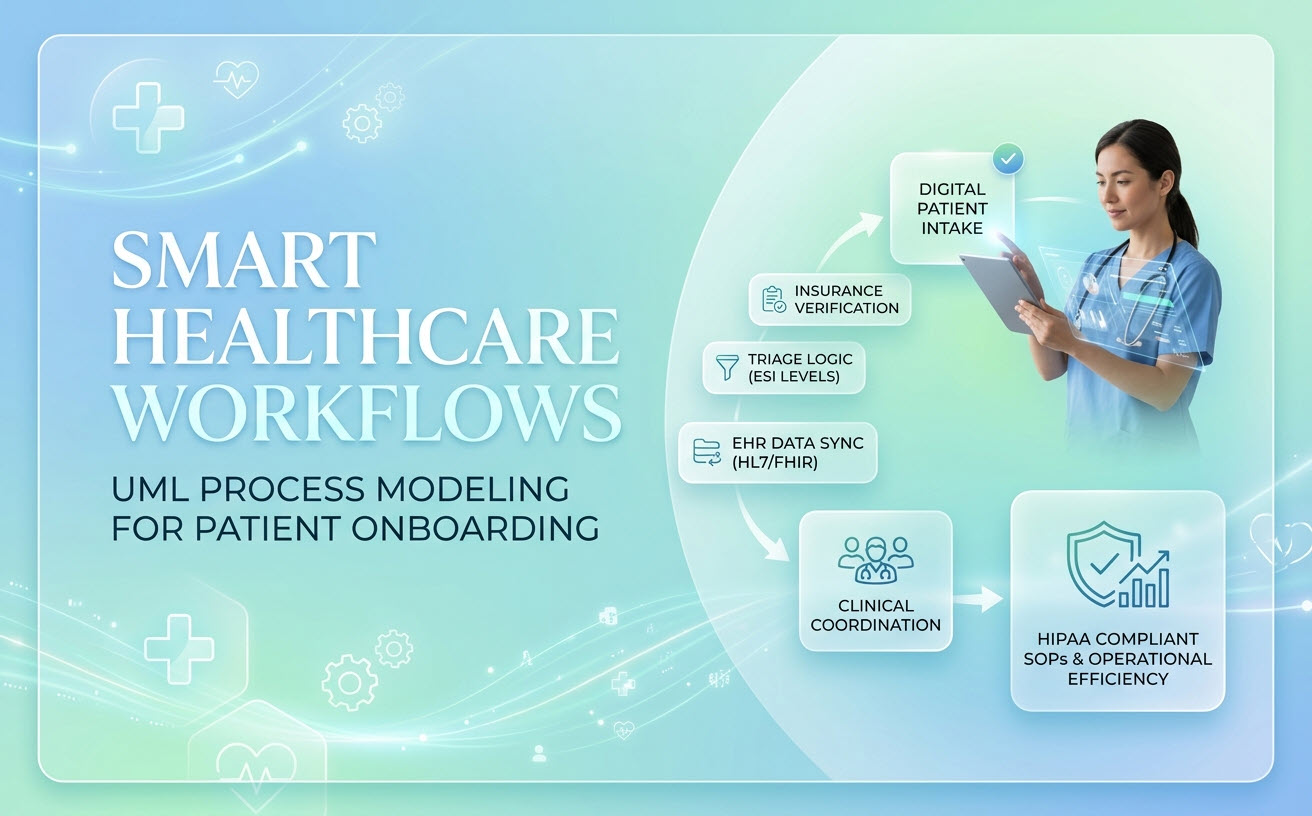
In healthcare administration and clinical informatics, workflow clarity is directly tied to patient safety, regulatory compliance (such as HIPAA), and operational efficiency. From digitizing patient intake and insurance eligibility verification to modeling Emergency Department (ED) triage logic, clear visual models ensure seamless cross-departmental coordination. This guide provides real-world UML activity diagram examples, PlantUML code, and AI prompts tailored for clinical analysts and health-tech engineers.
Example 1: Digital Patient Intake & Real-Time Insurance Verification
This activity diagram maps the digital onboarding process when a patient checks in via a clinic kiosk or mobile portal, illustrating concurrent insurance eligibility checking and demographic data validation.
Key Modeling Concepts:
- Cross-Departmental Swimlanes: Partitioning tasks across Patient, Front Desk Kiosk, Billing API, and EHR System.
- Parallel Verification: Verifying insurance eligibility while asynchronously scanning medical history records.
PlantUML Code:
@startuml
|Patient|
start
:Scan QR Code / Check-in at Kiosk;
:Verify Personal Demographic Information;

|Front Desk Kiosk|
:Capture Digital Signature for HIPAA Consent;

fork
  |Billing API|
  :Send Real-Time 270/271 Eligibility Query;
  if (Insurance Active?) then ([Yes])
    :Calculate Copay Amount;
  else ([Inactive / Error])
    |Patient|
    :Prompt for Secondary Insurance / Self-Pay;
  endif
fork again
  |EHR System|
  :Retrieve Prior Medical Records;
  :Flag Allergy & Adverse Reaction Alerts;
end fork

|Front Desk Kiosk|
:Prompt Patient for Copay Payment;

|Patient|
:Complete Payment Transaction;

|EHR System|
:Update Appointment Status to "In Waiting Room";
stop
@endumlAI Chatbot Prompt:
“Generate a UML activity diagram for a digital patient intake workflow. Use swimlanes: Patient, Front Desk Kiosk, Billing API, and EHR System. After HIPAA consent signature, run parallel tasks to query insurance eligibility via Billing API and pull allergy alerts from the EHR System before prompting for copay.”
Example 2: Emergency Department (ED) Triage & ESI Categorization
In emergency care, clinical triage relies on strict decision logic to categorize patients according to the Emergency Severity Index (ESI Levels 1 through 5). Visualizing triage logic ensures clinical protocols are followed under high-stress conditions.
Key Modeling Concepts:
- Cascading Decision Nodes: Evaluating vital signs, organ threat levels, and resource requirements.
- High-Priority Branching: Immediate fast-tracking to resuscitation bays for critical cases.
PlantUML Code:
@startuml
|Triage Nurse|
start
:Measure Patient Vitals (Heart Rate, SpO2, BP, Temp);
:Assess Chief Complaint;

if (Requires Immediate Life-Saving Intervention?) then ([Yes])
  |ED Care Team|
  :Assign ESI Level 1 (Resuscitation);
  :Direct Transfer to Trauma Bay;
  stop
else ([No])
  |Triage Nurse|
  if (High Risk / Confused / Severe Pain?) then ([Yes])
    |ED Care Team|
    :Assign ESI Level 2 (Emergent);
    :Place in Rapid Assessment Area;
    stop
  else ([No])
    |Triage Nurse|
    :Estimate Number of Resources Needed (Labs/X-Ray/IV);
    if (Resources Needed?) then ([Many (2+)])
      |ED Care Team|
      :Assign ESI Level 3 (Urgent);
    elseif (Resources Needed?) then ([One (1)])
      |ED Care Team|
      :Assign ESI Level 4 (Less Urgent);
    else ([None (0)])
      |ED Care Team|
      :Assign ESI Level 5 (Non-Urgent);
    endif
  endif
endif

|ED Care Team|
:Assign Patient to Waiting Room Queue;
stop
@enduml
AI Chatbot Prompt:
“Create an activity diagram for Emergency Department triage using ESI Levels 1 to 5. Check for immediate life-saving need (ESI 1), high risk (ESI 2), and resource estimation (ESI 3-5).”
Example 3: HL7/FHIR EHR Data Synchronization Workflow
Modern health-tech applications integrate with legacy Hospital Information Systems (HIS) via HL7 v2 messages or Fast Healthcare Interoperability Resources (FHIR) REST APIs. Mapping data sync workflows prevents data corruption and patient matching errors.
Key Modeling Concepts:
- Data Validation & Exception Handling: Reconciling conflicting patient master indices (MPI).
- Audit Logging: Ensuring every data transaction generates a HIPAA-compliant audit log entry.
PlantUML Code:
@startuml
|External Digital App|
start
:Generate FHIR Patient Resource Update;
:Send HTTP POST to EHR Integration Engine;

|Integration Engine|
:Validate FHIR JSON Schema;
if (Schema Valid?) then ([No])
  :Return 400 Bad Request;
  :Log Schema Validation Error;
  stop
else ([Yes])
  :Query Master Patient Index (MPI);
  if (Unique Match Found?) then ([Yes])
    |EHR System|
    :Merge Patient Clinical Observations;
  else ([Multiple / No Match])
    |Integration Engine|
    :Create Unmatched Staging Record;
    :Notify Health Information Manager;
  endif
endif

|Integration Engine|
:Write Transaction Log to HIPAA Audit Trail;
stop
@enduml
AI Chatbot Prompt:
“Generate an activity diagram for an HL7/FHIR EHR data synchronization workflow. Validate FHIR JSON schemas, query the Master Patient Index for patient matching, handle unmatched staging records, and write to a HIPAA audit log.”
Building HIPAA-Compliant SOPs with Activity Diagrams
In healthcare, clinical workflows cannot remain isolated on engineering whiteboards—they must be formally documented for healthcare compliance audits, Joint Commission accreditations, and staff training.
- Eliminate Ambiguity in Hand-offs: Swimlane activity partitions clearly delineate administrative, nursing, medical, and billing boundaries.
- Standardize Exceptional Procedures: Explicitly mapping error loops (such as unverified insurance or unmatched patient records) guarantees staff follow approved fallback protocols.
Streamlining Clinical Modeling in Visual Paradigm
Constructing complex healthcare diagrams manually can slow down clinical transformations. The AI Diagramming Chatbot within the Visual Paradigm AI ecosystem enables healthcare informaticists to convert plain language clinical policies into verified diagrams instantly:
- Conversational Clinical Process Modeling: Describe medical administrative policies in plain text, and the AI activity diagram tool will structure them into compliant PlantUML or Mermaid diagrams.
- SOP Generation in OpenDocs: Send your generated activity diagrams directly to OpenDocs to build complete Standard Operating Procedures (SOPs) combining visual workflows with narrative clinical guidelines.
- Diagram-as-Code with VPasCode: Maintain healthcare data pipelines and API integration diagrams inside VPasCode.
- Precise, Low Error-Rate Generation: Rely on specialized diagram models trained to deliver clean syntax and accurate decision logic for critical healthcare workflows.
Accelerate your clinical workflow modeling on the web with VP Online Deluxe Edition or within your desktop environment using VP Desktop Professional Edition.
Frequently Asked Questions
Can I convert an AI-generated clinical Activity Diagram into BPMN?
Yes. If your healthcare organization prefers BPMN for business process administration, you can instruct the Visual Paradigm AI Diagramming Chatbot to re-render the clinical process into a standard BPMN Business Process Diagram.
Is the AI Diagramming Chatbot suitable for HIPAA-sensitive documentation?
The AI Chatbot assists in modeling generic process logic, clinical architecture, and workflows without requiring protected health information (PHI) input.
How do I share generated clinical workflows with medical staff?
You can export diagrams as high-resolution PNGs or vector SVGs, embed them into OpenDocs clinical SOP manuals, or share interactive session URLs with team members.
Related Links
- Visual Paradigm VPasCode interactive playground: Try out Visual Paradigm VPasCode in the VPasCode interactive playground
- VPasCode overview: Learn more about VPasCode
- Try out Visual Paradigm AI Diagramming Chatbot: Generate diagrams with AI
- AI Diagramming Chatbot Overview: Learn more about AI Diagramming Chatbot: AI Diagramming Chatbot