


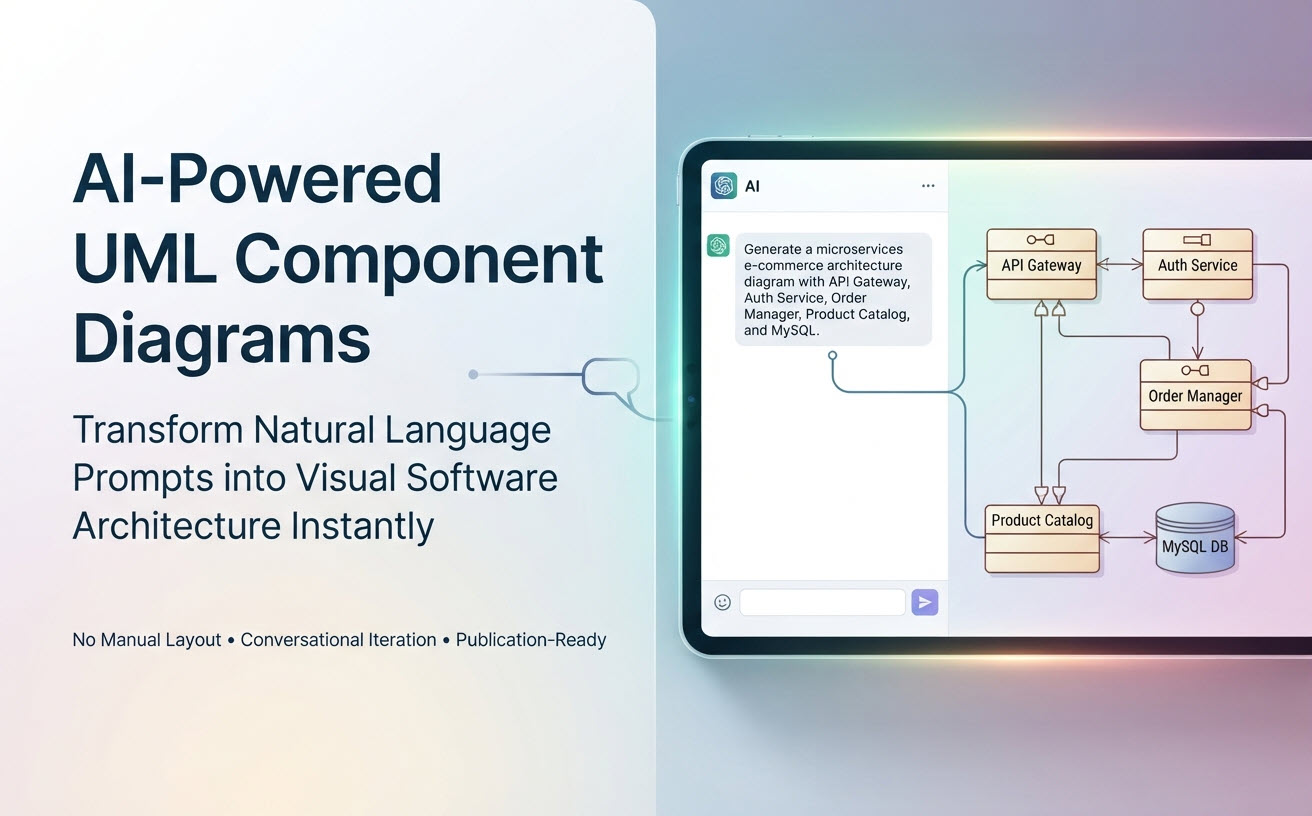
Creating software architecture diagrams manually in drag-and-drop tools can take hours of tedious layout work. By using natural language prompts with an advanced AI component diagram generator, software architects and developers can transform system descriptions into formal, publication-ready UML Component Diagrams in seconds.
Why Use AI Prompts for Software Architecture?
Traditional diagramming requires manually dragging boxes, adjusting lines, and formatting provided and required interfaces. Conversational AI modeling shifts your focus from styling elements to defining clear software architecture:
- Rapid Exploration: Draft multiple architectural ideas or microservice boundaries in minutes rather than hours.
- Zero Manual Layout Friction: Let the AI engine handle component alignment, ball-and-socket interface connections, and dependency arrows automatically.
- Text-Based Iteration: Refine complex systems by asking the AI chatbot to modify specific components, split services, or add database layers using plain text.
Step-by-Step Guide: Generating Component Diagrams with AI
Follow these four simple steps to generate accurate UML component models using conversational AI:
Step 1: Define Your Core System Boundaries
Before prompting, identify the key structural building blocks of your application: the main service modules, external integrations (e.g., payment gateways, auth providers), and data stores.
Step 2: Write a Structured Architectural Prompt
For the best results, structure your prompt by specifying the system context, explicit component names, provided/required interface relationships, and communication protocols. (See our prompt recipes below for templates).
Step 3: Submit Prompt to the Visual Paradigm AI Chatbot
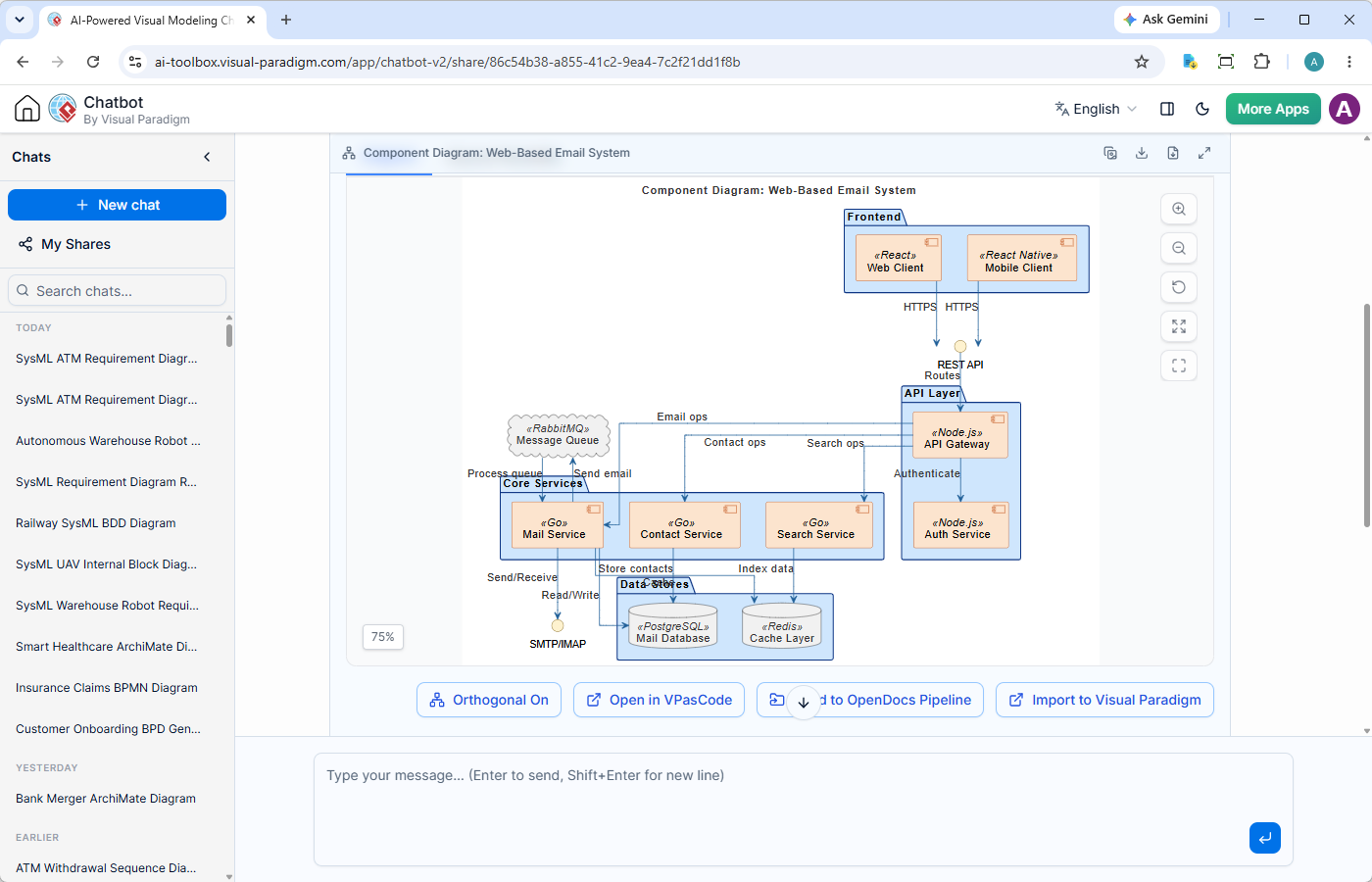
Paste your prompt into the Visual Paradigm AI Diagramming Chatbot. The specialized AI model interprets your structural description and generates a syntactically correct UML component diagram instantly.
Step 4: Refine Conversationally
Review the generated diagram in the interactive viewer. Use follow-up prompts to split monoliths, introduce event brokers, or add security gateways as your architecture evolves.
Ready-to-Use AI Prompt Recipes
Copy and customize these proven prompt templates to generate instant architecture blueprints for your projects:
Recipe 1: Microservices E-Commerce Architecture
"Generate a UML Component Diagram for a microservices e-commerce system.
Include an API Gateway component that relies on an Auth Service component for token validation.
The API Gateway forwards requests to an Order Manager component and a Product Catalog component.
The Order Manager provides an Order API and requires a Payment Gateway interface (Stripe) and an Inventory Service interface.
Connect the Order Manager to a MySQL Database component."
Recipe 2: AWS Serverless Web Application
"Create a UML Component Diagram showing an AWS serverless architecture.
Show CloudFront as the primary entry point providing a CDN interface to a React Single Page Application stored in an S3 Bucket component.
Dynamic API requests route through API Gateway to Lambda Microservices (Auth Lambda, User Lambda, Payment Lambda).
The Lambdas consume a required DynamoDB interface for persistent storage."
Recipe 3: Event-Driven IoT Data Pipeline
"Generate a UML component diagram for an industrial IoT telemetry system.
Show Edge Sensor nodes sending data via MQTT to an Edge Gateway component.
The Edge Gateway runs a local Anomaly Detection component and forwards filtered telemetry to an AWS IoT Core broker component.
The IoT Core component publishes events to a Stream Processor component, which writes to a Time-Series Database."
Why Choose Visual Paradigm’s AI UML Tool?
Generic AI chatbots frequently fail when generating complex visual syntax, leading to broken links, invalid UML notation, or halluncinated connections. The Visual Paradigm AI Diagramming Chatbot is built specifically for software engineering excellence:
- Error-Free Architectural Engine: Powered by a specialized model trained to generate syntactically and semantically correct diagram code (PlantUML, Mermaid, Graphviz) every time.
- Artifacts Pane Navigation: Effortlessly jump between generated diagram milestones during long design sessions using the built-in Artifacts TOC.
- Versatile Notation Support: Need behavioral views alongside your component structure? Use the chatbot as an AI activity diagram tool, sequence generator, or C4 model builder.
- Persistent and Shareable Sessions: Save your modeling history and share direct URLs with team members for instant collaborative design reviews.
Integrating AI Diagrams into Your Development Pipeline
Generative AI modeling is just the first step in Visual Paradigm’s end-to-end ecosystem:
- Document Boundaries in OpenDocs: Export generated diagrams to Visual Paradigm OpenDocs to publish clear API boundary guides and service specifications.
- Manage Architecture as Code with VPasCode: Edit the underlying diagram text directly in VPasCode.
- Whiteboard in VP Online: Move your generated diagrams into VP Online’s drag-and-drop cloud canvas for team brainstorming sessions.
- Trace to Class Implementation in VP Desktop: Import component models into Visual Paradigm Desktop to link high-level architectural components directly to concrete source code classes.
Start Generating Architecture Models Today
Transform how you design software systems with conversational AI. Try the Visual Paradigm AI Diagramming Chatbot with a free trial today.
Full access is included with both VP Online Deluxe Edition and VP Desktop Professional Edition licenses.
Related Links
- Visual Paradigm VPasCode interactive playground: Try out Visual Paradigm VPasCode in the VPasCode interactive playground
- VPasCode overview: Learn more about VPasCode
- Try out Visual Paradigm AI Diagramming Chatbot: Generate diagrams with AI
- AI Diagramming Chatbot Overview: Learn more about AI Diagramming Chatbot: AI Diagramming Chatbot