


Creating a composite structure diagram can feel overwhelming. You need to show the internal makeup of classes or collaborations—parts, ports, connectors—all while keeping everything accurate and connected to the bigger picture. Traditional tools make you build from scratch every time. What if you could describe your system in plain words and get a solid starting point instantly? That’s where an AI diagram generator changes everything.
Visual Paradigm stands out as the leading AI diagram tool for UML work, including composite structure diagrams. Since 2002, we’ve built a reputation for handling over 100 diagram types with enterprise features like code generation, team collaboration, and real traceability. Our AI-powered ecosystem takes it further. You get instant generation, smart refinement, embedded visuals, and deep editing—all in one connected suite.
In this guide, we’ll walk through how Visual Paradigm supports composite structure diagrams across our four platforms. You’ll see why teams pick us as the top AI Composite Structure Diagram generator for professional visual modeling.
OpenDocs: Embed Dynamic Diagrams in Living Documents
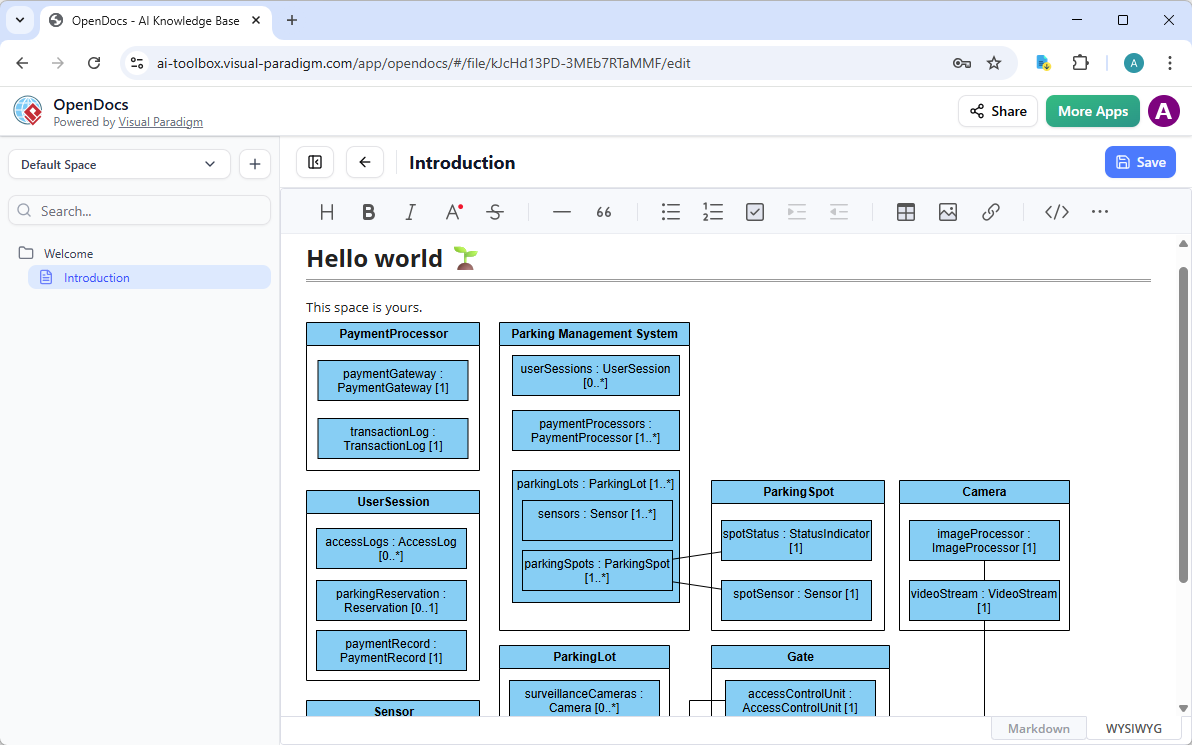
OpenDocs brings something fresh to knowledge sharing. Think of it as a smart wiki or Notion-style platform—but with real, editable diagrams baked in. For composite structure diagrams, this means your visuals aren’t just screenshots. They’re alive.
Write a system architecture guide. Embed a composite structure diagram right in the text. It’s perfect for onboarding docs, design specs, or strategy pages where you explain how internal class structures support overall behavior.
Benefits stack up fast. No more “diagram outdated” complaints. Collaboration happens in context. If you’re tired of static images in docs, OpenDocs with its AI-assisted diagramming makes composite structure diagrams part of your team’s daily workflow.
How to Insert an AI Generated Composite Structure Diagram into Your OpenDocs Page
- Open or create a page in OpenDocs: Log in to your Visual Paradigm Online workspace, navigate to OpenDocs, and either open an existing page or create a new one (via + New Document Page or similar).
- Insert a diagram: In the page editor, look at the top toolbar (or floating toolbar) and click Insert. From the popup window, select Diagram > Composite Structure Diagram.
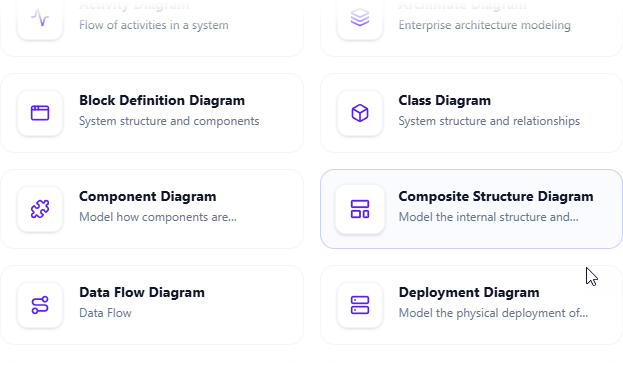
- Start creating the diagram with AI: This opens the diagram editor window. You can build it manually by dragging and dropping elements if you prefer. To use AI instead: Look for Create with AI in the top-right corner of the editor window and click it.
- Describe your problem and generate: In the text input area that appears, type a clear, detailed description of your system or scenario. Click Generate.

- Review, refine, and embed the diagram: The AI generates a professional composite structure diagram instantly.
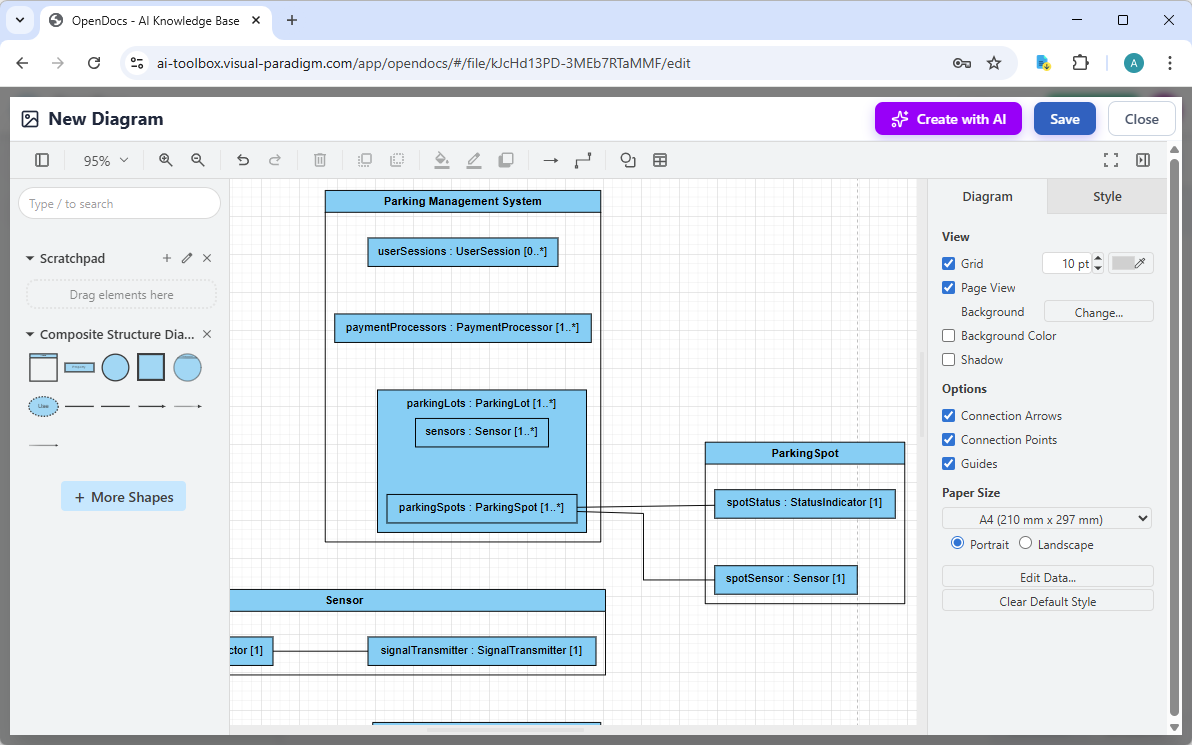
Use the intuitive drag-and-drop editor to touch up anything: move elements, adjust labels, add notes, change styles, etc. When you’re happy with it, click Save. Then click Close. The diagram is now embedded directly into your OpenDocs page as a live, editable visual block. You can view it inline without leaving the document.
AI Visual Modeling Chatbot: Generate and Refine Through Conversation
Our AI Visual Modeling Chatbot is where the magic starts for many users. Just type what you need: “Show me the internal structure of a Car class with Engine, Wheels, and Transmission parts, including ports for fuel and control signals.” Seconds later, you have a composite structure diagram.
Don’t like something? Say “Add a port for diagnostics on the Engine” or “Show multiplicity 4 on Wheels” or “Explain why this connector delegates to the part.” The chatbot refines it instantly. Ask for variations, generate related diagrams (like class or sequence), or even export to image/report. It’s conversational, fast, and bridges the gap between idea and visual.
This shines for brainstorming or agile teams. Stuck on a blank page? Chat removes the block. Need to prototype fast? Iterate in real time. The outputs stay professional—traceable back to models, ready for deeper work in other platforms. As an AI UML diagram maker, it’s unmatched for speed without sacrificing quality.
How to Generate a Composite Structure Diagram with AI Chatbot
-
Open the AI Chatbot:
- Web access: Go to https://chat.visual-paradigm.com/ (or https://ai-toolbox.visual-paradigm.com/app/chatbot/ as an alternative entry point).
- VP Desktop access: In Visual Paradigm Desktop, select Tools > Chatbot from the main menu. (This opens the same AI assistant integrated within your desktop environment.)
-
Start a new chat session: Click New Chat (on the left sidebar or as a prominent button) to begin a fresh conversation.
-
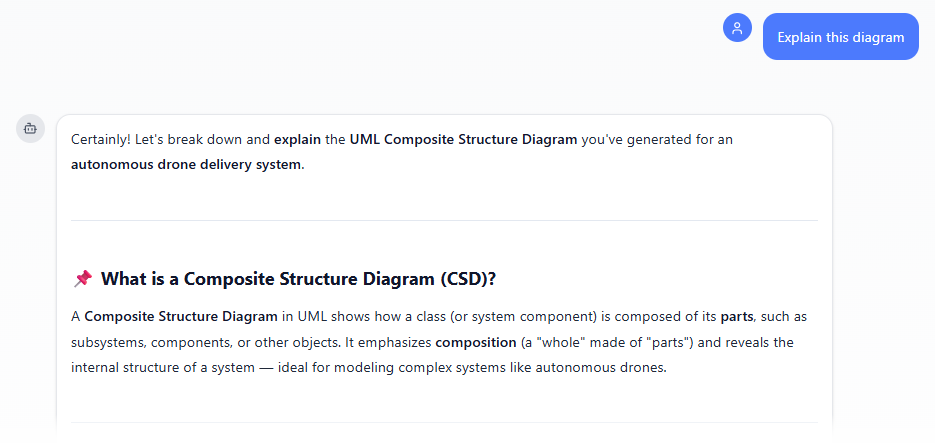
Describe what you want: In the text input area at the bottom, type a clear description of your project, system, or scenario (e.g. “Generate a UML Composite Structure Diagram for an autonomous drone delivery system”). Press Enter (or click the send icon) to submit your message.
-
View and refine the diagram: The AI generates the diagram almost instantly.
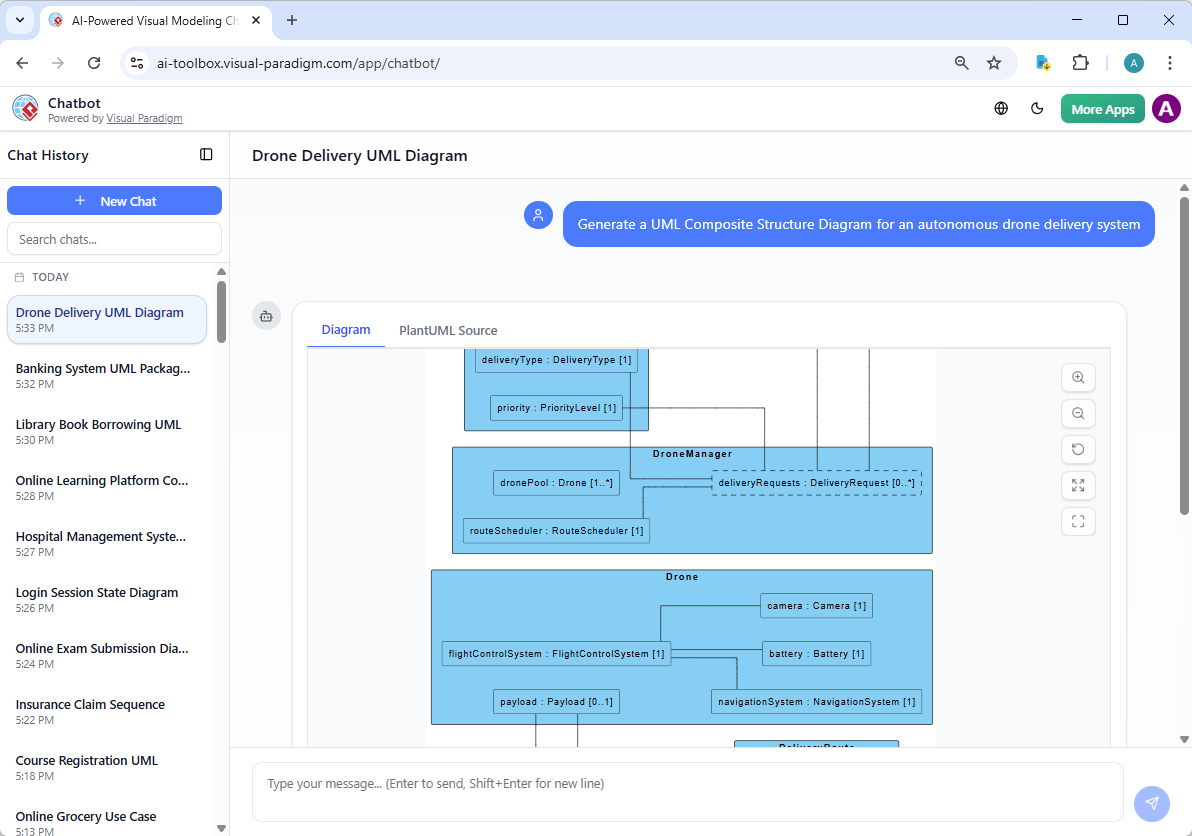
This is where the chatbot shines: keep the conversation going! Follow-up examples:
- “Add an element…”
- “Explain the diagram…. “
- “Generate a brief report summarizing ….”
Why Visual Paradigm Beats the Rest for AI-Powered Diagram Creation
Lots of AI diagram tools pop up—some generate pretty pictures from text. But most stop there. One-shot outputs. No editing depth. No traceability. No team features. Visual Paradigm does different.
We offer the widest UML coverage with true AI integration across platforms. Generate fast with chat. Refine professionally in desktop. Embed dynamically in docs. Guide systematically in web apps. Everything connects—real traceability, not isolated sketches. Models stay implementation-ready, exportable to code, and scalable for enterprises.
Competitors often force you to switch tools constantly. We give one ecosystem. Save time. Cut errors. Scale with your team. Whether you’re a solo developer exploring designs or an architect leading complex systems, this approach delivers.
Ready to Try the Best AI Composite Structure Diagram Generator?
Visual Paradigm turns composite structure diagrams from a chore into a strength. Our four platforms work together so you create faster, collaborate better, and build models that actually matter. Stop wrestling with basic tools. Start using an AI-powered diagram software made for real work.
Head over to Visual Paradigm today. Sign up, chat with our AI assistant, and see how easy—and powerful—visual modeling can be. The future of diagramming is here. Jump in.