


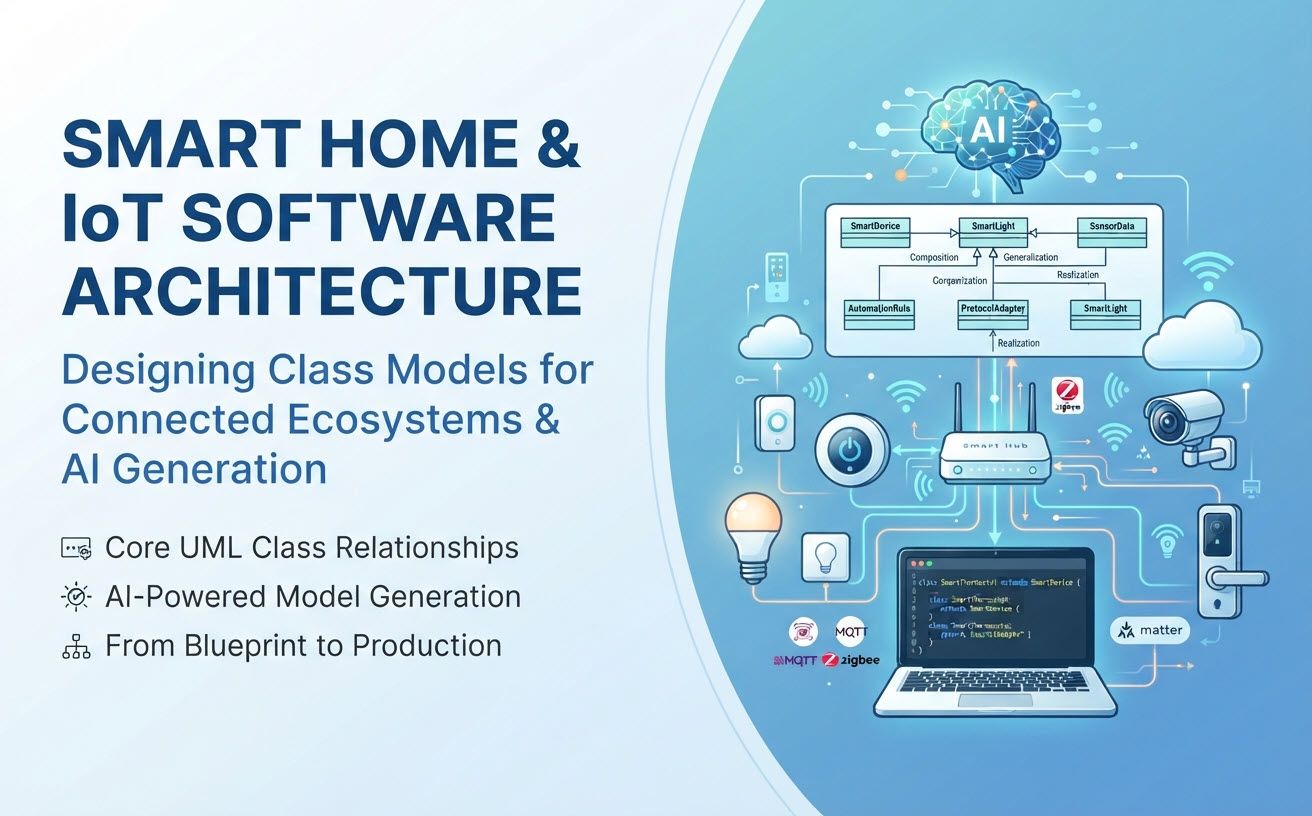
Architecting modern Smart Home and Internet of Things (IoT) ecosystems requires bridging hardware interfaces, real-time event telemetry, edge gateways, and cloud automation engines. A robust smart home IoT class diagram must capture heterogeneous device types, asynchronous messaging protocols (such as MQTT and CoAP), state transitions, and user-defined automation triggers. This reference guide details the core class architecture for IoT software platforms and provides prompt templates for auto-generating models using an AI class diagram generator.
Key Subsystems in Smart Home & IoT Architecture
An enterprise IoT platform must decouple physical device connectivity from business automation logic. The object-oriented domain model is structured into four core subsystems:
- Device Abstraction & Management Subsystem: Models physical hardware, virtual device shadows, firmware versions, connectivity status, and sensor/actuator capabilities.
- Telemetry & Data Stream Subsystem: Handles time-series sensor readings, event payloads, payload parsing, and threshold alert processing.
- Automation & Rule Engine Subsystem: Evaluates condition-action rules (e.g., “IF temperature > 25°C THEN turn on air conditioner”) and schedules automated scenes.
- Gateway & Protocol Adapter Subsystem: Manages protocol drivers (Zigbee, Z-Wave, Matter, Wi-Fi, BLE) and serializes commands sent to edge devices.
Core Classes and Structural UML Relationships
IoT software architectures rely on distinct object-oriented design patterns and relationship types to maintain loose coupling across hardware and cloud layers:
1. Device and Sensor/Actuator (Composition)
A physical IoTDevice (e.g., a multi-sensor hub) connects to individual SensorComponent and ActuatorComponent instances via a strict **Composition** relationship (filled diamond). If the primary physical device entity is unregistered or deleted from the system, its sub-components and localized sensor interfaces are also destroyed.
2. Device Hierarchy (Generalization / Inheritance)
An abstract SmartDevice superclass defines common properties (such as deviceId, macAddress, firmwareVersion, and ipAddress). Concrete subclasses like SmartThermostat, SmartLock, and SmartCamera inherit from SmartDevice using **Generalization**, introducing specialized operations like setTargetTemperature() or lockDoor().
3. AutomationRule and Trigger (Aggregation)
An AutomationRule class holds an **Aggregation** connection (hollow diamond) with a TriggerCondition and an ActionCommand. Because triggers (like “Motion Detected”) and actions (like “Turn on Light”) can be reused across multiple user scenes, they exist independently of a single automation rule.
4. ProtocolAdapter and DeviceDriver (Realization / Interface)
To support diverse connectivity standards, an IProtocolAdapter interface defines abstract contracts such as connect(), publishTelemetry(), and sendCommand(). Specific driver implementations (e.g., MatterAdapter, MqttAdapter, ZigbeeAdapter) fulfill these contracts through **Realization**.
Prompt Guide: Generating IoT Class Diagrams with AI
Defining complex hardware hierarchies and event-driven relationships manually can be time-consuming. Software architects can use conversational prompts to generate syntactically precise UML models for IoT platforms in seconds.
With the Visual Paradigm AI Diagramming Chatbot, you can copy and customize the structured prompt templates below.
Template 1: Complete Smart Home Platform Prompt
“Generate a UML Class Diagram for an IoT Smart Home platform. Include classes: SmartHub, SmartDevice, SmartLight, SmartThermostat, SmartLock, SensorData, AutomationRule, Trigger, and Action. Show generalization between SmartDevice and its concrete subclasses, composition between SmartHub and SmartDevice, and association between AutomationRule, Trigger, and Action. Include attributes with data types, visibility markers (+, -), and methods like updateFirmware(), sendCommand(), and evaluateRule().”
Template 2: Event-Driven Telemetry & Messaging Subsystem Prompt
“Create a UML class diagram for an IoT telemetry stream processor. Include an interface named IProtocolAdapter with method parsePayload(). Add concrete classes MqttAdapter and MatterAdapter implementing IProtocolAdapter. Connect MqttAdapter to a TelemetryBuffer class with composition, and link TelemetryBuffer to an AlertEngine class using observer pattern association.”
Discover how conversational modeling streamlines full-stack software design on our specialized AI Class Diagram Generator Feature Page.
From AI Architecture to Production IoT Systems
An AI-generated smart home class diagram provides an immediate, high-level structural blueprint. Visual Paradigm delivers a unified toolchain to turn your initial AI concepts into production code, technical docs, and hardware-software specifications:
1. Document Hardware Data Specifications in OpenDocs
Export your IoT class definitions straight into Visual Paradigm OpenDocs to build interactive hardware-software data dictionaries, documenting payload schemas, byte layouts, and telemetry data types for firmware developers.
2. Edit Model-as-Code with VPasCode
The AI Chatbot generates clean, code-based diagram outputs (such as PlantUML and Mermaid). Transfer these definitions into VPasCode to perform minor touch-up with the diagram-as-code editor.
3. Collaborative Topology Brainstorming in VP Online
Share smart home architectures with systems engineers and product teams using VP Online. Conduct live online whiteboarding sessions to refine device shadows, network topologies, and automation logic with drag-and-drop tools.
4. Code Generation & Edge Integration in VP Desktop
Import your domain models into Visual Paradigm Desktop for full-lifecycle development. Generate source code skeletons in C++, Java, C#, or Python for edge gateways, or reverse-engineer existing IoT codebases into clear UML models for architectural auditing.