


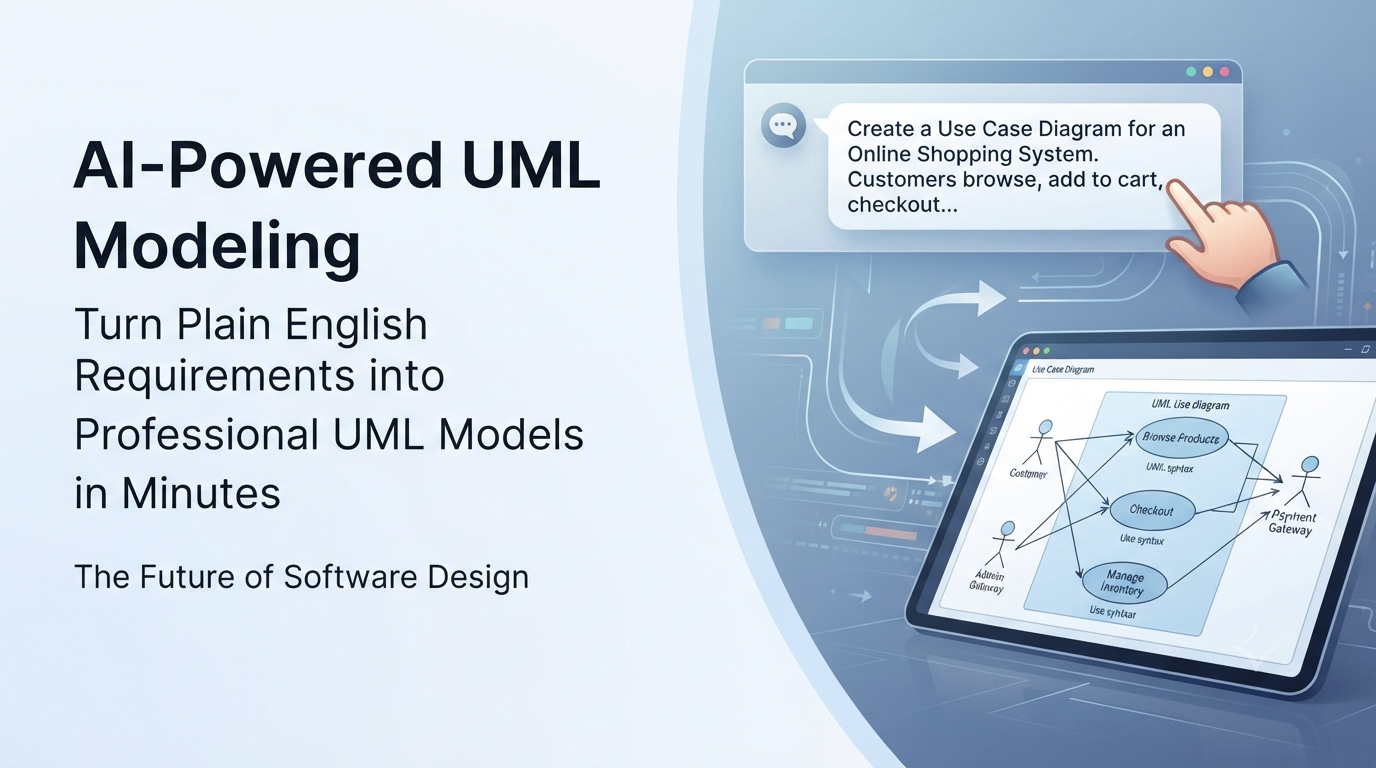
But what if you didn’t have to start from scratch? What if you could simply describe your system in plain English and watch a professional model appear before your eyes?
The Shift from Drawing to Describing
The traditional approach to software modeling requires deep knowledge of the Unified Modeling Language (UML) specification. You must manually place shapes, connect lines, and adjust properties one by one. While effective, it is time-consuming and often discourages rapid prototyping.
The new paradigm is different. With the rise of Generative AI, we are moving from a “drawing-first” workflow to a “describing-first” workflow. Instead of wrestling with tools, you focus on the problem statement.
This is where an AI-powered UML diagram generator changes the game.
A Practical Example: From Text to Diagram
Let’s walk through a real-world scenario. Imagine you are a Business Analyst tasked with documenting an “Online Shopping System.” In the past, you would open your tool, search for a “Use Case” template, drag in actors, and manually write out every interaction.
Now, imagine you simply open a chat interface and type:
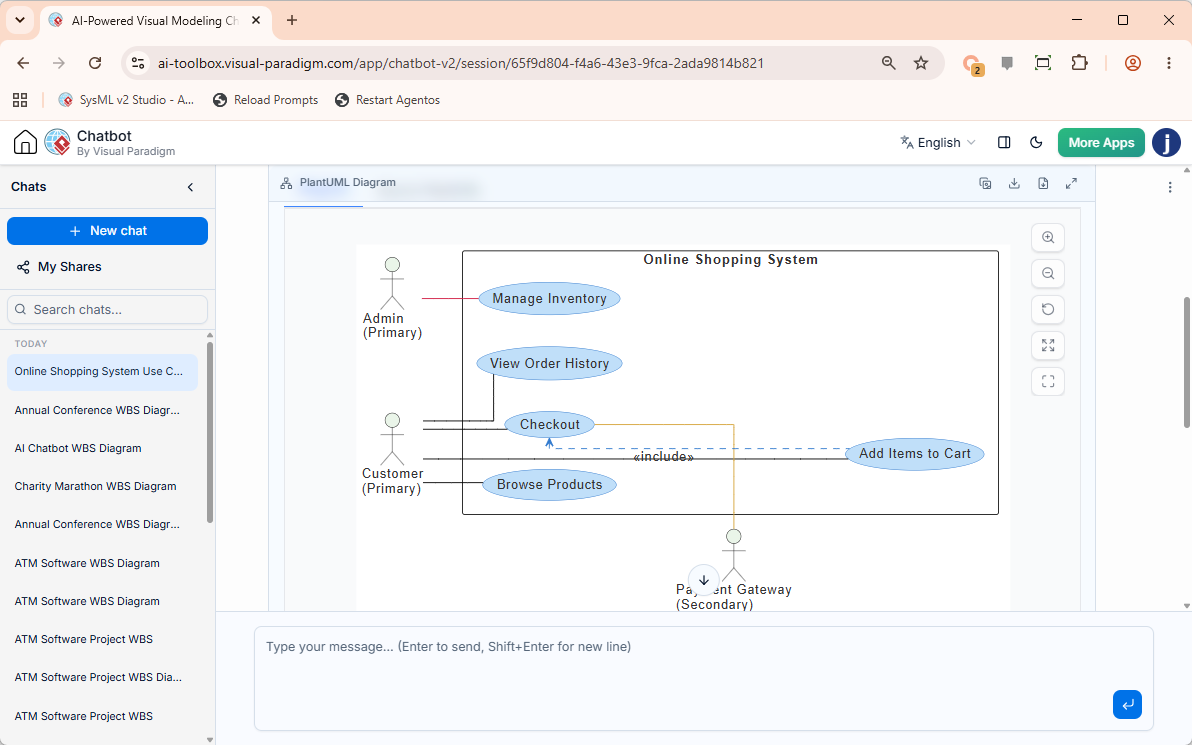
“Create a Use Case diagram for an online shopping system. Include actors: Customer, Admin, and Payment Gateway. The customer should be able to browse products, add items to cart, checkout, and view order history. The admin manages inventory.”
In seconds, the AI analyzes your request, identifies the necessary actors and use cases, and generates a valid, standard-compliant diagram. But here is the crucial part: most AI tools stop at generating a static image. They give you a picture, but not a model.
The Missing Link: From Image to Model
A diagram is only useful if it is editable, traceable, and integrated with the rest of your project documentation. If you generate a diagram in a generic tool, you often end up with a PNG file that cannot be linked to code or updated when requirements change.
This is why the best modern solutions don’t just act as a UML diagram generator; they act as a complete modeling ecosystem. The goal is to take that initial AI-generated draft and immediately refine it into a robust, enterprise-ready model.
At Visual Paradigm, we bridge this gap perfectly. Our AI-Powered UML Diagram Generator allows you to:
- Describe & Generate: Input your requirements in natural language to get a base diagram instantly.
- Iterate & Refine: Ask follow-up questions like, “Add a ‘Cancel Order’ feature,” and the AI updates the model while maintaining relationships.
- Deep Dive into Modeling: Unlike other tools that stop at the visual layer, our platform allows you to import these AI-generated diagrams directly into the desktop environment. Here, you can access full specifications, link them to database schemas, and generate source code.
Why This Workflow Matters for Your Team
Adopting this “Text-to-Model” workflow offers three distinct advantages:
- Speed: You can prototype complex system architectures in minutes rather than hours.
- Accuracy: AI ensures that the notation follows UML standards, reducing errors caused by human oversight.
- Collaboration: When the output is a true model (not just an image), stakeholders can click on elements to see their detailed attributes, making reviews much more productive.
Ready to Revolutionize Your Design Process?
Don’t let the complexity of UML slow you down. By leveraging AI to handle the heavy lifting of syntax and layout, you free yourself to focus on the logic, architecture, and innovation of your software.
If you are looking for a tool that understands your requirements and delivers a professional, editable model rather than just a drawing, explore the capabilities of our AI UML diagram generator. Experience the future of visual modeling where your ideas become models in seconds.