


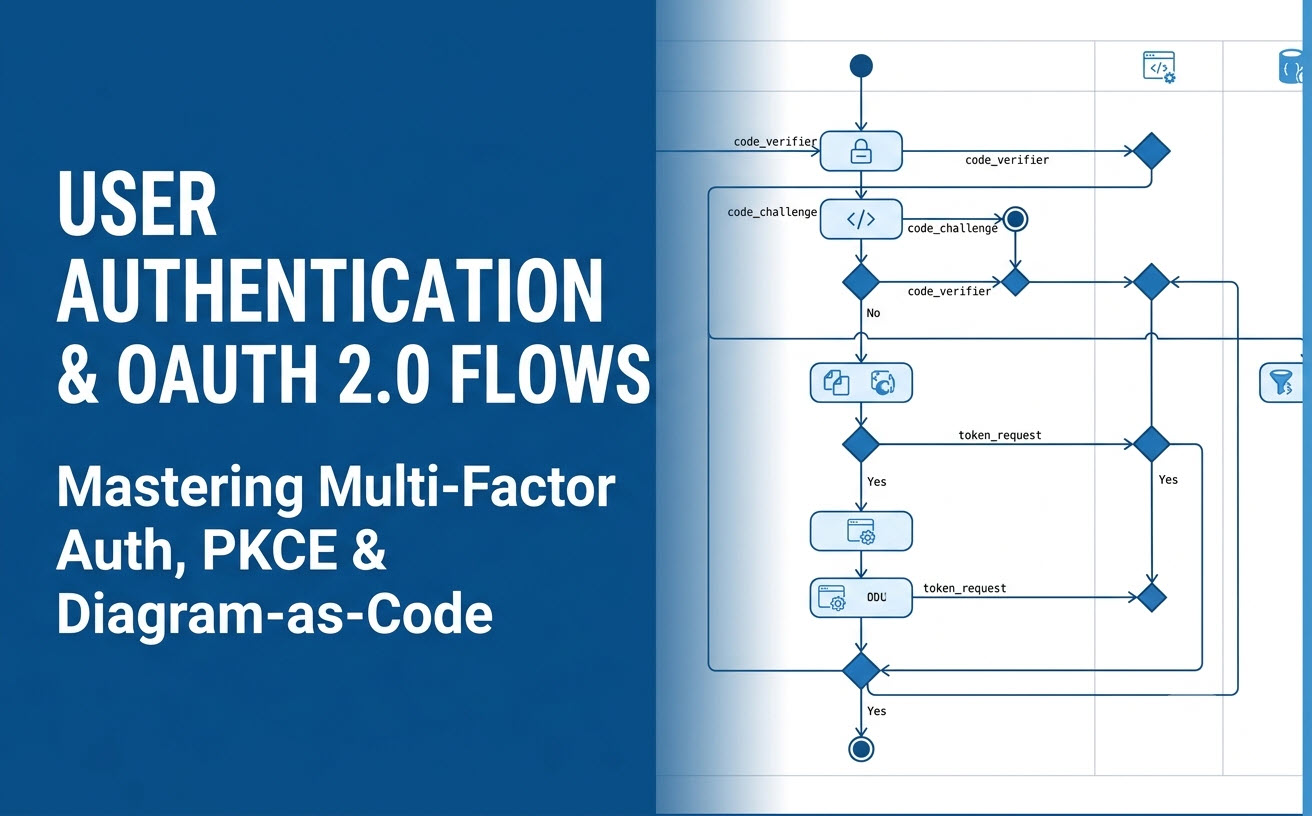
Designing secure user authentication and authorization logic requires absolute clarity. From multi-factor authentication (MFA) loops to OAuth 2.0 Authorization Code Grants with PKCE, visualizing token exchanges and security boundaries prevents critical implementation flaws. This guide provides step-by-step UML activity diagram examples, PlantUML source code, and ready-to-use AI prompts for system architects and developers.
Example 1: Standard Username/Password Login with MFA
This activity diagram maps a complete credentials validation flow, including brute-force rate limiting and Multi-Factor Authentication (MFA) token verification.
Key Modeling Concepts:
- Swimlane Partitions: Separating UI (Client App), API Backend, and Database/Identity Provider.
- Conditional Guard Conditions: Evaluating password validity and account lock statuses.
PlantUML Code:
@startuml
|Client Application|
start
:Enter Username & Password;
:Click "Sign In";

|Auth API|
:Validate Request Payload;
if (Rate Limit Exceeded?) then ([Yes])
  |Client Application|
  :Display "Too Many Requests" Notice;
  stop
else ([No])
  |Database / IDP|
  :Fetch Account & Password Hash;
endif

|Auth API|
if (Password Match?) then ([No])
  :Increment Failed Attempt Counter;
  |Client Application|
  :Display "Invalid Credentials" Error;
  stop
else ([Yes])
  |Auth API|
  if (MFA Enabled?) then ([Yes])
    |Client Application|
    :Prompt for 6-Digit MFA Code;
    :Submit MFA Code;
    |Auth API|
    if (MFA Valid?) then ([Yes])
      :Generate Session Tokens;
    else ([No])
      |Client Application|
      :Display "Invalid MFA Code" Error;
      stop
    endif
  else ([No])
    |Auth API|
    :Generate Session Tokens;
  endif
endif

|Client Application|
:Store JWT Securely & Redirect to Dashboard;
stop
@endumlAI Chatbot Prompt:
“Generate a UML activity diagram for a user login process with MFA. Use swimlanes: Client Application, Auth API, and Database/IDP. Check rate limits, verify password hashes, and if MFA is enabled, prompt for a 6-digit code before issuing session tokens.”
Example 2: OAuth 2.0 Authorization Code Flow with PKCE
The OAuth 2.0 Authorization Code Grant with Proof Key for Code Exchange (PKCE) is the industry standard for Single Page Applications (SPAs) and mobile apps. Visualizing code challenges and token exchanges ensures full protocol compliance.
Key Modeling Concepts:
- Parallel Generation: Generating the
code_verifierandcode_challengeconcurrently before launching the browser. - Cross-Domain Authorization: Mapping redirects between Client, Authorization Server, and Resource Server.
PlantUML Code:
@startuml
|Client App (SPA)|
start
fork
  :Generate PKCE Code Verifier;
fork again
  :Derive PKCE Code Challenge (SHA256);
end fork
:Redirect Browser to Auth Server with Challenge;

|Authorization Server|
:Prompt User for Login & Consent;
|User|
:Approve Scopes & Authorize;

|Authorization Server|
:Issue Short-Lived Authorization Code;
:Redirect to Client Redirect URI;

|Client App (SPA)|
:Extract Authorization Code;
:Send Code + PKCE Code Verifier to Token Endpoint;

|Authorization Server|
:Verify Code Verifier against Code Challenge;
if (Verification Successful?) then ([Yes])
  :Issue Access Token & Refresh Token;
  |Client App (SPA)|
  :Store Access Token in Memory;
  :Fetch Protected User Profile;
else ([Failed])
  |Client App (SPA)|
  :Display Authorization Error;
endif
stop
@enduml
AI Chatbot Prompt:
“Create an activity diagram for OAuth 2.0 Authorization Code Flow with PKCE. Show parallel creation of code_verifier and code_challenge, redirect to Authorization Server, user consent, code redemption, and token verification.”
Example 3: JWT Token Validation & Silent Refresh Flow
Managing API authorization securely requires validating JSON Web Tokens (JWT) on every request and silently renewing expired tokens via background refresh tokens without disrupting the user experience.
Key Modeling Concepts:
- Asynchronous Recovery Loop: Requesting a new access token when a
401 Unauthorizedresponse is intercepted. - Session Expiration Handling: Clearing local storage and redirecting to login when the refresh token itself expires.
PlantUML Code:
@startuml
|Client App|
start
:Send API Request with Bearer Token;

|API Gateway|
:Inspect Authorization Header;
if (Token Valid & Not Expired?) then ([Valid])
  :Forward Request to Microservice;
  |Client App|
  :Receive API Payload Data;
  stop
else ([Expired / 401])
  |Client App|
  :Intercept 401 Error;
  :Send Refresh Token to Auth Endpoint;

  |Auth API|
  if (Refresh Token Valid?) then ([Yes])
    :Issue New Access Token;
    |Client App|
    :Update Access Token in Memory;
    :Re-try Original API Request;
    stop
  else ([Expired / Revoked])
    |Client App|
    :Clear Stored Tokens;
    :Redirect User to Login Screen;
    stop
  endif
endif
@enduml
AI Chatbot Prompt:
“Generate an activity diagram showing JWT token validation and silent refresh. If the access token is valid, serve the API payload. If expired (401), attempt a silent token refresh. If the refresh token is also expired, clear local storage and redirect to the login screen.”
Prompt Engineering for Security & Auth Workflows
When modeling security protocols with an AI activity diagram tool, precise phrasing guarantees that formal security boundaries are mapped cleanly:
- Name the Exact Security Artifacts: Explicitly mention tokens, verification codes, and hashes (e.g., “JWT access token”, “code_challenge”, “bcrypt hash”) so the AI labels nodes correctly.
- Define Both Happy and Unhappy Paths: Specify failure flows explicitly (e.g., “If MFA fails, show an error. If rate limit is exceeded, return 429 Too Many Requests”).
- Specify Trust Boundaries: Use swimlanes to distinguish client-side execution (untrusted browser/mobile app) from server-side execution (trusted API gateway/database).
Bridging AI Generation with Diagram-as-Code in Visual Paradigm
Designing security architectures requires rapid iteration paired with rigorous version control. The AI Diagramming Chatbot in Visual Paradigm delivers a complete end-to-end workflow:
- Conversational Auth Diagram Generation: Prompt the AI UML tool with complex security protocols, and receive syntactically valid PlantUML or Mermaid code in seconds.
- Edit with VPasCode: Export generated auth diagrams directly into VPasCode to perform touch up.
- Security SOPs in OpenDocs: Embed activity diagrams into OpenDocs to build comprehensive security architecture reviews, developer onboarding guides, and SOC 2 / ISO 27001 audit documentation.
- Interactive Session Sharing: Share direct chat session URLs with peer developers and security auditors for quick collaborative feedback.
Experience conversational AI modeling on the web via VP Online Deluxe Edition or inside your desktop IDE environment with VP Desktop Professional Edition.
Frequently Asked Questions
Why choose UML Activity Diagrams over Sequence Diagrams for OAuth 2.0?
While Sequence Diagrams excel at showing time-ordered message passing between systems, Activity Diagrams are superior for illustrating decision logic, conditional token refreshes, and concurrent tasks (like parallel PKCE hash generation).
Can I export generated authentication diagrams to edit in VP Desktop?
Yes. Diagrams generated by the AI Diagramming Chatbot can be opened and edited directly in Visual Paradigm Desktop or Visual Paradigm Online for further visual refinement.
Does the AI chatbot guarantee low syntax error rates for security diagrams?
Yes. Unlike generic AI chat tools, Visual Paradigm utilizes specialized, well-trained models designed specifically to generate valid UML and PlantUML diagram syntax with exceptionally low error rates.
Related Links
- Visual Paradigm VPasCode interactive playground: Try out Visual Paradigm VPasCode in the VPasCode interactive playground
- VPasCode overview: Learn more about VPasCode
- Try out Visual Paradigm AI Diagramming Chatbot: Generate diagrams with AI
- AI Diagramming Chatbot Overview: Learn more about AI Diagramming Chatbot: AI Diagramming Chatbot