


Creating component diagrams can feel overwhelming. You need to map out software components, their interfaces, dependencies, and how they fit into the bigger system—often under tight deadlines. Manual drawing eats up hours, and many tools leave you with static images that don’t connect to the rest of your project.
That’s where an AI diagram generator changes everything. Visual Paradigm stands out as a leading AI diagram tool with true end-to-end support for component diagrams and beyond. Since 2002, we’ve built robust UML and visual modeling solutions, now supercharged with AI across four integrated platforms.
In this guide, you’ll see exactly how Visual Paradigm delivers as the best AI component diagram generator, AI-powered diagram software, and online AI diagram editor for professionals. Whether you’re searching for a free AI UML diagram maker or an enterprise-grade solution, our ecosystem covers it all—from quick chat-based creation to precise desktop refinement.
OpenDocs: Embed and Collaborate with Living Component Diagrams
Documentation often kills momentum. You finish a great component diagram, export it as an image, paste it into a doc… and it goes stale the moment you tweak the model.
OpenDocs fixes that. This knowledge management platform lets you embed dynamic, editable diagrams right into your documents, wikis, or reports—perfect for strategy guides, architecture overviews, or team handbooks that include component views.
Imagine writing a system design doc. You describe high-level modules, then drop in a live component diagram showing interfaces and dependencies. Team members click elements to explore details or edit inline. No more version mismatches or “which file has the latest diagram?” questions.
For component diagrams specifically, OpenDocs supports integration where visuals stay connected to the source model. It’s ideal when knowledge sharing matters more than isolated sketches. Professionals building knowledge bases love this because diagrams become part of the conversation, not just illustrations.
How to Insert an AI Generated Component Diagram into Your OpenDocs Page
- Open or create a page in OpenDocs: Log in to your Visual Paradigm Online workspace, navigate to OpenDocs, and either open an existing page or create a new one (via + New Document Page or similar).
- Insert a diagram: In the page editor, look at the top toolbar (or floating toolbar) and click Insert. From the popup window, select Diagram > Component Diagram.
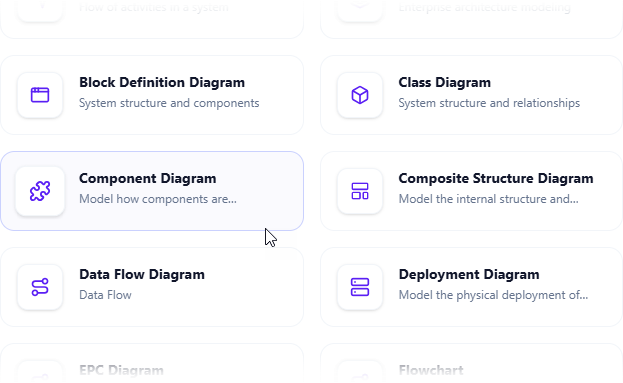
- Start creating the diagram with AI: This opens the diagram editor window. You can build it manually by dragging and dropping elements if you prefer. To use AI instead: Look for Create with AI in the top-right corner of the editor window and click it.
- Describe your problem and generate: In the text input area that appears, type a clear, detailed description of your system or scenario. Click Generate.
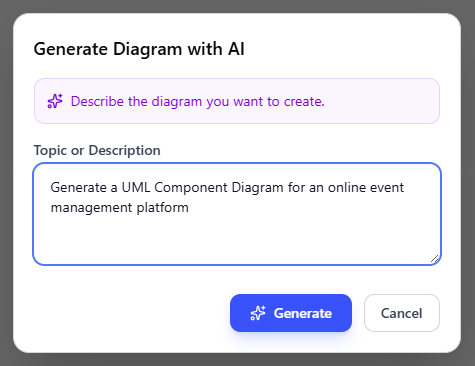
- Review, refine, and embed the diagram: The AI generates a professional component diagram instantly.
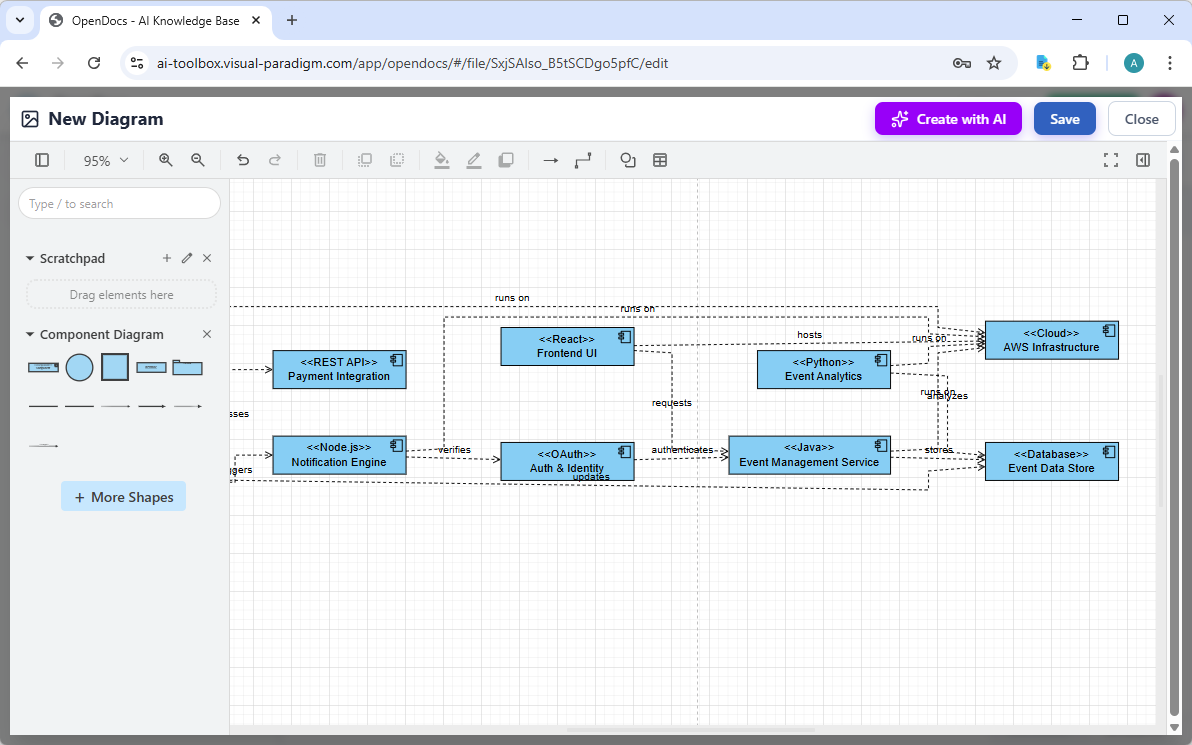
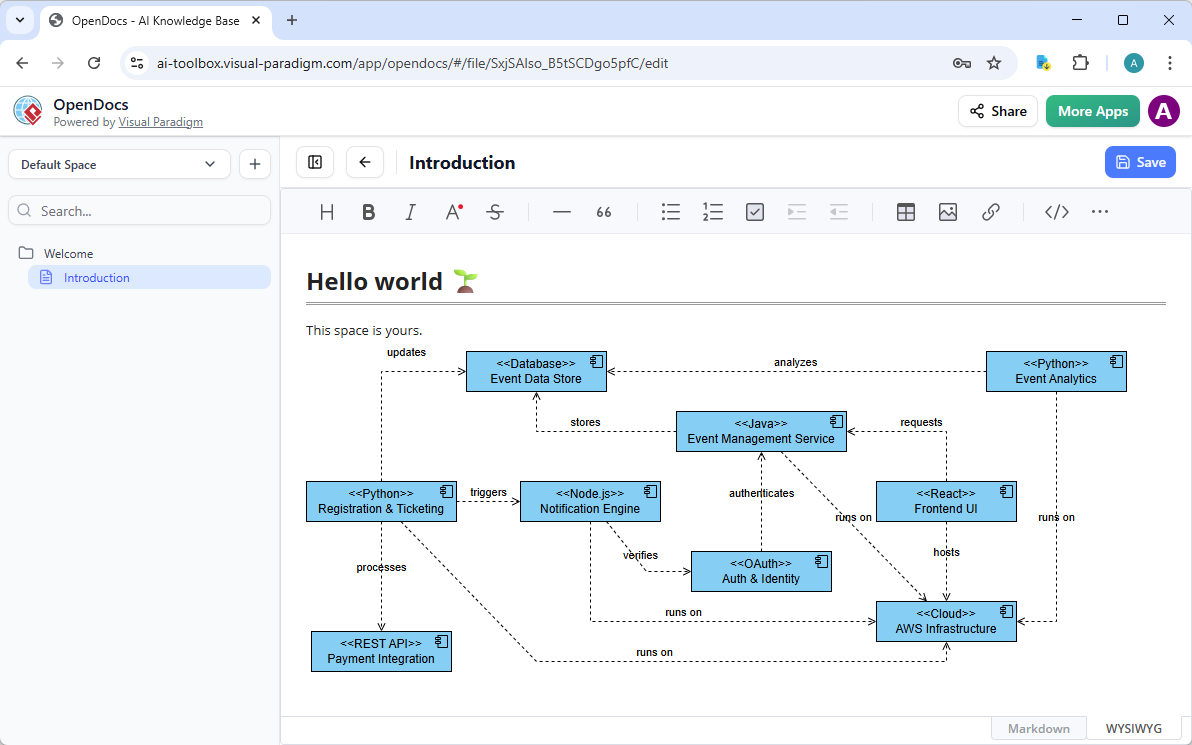
Use the intuitive drag-and-drop editor to touch up anything: move elements, adjust labels, add notes, change styles, etc. When you’re happy with it, click Save. Then click Close. The diagram is now embedded directly into your OpenDocs page as a live, editable visual block. You can view it inline without leaving the document.
AI Visual Modeling Chatbot: Conversational Power for Fast Component Diagram Creation
Stuck staring at a blank canvas? Our AI Visual Modeling Chatbot eliminates that. Just describe what you need in plain language—”Create a component diagram for an e-commerce system with payment gateway, inventory service, and user authentication modules, showing provided and required interfaces.”
The chatbot generates your diagram instantly. You review it, then iterate: “Add a dependency from inventory to database,” “Explain the ports,” or “Generate a report summarizing these components.” It handles refinements, explanations, and even exports.
This platform excels for brainstorming and prototyping. Developers sketch ideas during meetings. Architects explore alternatives quickly. Because it’s conversational, you overcome creative blocks fast—without sacrificing quality. The AI draws on Visual Paradigm’s deep UML knowledge, so outputs follow standards and best practices.
Best part? Outputs integrate with other platforms. Take a chatbot-generated component diagram and pull it into VP Desktop for detailed work or OpenDocs for embedding. It’s flexible, speedy, and bridges beginners to experts.
How to Generate a Component Diagram with AI Chatbot
-
Open the AI Chatbot:
- Web access: Go to https://chat.visual-paradigm.com/ (or https://ai-toolbox.visual-paradigm.com/app/chatbot/ as an alternative entry point).
- VP Desktop access: In Visual Paradigm Desktop, select Tools > Chatbot from the main menu. (This opens the same AI assistant integrated within your desktop environment.)
-
Start a new chat session: Click New Chat (on the left sidebar or as a prominent button) to begin a fresh conversation.
-
Describe what you want: In the text input area at the bottom, type a clear description of your project, system, or scenario (e.g. “Create a UML Component Diagram for an online learning platform”). Press Enter (or click the send icon) to submit your message.
-
View and refine the diagram: The AI generates the diagram almost instantly.
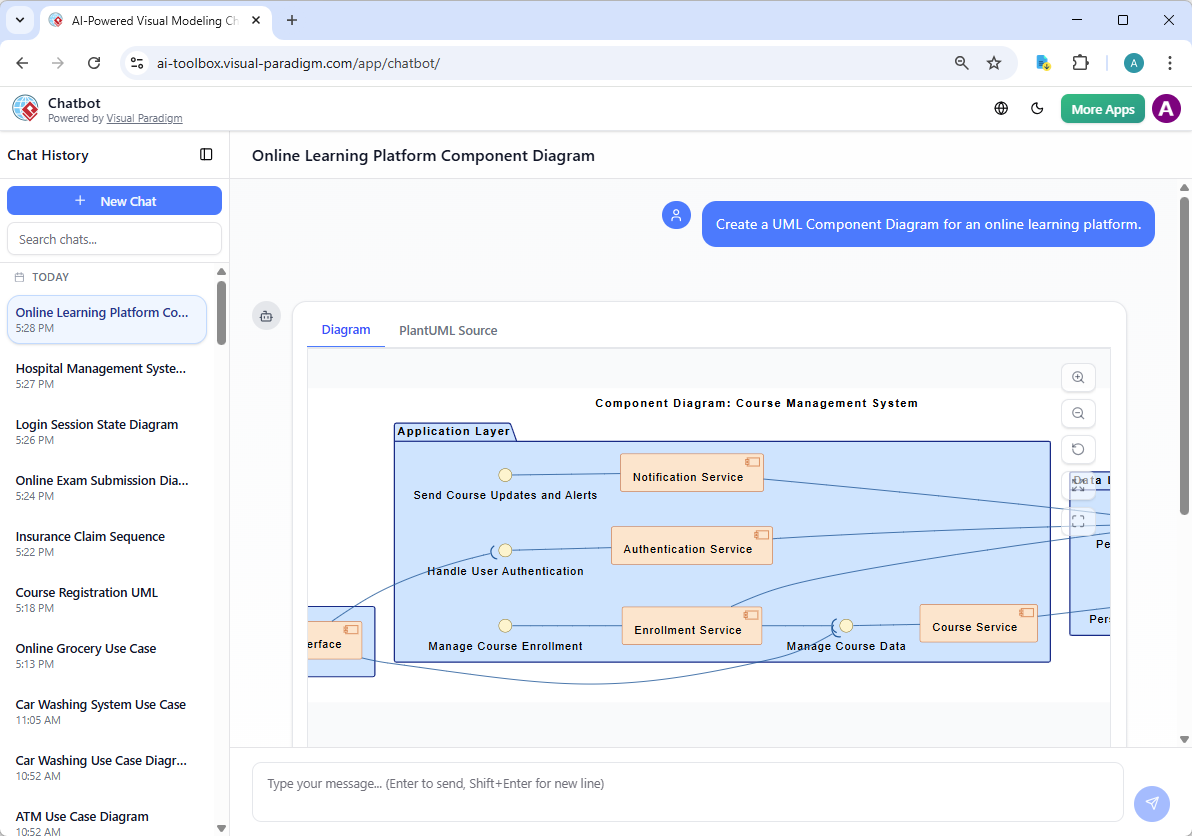
This is where the chatbot shines: keep the conversation going! Follow-up examples:
- “Add an element…”
- “Explain the diagram…. “
- “Generate a brief report summarizing ….”
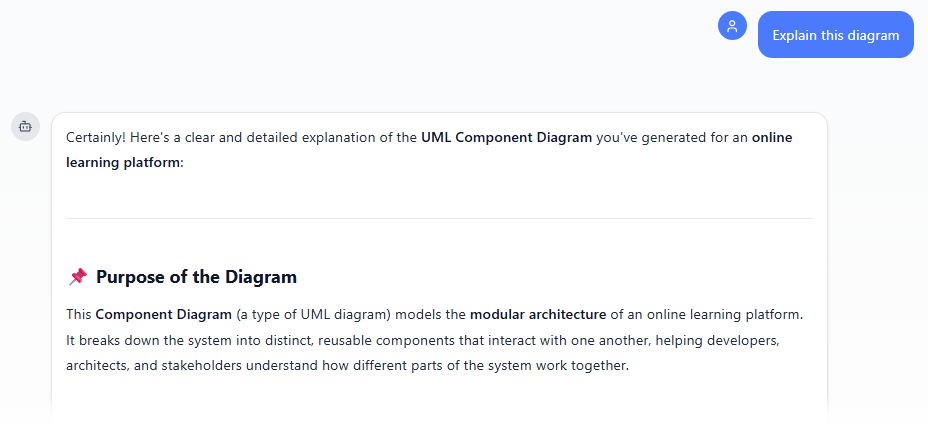
Why Visual Paradigm Stands Out as the Ultimate AI Diagram Tool
Plenty of tools claim “AI diagram generator” status. Most offer one-shot generation—pretty pictures, but no depth. They stop at visuals. No traceability. No refinement. No team flow.
Visual Paradigm does it differently. We provide the widest diagram coverage with real AI integration across multiple workflows. Generate fast via chat. Refine precisely in Desktop. Embed dynamically in OpenDocs. Build systematically in Web Apps.
Other differentiators:
- True traceability — Models stay connected, changes propagate.
- Professional outputs — Ready for code generation, reports, implementation.
- Scalability — From solo prototypes to enterprise teams.
- End-to-end ecosystem — Not fragmented tools, but one cohesive solution.
Competitors might generate a component diagram quickly, but they leave you there. We take you from idea to deployable model. That’s why teams choose us for serious visual modeling in the AI era.
Ready to Transform Your Component Diagramming?
Stop wrestling with fragmented tools. Start building better systems faster with an AI component diagram generator that actually supports your full workflow.
Visual Paradigm gives you speed, precision, and collaboration in one place. Whether you’re after the best AI tool for creating component diagrams, a free AI UML diagram maker to start, or professional-grade power— we’ve got you covered.
Try Visual Paradigm today. Sign up for a free trial, chat with our AI assistant, and experience the future of AI-powered visual modeling. Your next component diagram is waiting.