Visual Paradigm is a powerful modeling and design tool widely used for software development,
business process modeling, and system analysis. Before you can start creating diagrams and
managing projects, you need to install the software and set up a project workspace.
This article guides you through the initial steps to download, install, and launch
Visual Paradigm so you can get started quickly and smoothly.
Getting Started with Visual Paradigm
- Visit the official Visual Paradigm website to download the installer:
https://www.visual-paradigm.com/download/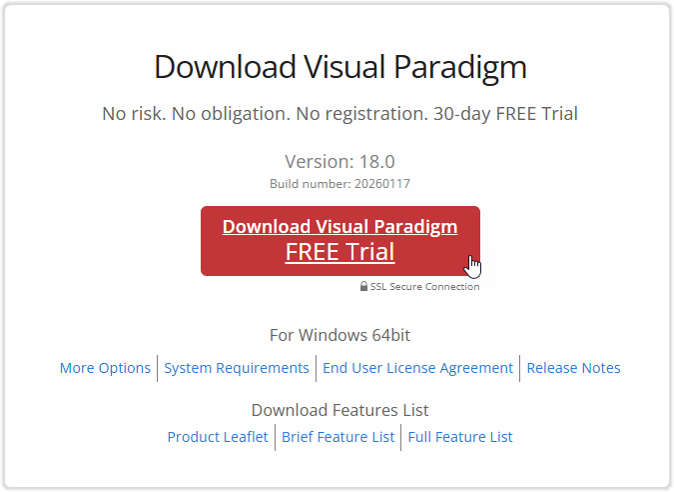
- Run the downloaded installer and follow the on-screen instructions to complete the installation.
- After installation, launch Visual Paradigm and select a workspace folder. The workspace folder is where your project files and related data are stored.
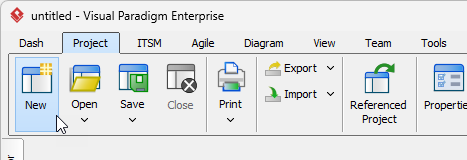
- If this is your first time running Visual Paradigm, a new project will be created automatically. Otherwise, select Project > New from the toolbar, enter a project name,
and click Create Blank Project.