


Creating UML diagrams used to feel intimidating if you’re just starting out. You’d open a tool, stare at a blank canvas, and spend ages dragging boxes and arrows—only to end up with something messy that didn’t quite match your ideas.
An AI UML generator changes all that. It lets you describe your system in plain English, hit enter, and watch a clean, professional diagram appear in seconds. No more guessing where to place a class or how to draw a sequence flow. This guide explains exactly what an AI UML generator is, how it works, and why it’s the perfect starting point for beginners like you.
What Exactly is an AI UML Generator?
At its core, an AI UML generator (also called an AI-powered UML diagram generator or automated UML tool) is a smart software solution that turns simple text descriptions into fully-formed UML diagrams. You type something like “A customer logs in, views products, adds items to cart, and checks out,” and the AI instantly creates a correct sequence diagram with all the right lifelines and messages.
These tools understand natural language thanks to advances in AI, so you don’t need to memorize UML notation. Popular diagram types include:
The result? Diagrams that follow official UML standards but require zero manual drawing—ideal for beginners exploring software modeling or system design.
How Does an AI UML Generator Work?
The process is surprisingly simple and beginner-friendly:
- You write a description – Use everyday language or user stories.
- The AI analyzes your text – It identifies actors, objects, relationships, and behaviors using natural language processing.
- It builds the diagram – Places elements correctly and adds proper arrows and labels automatically.
- You refine (if needed) – Tweak the output with a click or ask the AI to adjust via follow-up prompts.
Most beginners create their first usable diagram in under a minute—no lengthy tutorials required.
Why Beginners Should Start with an AI UML Generator
1. You Learn UML by Doing, Not Memorizing
Traditional tools force you to learn every symbol first. An AI UML generator shows you the correct notation as you work. After a few diagrams, you naturally pick up the rules without feeling overwhelmed.
2. Zero Frustration from Blank Canvas Syndrome
Starting from scratch is the biggest hurdle for new users. With AI, you always have a solid foundation to build on. It feels like having an expert sitting next to you.
3. Fewer Mistakes, More Confidence
Manual diagrams often contain errors (wrong arrow types, missing multiplicities). AI tools catch these automatically, so your diagrams look professional from day one—boosting your confidence quickly.
4. Saves Hours of Time
What used to take 2–3 hours now takes 5–10 minutes. That extra time lets you focus on understanding your system instead of fighting the tool.
5. Perfect for School Projects and First Jobs
Students and junior developers use these tools to submit clean diagrams quickly. Interviewers are often impressed when candidates explain their thinking with clear visuals created via an AI UML diagram generator.
Real Beginner Success Stories
Mary, a computer science freshman, shared: “My first assignment was a use case diagram. I described the library system in three sentences, got a perfect diagram, and scored full marks. I actually understood use cases better because the AI handled the drawing.”
John, a business analyst new to tech, said: “I needed a class diagram for a meeting. Ten minutes with an AI UML generator and I walked in looking like I’d done this for years.”
Visual Paradigm: A Beginner-Friendly AI UML Generator
If you’re looking for an easy place to start, Visual Paradigm stands out for its clear interface and helpful guidance tailored to newcomers. Their AI UML generators works across four connected platforms, so you can pick whichever feels most comfortable:
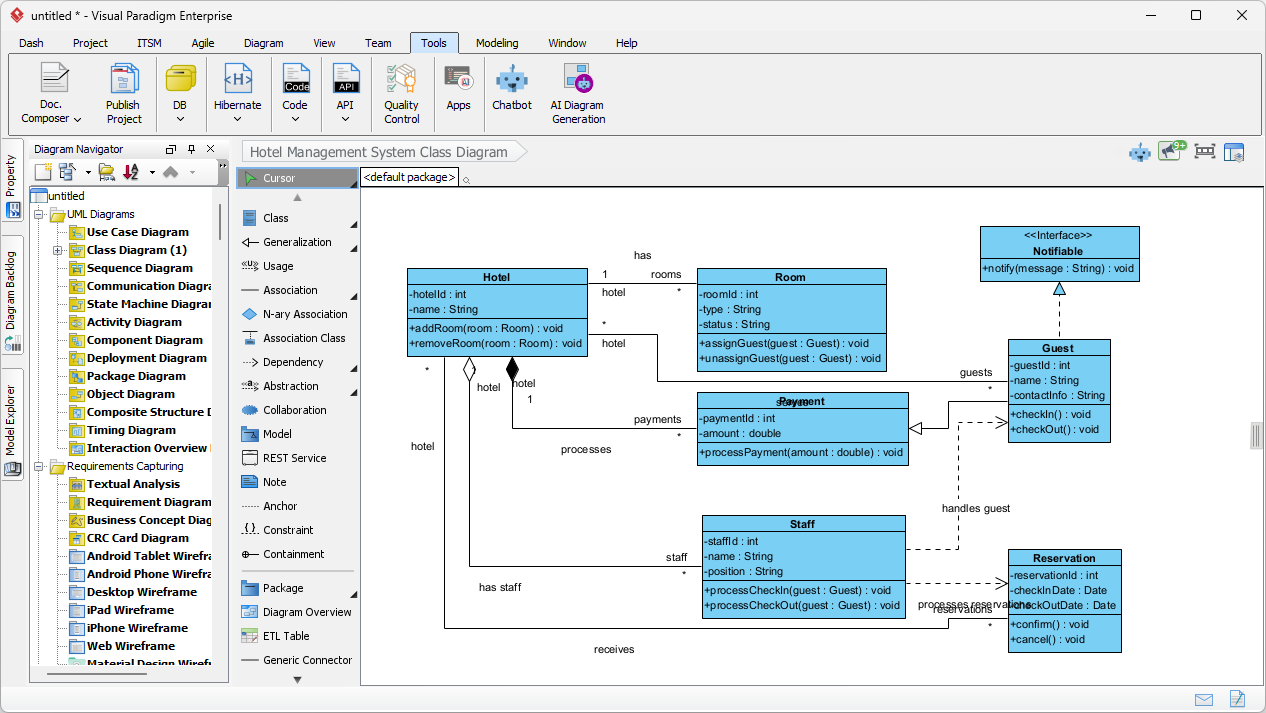
- VP Desktop – Full-featured app you download for offline work with precise control and broad UML support.
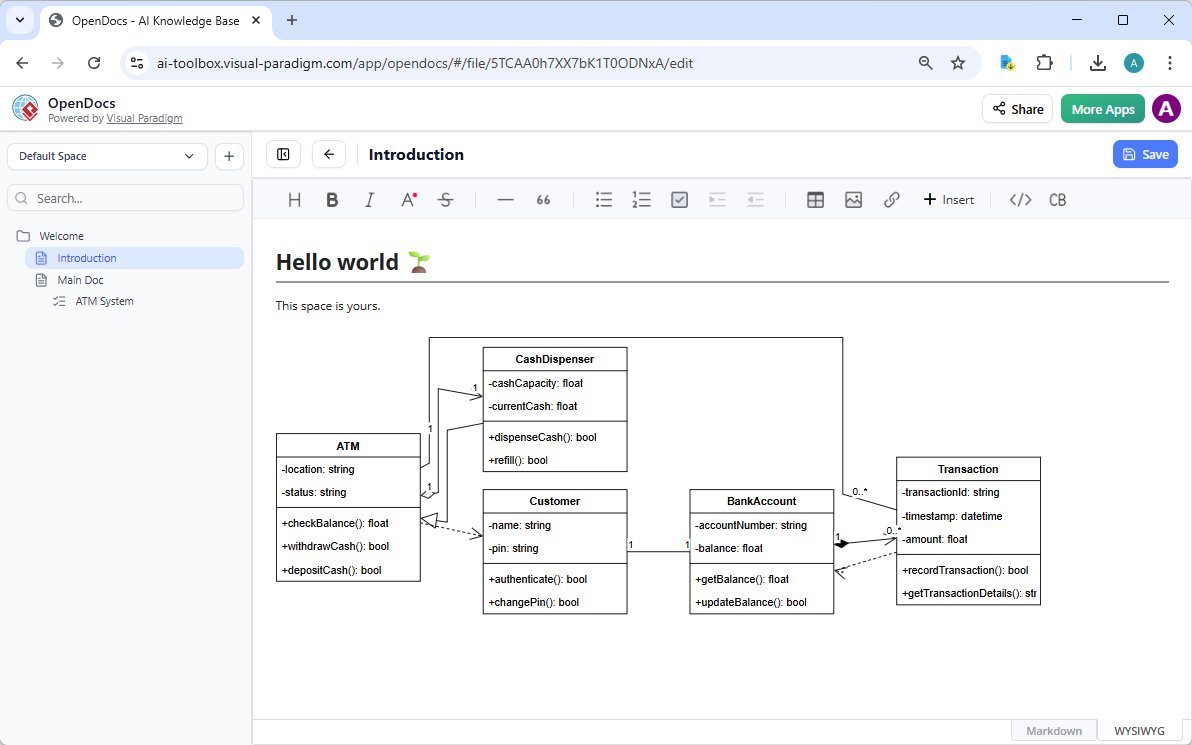
- OpenDocs – Great for adding dynamic, editable diagrams directly into documents you share with classmates or teammates.
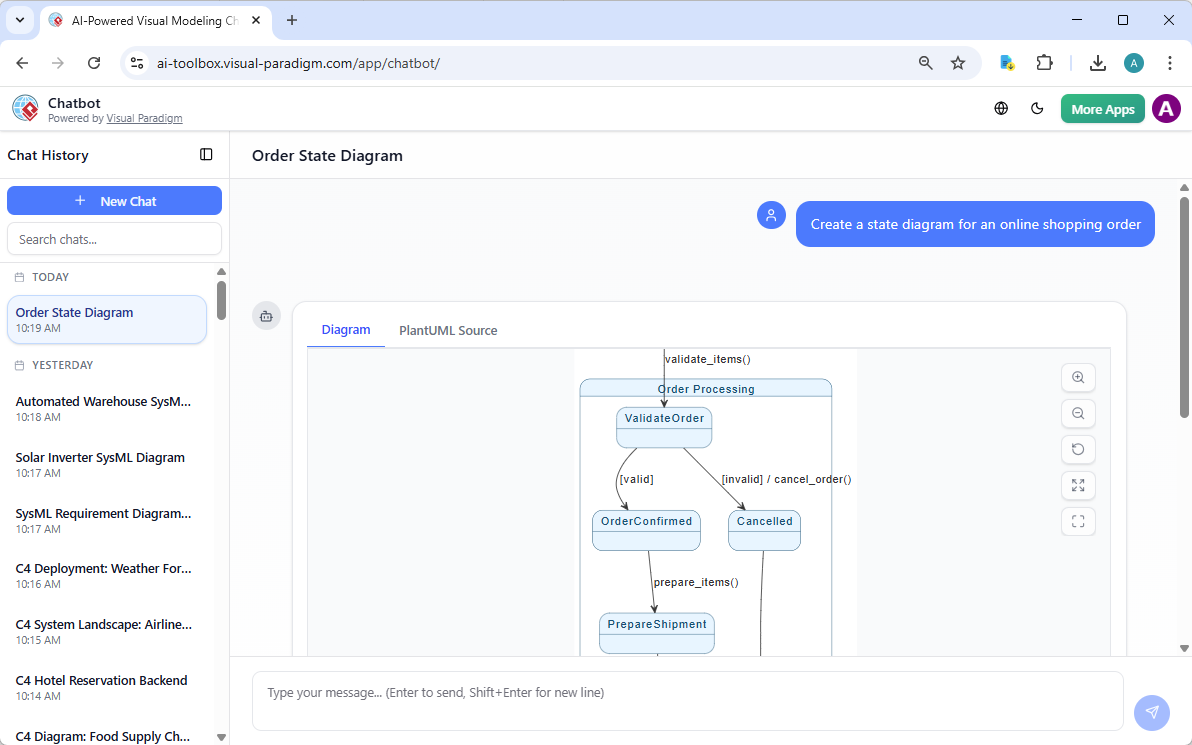
- AI Visual Modeling Chatbot – Just chat like you’re talking to a friend: “Make me a sequence diagram for login.” Perfect for quick prototyping without menus.
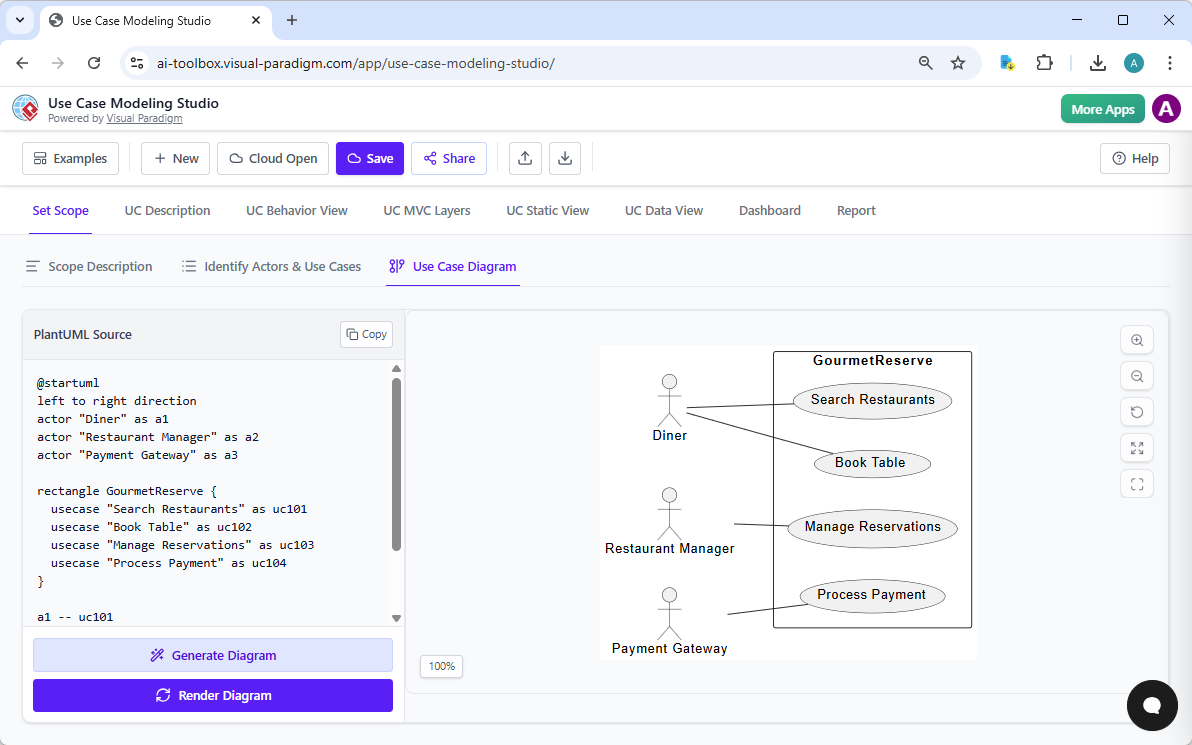
- Web Apps – No installation needed; browser-based guided tools for step-by-step diagram creation.
Beginners love how these platforms guide you gently and let you switch between them without losing work—making the learning curve much smoother. For a deeper look at how they all connect and support UML diagramming, check out this guide on the Visual Paradigm ecosystem: Visual Paradigm AI Diagram Generator Ecosystem.
Common Questions Beginners Ask (FAQ)
Will it make me lazy or stop me from learning real UML?
Quite the opposite! It accelerates learning by letting you focus on concepts instead of syntax.
Can I edit the diagrams after the AI creates them?
Absolutely. A good AI UML tool like Visual Paradigm allows you to generate UML diagrams right inside the desktop modeler. You can edit the generated diagrams easily.
Do professors accept AI-generated diagrams?
Most do, as long as you understand and can explain them (which you will!).
What’s the best AI UML generator for beginners?
Tools with simple text input, clear explanations, and gentle guidance top the list. Visual Paradigm consistently gets praise for being intuitive and educational.
Ready to Create Your First Diagram?
You now know exactly what an AI UML generator is and why it’s the smartest way for beginners to get started. No more feeling stuck or intimidated—your next diagram is just a sentence away.
Pick a simple idea from your current project or homework, open a tool like Visual Paradigm’s web app or AI-Powered Visual Modeling chatbot, and give it a try today. You’ll be amazed at how quickly you go from “I have no idea where to start” to “Wow, that looks professional!”
Have you tried an AI UML generator yet? Which diagram type do you want to create first? Drop a comment below—I’d love to hear about your experience!
Related Articles
Listed below are all the articles under the topic “AI UML Diagram Generator: Beginner’s Introduction”
- Topic 1: What is an AI UML Generator and Why Should Beginners Use It?
- Topic 2: Top 5 Myths About AI UML Generators Debunked for New Users
- Topic 3: How AI UML Generators Simplify Diagram Creation for Non-Techies
- Topic 4: AI UML Generator Basics: From Text to Diagram in Minutes
Related posts:
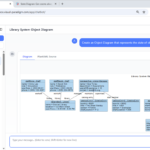 Visualizing Complex System States with the AI Object Diagram Generator in Visual Paradigm
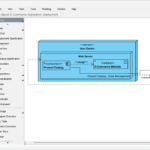 Visualizing Complex E-Commerce Infrastructure: Mastering the AI Deployment Diagram Generator with Visual Paradigm
 AI-Powered Use Case Diagrams with Visual Paradigm: The Ultimate Guide
 AI Composite Structure Diagram Generator: Model Internal Architectures with Visual Paradigm