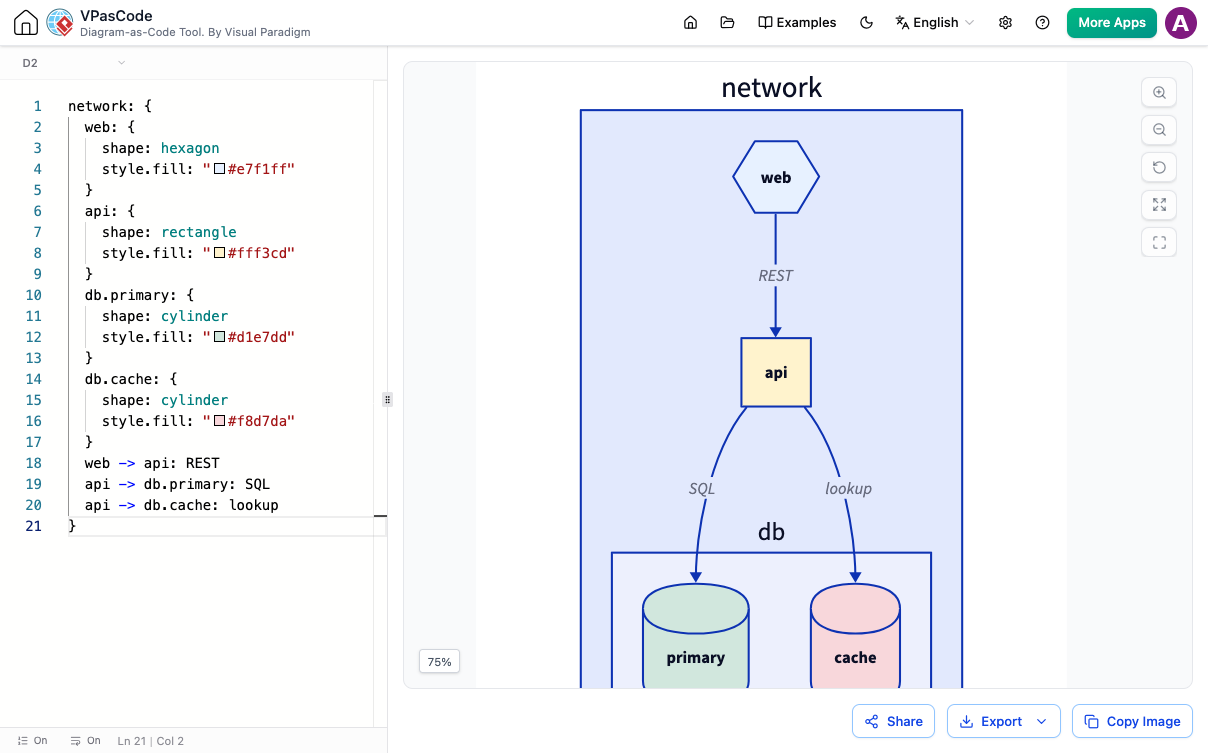
Maintaining accurate, up-to-date technical documentation is one of the most persistent challenges in modern software development. Traditional static image assets hosted in team wikis or Git repositories quickly become obsolete as system architectures, API contracts, and database schemas evolve. Using a modern diagram-as-code platform allows developers to embed version-controlled diagrams directly into Markdown files. By editing definitions inside a browser-based Mermaid editor, teams can ensure their technical docs stay synchronized with pull requests and codebase updates.
In this guide, we will explore how to embed live diagrams into Markdown, why text-based visuals eliminate documentation decay, and how leveraging Mermaid inside a unified diagram-as-code platform streamlines engineering workflows.
The Risk of Static Image Assets in Developer Docs
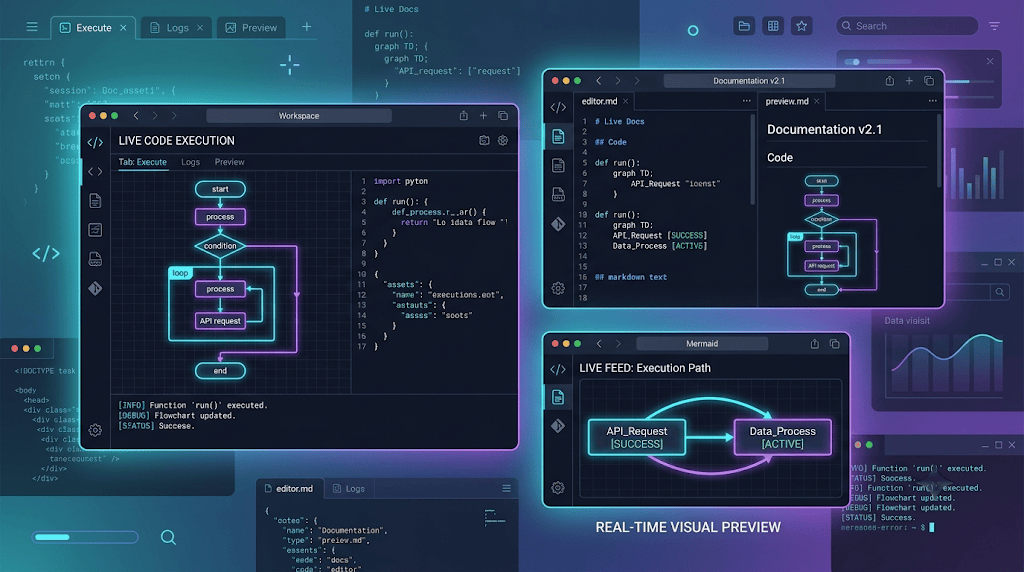
Exporting PNG or JPEG image files from visual drawing tools and uploading them to documentation repositories creates significant friction during rapid release cycles. When system logic changes, engineers must locate the original drawing file, edit node coordinates manually, re-export the image, and update directory file paths.
Adopting plain-text diagram definitions inside a browser-based Mermaid editor solves these operational roadblocks:
- Version Control Integration: Review visual layout changes inside pull requests using native diff utilities.
- Zero Image Asset Rot: Eliminate broken image URLs and missing asset dependencies across team portals.
- Instant Searchability: Plain-text node labels and service names can be indexed directly by global codebase search engines.
Transitioning from static exports to dynamic code blocks ensures your team documentation remains reliable and maintainable long-term.
How to Embed Mermaid Diagrams in Markdown
Most modern developer platforms—including GitHub, GitLab, Notion, and static site generators like Docusaurus—render native syntax directly from Markdown code blocks. To embed a live diagram, surround your definition with triple backticks and specify the language identifier.
Here is an example of an API interaction workflow written in standard syntax that you can test inside your browser-based Mermaid editor:
Live Markdown Code Example (Try it Now):
sequenceDiagram
    autonumber
    actor Client as Web Application
    participant Gateway as API Gateway
    participant Auth as Auth Microservice
    participant Store as Session Cache

    Client->>Gateway: Request Session Token
    activate Gateway
    Gateway->>Auth: Validate Credentials
    activate Auth
    Auth->>Store: Check Token Expiry
    activate Store
    Store-->>Auth: Token Valid
    deactivate Store
    Auth-->>Gateway: Return Auth Payload
    deactivate Auth
    Gateway-->>Client: 200 OK (JWT Granted)
    deactivate Gateway
Streamlining Documentation Workflows with VPasCode
While native Markdown blocks render simple diagrams easily, managing complex system architectures, multi-team documentation sites, and localized specifications requires specialized authoring tools. Utilizing VPasCode provides your development team with a comprehensive diagram-as-code platform equipped with real-time visual previews and automated syntax error fixing.
Whether you are drafting software architecture models, designing workflow decision trees, or generating project schedules, an advanced browser-based Mermaid editor eliminates rendering bugs automatically so your documentation pipeline never stalls.
Best Practices for Embedded Technical Diagrams
To ensure high readability and maintainability across distributed engineering teams, follow these core documentation rules:
- Keep Scope Focused: Modularize complex enterprise architectures into smaller, focused diagrams dedicated to specific subsystems or microservice interactions.
- Use Standardized Labels: Establish consistent naming conventions for participants, databases, and protocol paths across all repository Markdown files.
- Publish to Web Portals Seamlessly: Export vector SVG assets or publish interactive web views directly using Visual Paradigm OpenDocs integration.
Relying on a versatile browser-based Mermaid editor powered by an intuitive diagram-as-code platform empowers software teams to build production-ready developer documentation with speed and accuracy.
Transform Your Technical Documentation Today
Ready to modernize your developer docs and embed live, version-controlled diagrams in seconds? Try VPasCode’s feature-rich browser-based Mermaid editor today and experience instant AI code error fixing, multi-format rendering, and seamless diagram-as-code capabilities.