


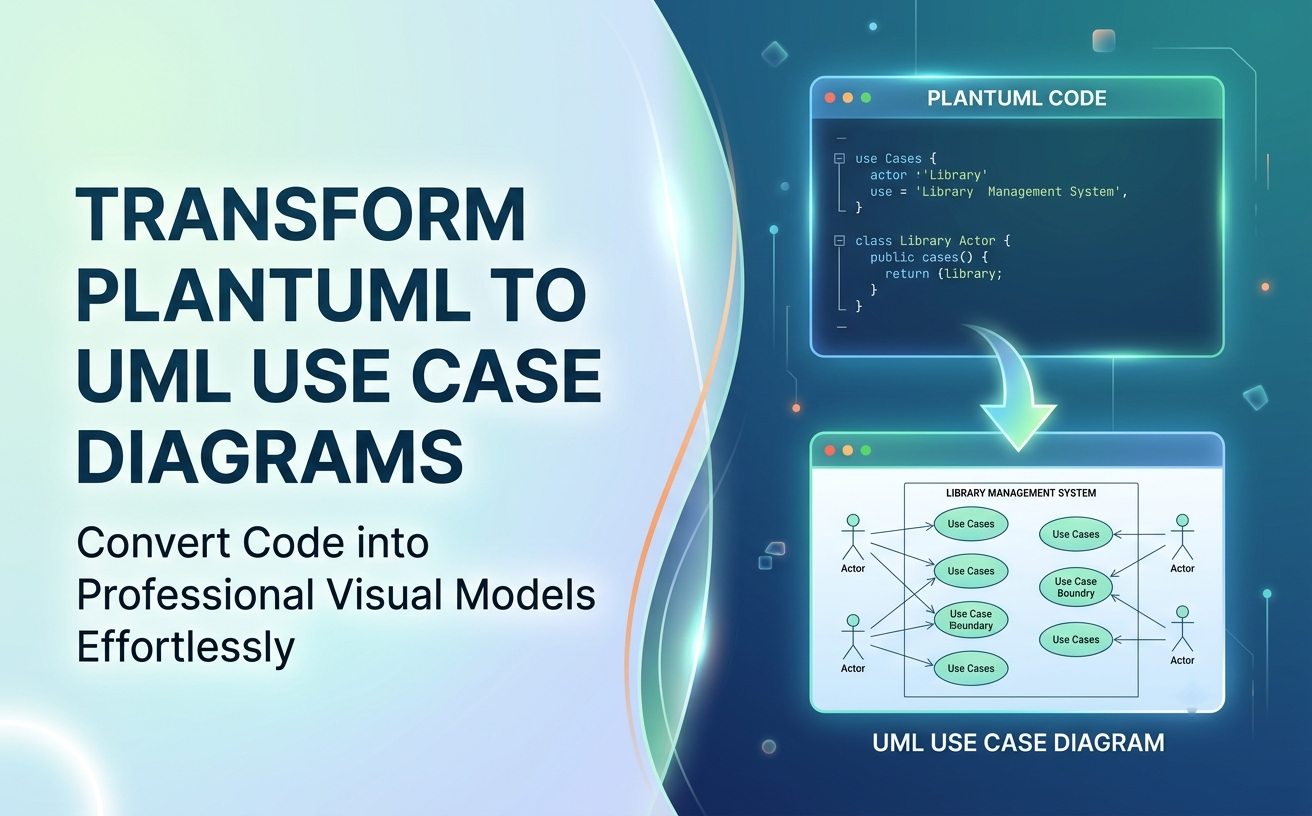
Diagram-as-Code has revolutionized how software engineers, architects, and DevOps teams manage technical documentation. Storing diagrams as text files like PlantUML or Mermaid makes them easy to track in Git, compare via diffs, and maintain alongside application source code.
However, raw code files are not always suitable for non-technical stakeholders or executive reviews. In this guide, you will learn how to take PlantUML or text-based diagram code and seamlessly convert, render, edit, and expand it into formal UML Use Case Diagrams using Visual Paradigm’s AI Chatbot and VPasCode platform.
Why Combine Diagram-as-Code with Visual Modeling?
Using code to represent system models provides developer efficiency, while visual rendering ensures clear communication across cross-functional teams:
- Version Control Native: Track architectural changes in Git repositories just like source code.
- Instant Rendering: Eliminate hours spent dragging, dropping, and realigning shapes manually.
- Flexible Editing: Make swift text updates in code, or switch to visual editors when preparing stakeholder presentations.
Prerequisites & Environment Setup
To convert and work with PlantUML or text-based diagram scripts, you will need:
- Existing PlantUML script code, Mermaid syntax, or text-based diagram instructions.
- Access to Visual Paradigm’s AI Diagramming Chatbot or VPasCode.
Step-by-Step: Converting PlantUML Code to Visual Diagrams
Step 1: Copy Your PlantUML or Diagram Code
Gather the PlantUML script detailing your system actors, use cases, and relationships (such as <<include>> or <<extend>> tags).
Step 2: Paste Code into the AI Diagramming Chatbot
Navigate to our AI Diagramming Chatbot or open the Chatbot directly within Visual Paradigm Desktop or VPasCode.
Step 3: Let the Engine Parse and Render
Instruct the AI to parse the code. The fine-tuned engine validates the UML syntax and renders an interactive, high-fidelity visual use case diagram in seconds.
Step 4: Inspect via the Powerful Diagram Viewer
Utilize built-in viewer tools like zoom, pan, and full-screen mode to meticulously inspect actor-system relationships and ensure architectural accuracy.
PlantUML Input & Visual Output Example
Here is a typical scenario demonstrating how raw text converts into a visual architectural model:
Sample PlantUML Input Code:
@startuml
left to right direction
actor "Library Member" as Member
actor "Librarian" as Staff
actor "Notification Service" as Email

rectangle "Library Management System" {
  usecase "Borrow Book" as UC_Borrow
  usecase "Search Catalog" as UC_Search
  usecase "Send Overdue Alert" as UC_Alert
  usecase "Pay Fine" as UC_Fine

  Member --> UC_Borrow
  Member --> UC_Search
  Staff --> UC_Alert

  UC_Borrow .> UC_Fine : <<extend>>
  UC_Alert --> Email
}
@enduml
Refining Code via Conversational AI
One of the greatest advantages of using Visual Paradigm’s AI engine is that you do not need to memorize complex syntax to modify code. You can refactor PlantUML scripts using conversational prompts:
- Add Relationships: “Add an <<include>> relationship requiring User Authentication before Borrowing a Book.”
- Introduce New Roles: “Add a System Admin actor who can manage book inventory.”
- Error-Free Regeneration: The AI model ensures updated scripts remain syntactically and semantically correct, eliminating common PlantUML compilation errors.
Taking Advantage of VPasCode & the VP Ecosystem
Visual Paradigm provides an integrated ecosystem that bridges code-based ideation with enterprise-grade modeling:
- VPasCode Unified Platform: Edit diagram code directly in VPasCode—our unified diagram-as-code editing platform—for rapid textual touch-ups and version control synchronization.
- Visual Layout Fine-Tuning in VP Online: Export converted diagrams to Visual Paradigm Online to adjust actor positions, color schemes, and visual layouts using intuitive drag-and-drop tools.
- Model-Driven Development in VP Desktop: Import your PlantUML-based diagrams into Visual Paradigm Desktop to link use cases to class diagrams, requirements trace matrices, and code generation pipelines.
- Living Documentation with OpenDocs: Embed transparent code blocks and rendered diagrams together in Visual Paradigm OpenDocs to publish living, traceable requirement specifications.
Frequently Asked Questions
What code formats are supported besides PlantUML?
The AI Chatbot and VPasCode platform support a wide variety of text-based diagram formats, including PlantUML, Mermaid, Graphviz, and C4 Model code.
Can I export the underlying PlantUML code back out after visual editing?
Yes. Visual Paradigm provides transparent diagram code. You can view, copy, or export the updated PlantUML or Mermaid code at any point during your design session.
Is PlantUML diagram conversion included in free trials?
Yes. You can test code conversion during a free trial, with full access included under VP Online Deluxe Edition and VP Desktop Professional Edition licenses.