Designing a DigitalOcean architecture diagram shouldn’t be a hassle. You need to map out your Droplets, VPCs, Load Balancers, and Managed Databases into a clear visual that communicates your infrastructure without hours of manual drawing. If you are looking to visualize DigitalOcean infrastructure with AI, you need a professional AI DigitalOcean architecture diagram generator that understands the specific iconography and logic of the DigitalOcean ecosystem.
Visual Paradigm stands out as the premier AI-powered cloud architecture tool. While our ecosystem supports over 100 diagram types, our specialized AI Cloud Architecture Studio is the best automated Droplet diagram maker for creating professional cloud visuals. Whether you are a startup architecting an MVP or a developer documenting a complex app, our AI transforms your text descriptions into polished diagrams instantly.
Unlocking DigitalOcean Diagrams with AI Cloud Architecture Studio
At the heart of our platform is the AI Cloud Architecture Studio. This browser-based AI diagram generator uses natural language processing to build accurate technical visuals for DigitalOcean and other major providers.
How to Generate a DigitalOcean Diagram with AI
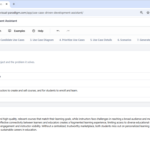
- Describe Your Setup: Input a prompt like: “Create a scalable web app on DigitalOcean with auto-scaling Droplets, a Load Balancer, a VPC, and a managed PostgreSQL database.”
- Pick Your Strategy: Align your design with business goals by selecting strategies like Low Cost / MVP, High Availability, or Edge Optimized.
- Technical Deep Dive: The AI will ask clarifying questions to refine your stack, ensuring your DigitalOcean VPC diagram AI includes all necessary subnets and gateways.
- Automated Generation: The AI instantly renders a professional diagram using official DigitalOcean icons and logical connections.
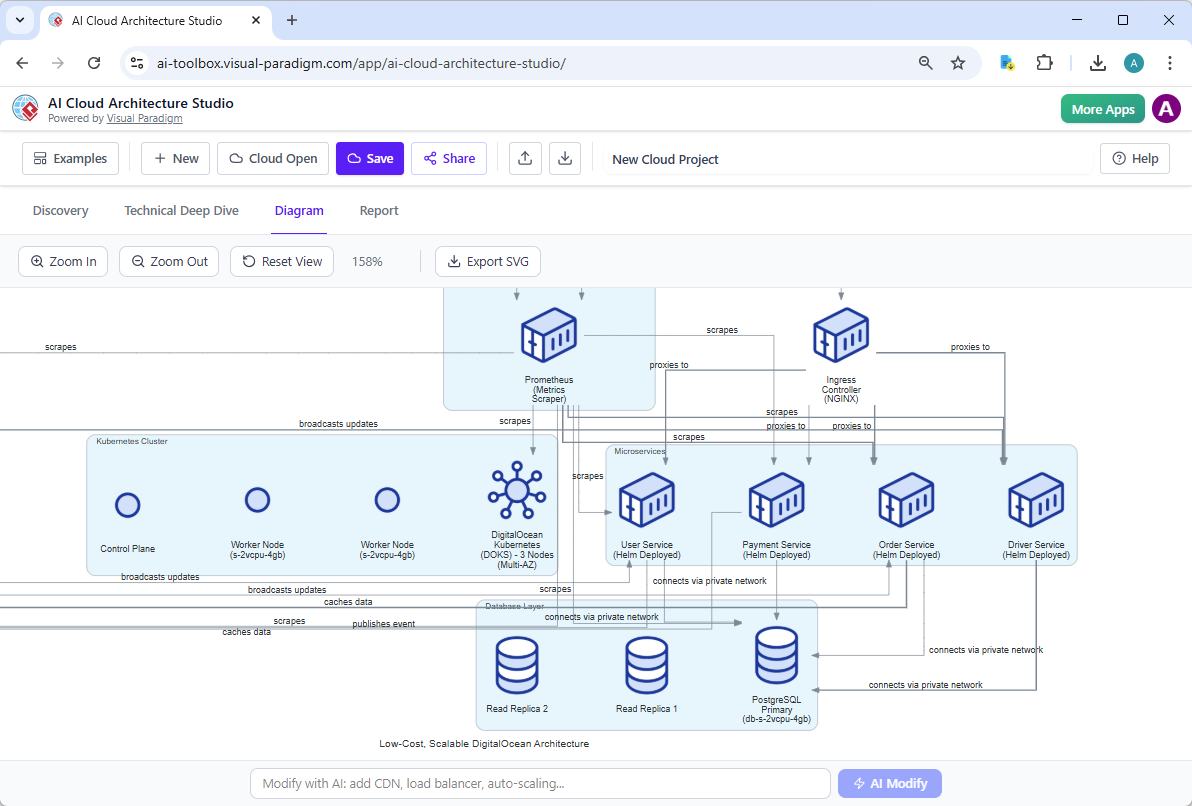
- AI-Powered Modification: Need to scale? Simply type “Add DigitalOcean Spaces for object storage and a Firewall,” and the diagram updates automatically.
Key Benefits for Developers and DevOps
- Natural Language Interaction: Skip the manual drag-and-drop. Describe your AI-powered cloud blueprint in everyday words.
- Strategy-Based Guidance: Automatically generate designs optimized for cost-savings or maximum uptime.
- Multi-Cloud Comparison: Design your setup on DigitalOcean and instantly compare it with AWS or Azure to evaluate cost and complexity.
- Professional SVG Exports: Download high-quality vectors for your README files, technical wikis, or stakeholder presentations.
The Broader Visual Paradigm AI Ecosystem
While DigitalOcean diagrams are best handled in the Cloud Studio, they are part of a unified AI diagram platform. Since 2002, Visual Paradigm has provided professional modeling tools for UML, BPMN, and ERD, ensuring your infrastructure is never siloed from your application logic.
Interconnected Workflows:
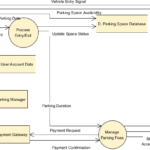
- VP Desktop: Bring your DigitalOcean architecture into our flagship desktop tool for advanced system analysis, traceability, and integration with large-scale projects.
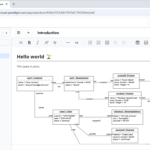
- OpenDocs: Embed your cloud diagrams into living documentation. When your Droplet configuration changes in the Studio, update your AI-powered diagram in your team wiki with one click.
- AI Chatbot: Use our conversational assistant to brainstorm the logic behind your infrastructure, such as generating Flowcharts for your deployment pipelines.
Why Choose Visual Paradigm for DigitalOcean Visualization?
| Design Requirement | Visual Paradigm AI | Basic AI Drawing Apps |
|---|---|---|
| Official Iconography | Uses current DigitalOcean, AWS, and GCP sets | Generic or outdated shapes |
| Logical Connections | Understands how VPCs, Droplets, and DBs interact | Randomly placed icons with simple lines |
| Iterative Refinement | Update entire tiers via single text prompts | Manual re-drawing required for every change |
Elevate Your Cloud Diagramming Today
Stop wrestling with manual drawing tools for your modern cloud stack. Visual Paradigm’s AI Cloud Architecture Studio is the ultimate AI DigitalOcean Architecture Diagram generator, built for the speed of modern web development. Experience how easy visualizing DigitalOcean infrastructure with AI can be.