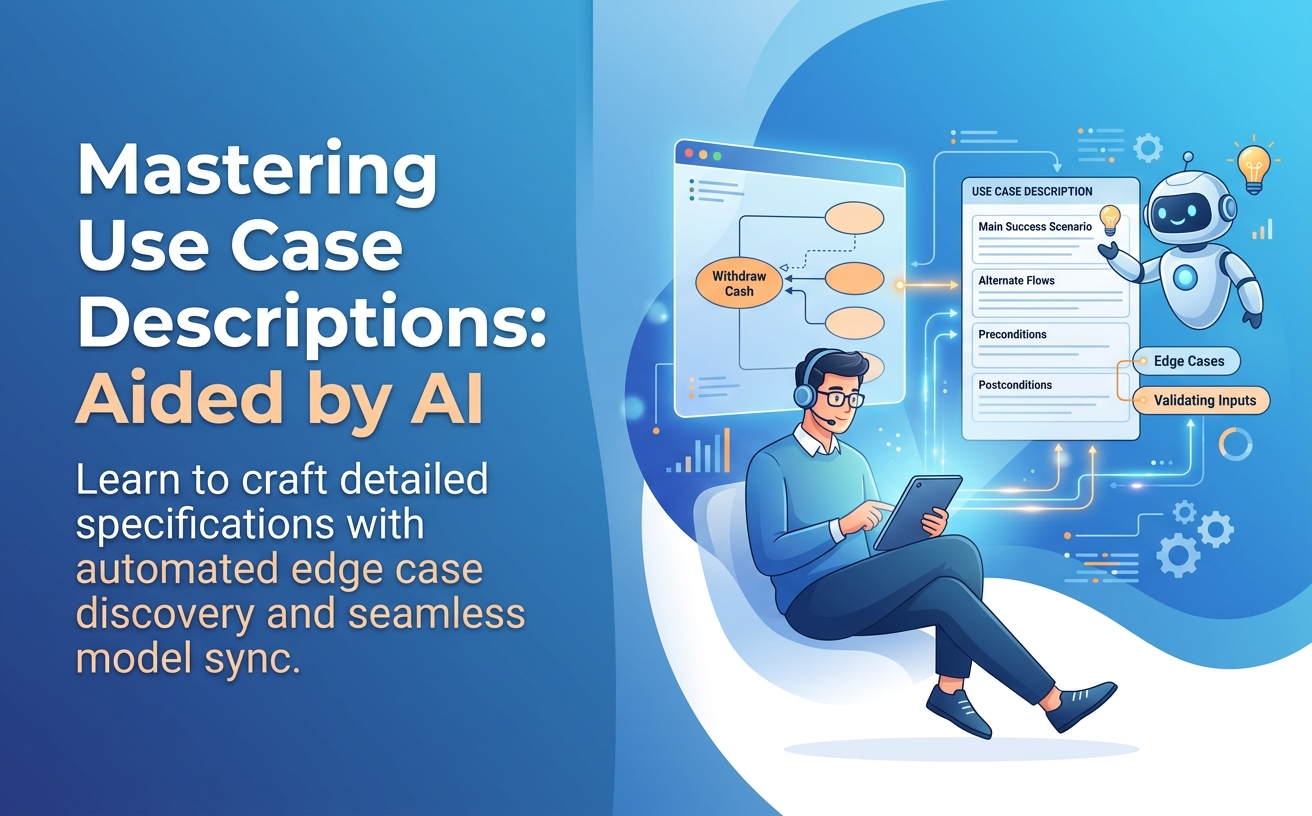
A use case diagram provides a fantastic high-level visual blueprint of your system, but it only tells half the story. To truly bridge requirement analysis with software design, business analysts must write detailed use case descriptions (also known as use case specifications).
In this guide, you will learn what goes into a professional use case description, best practices for structuring main and alternate scenarios, and how to use conversational AI tools to generate complete textual specifications in seconds.
What is a Use Case Description?
While an oval on a use case diagram represents a single functional goal (e.g., Withdraw Cash), a use case description is the structured document behind that oval. It details the step-by-step interaction between an external Actor and the System, outlining the happy path as well as exception paths.
Detailed textual specifications serve as direct inputs for developers writing code and QA engineers drafting automated test suites.
Anatomy of a Standard Use Case Specification
A standardized use case specification template typically includes the following core elements:
| Section | Description & Purpose |
|---|---|
| Use Case Name | A clear, active verb-noun phrase matching the diagram oval (e.g., Process Payment). |
| Primary Actor | The primary user or system initiating the goal. |
| Preconditions | System states that must be true before the use case can start (e.g., User is logged in). |
| Postconditions | Guaranteed system states after successful execution (e.g., Order record created). |
| Main Success Scenario (Basic Flow) | The step-by-step “happy path” interaction sequence. |
| Alternative / Exception Flows | Branching paths when errors occur or optional criteria are met (e.g., Card Declined). |
The Challenge with Manual Specification Writing
Writing detailed specifications for dozens of use cases is one of the most time-consuming tasks in requirements engineering. Systems analysts often face three major roadblocks:
- Missing Edge Cases: Forgetting critical exception paths like network timeouts or invalid inputs.
- Documentation Out of Sync: Changes in the visual model not reflecting in the written specs.
- Inconsistent Formats: Different team members using varied styles and levels of detail.
How AI Accelerates Use Case Elaboration
Modern AI tools do not replace system architects—they act as force multipliers. By leveraging specialized AI models trained on software engineering patterns, you can convert high-level diagrams or user stories into full specifications in seconds.
Key Capabilities of AI-Assisted Specification Writing
- Automated Flow Generation: Prompting the AI with a goal automatically produces step-by-step basic flows.
- Proactive Edge Case Discovery: AI suggests alternate and exception paths you might have overlooked.
- Bidirectional Synchronization: Expanding a specific shape in a diagram into a full specification report seamlessly.
Step-by-Step: Writing Specifications with Visual Paradigm AI
Here is how to create living documentation using the Visual Paradigm AI Diagramming Chatbot and the wider ecosystem:
- Generate or Select Your Base Diagram: Start by generating your initial visual model on our AI Diagramming Chatbot.
- Prompt for Textual Refinement: In the Chatbot interface, request a textual description for any specific use case oval (e.g., “Generate a complete use case specification for ‘Process Checkout’, including preconditions and error handling.”).
- Review and Refine via Conversation: Interactively adjust steps, add business rules, or refine actor permissions directly through the persistent chat session.
- Publish to Living Documentation with OpenDocs: Send your AI-generated diagram and detailed specifications straight to Visual Paradigm OpenDocs. This keeps your visual models and textual documentation unified in a single online space.
- Evolve in VP Desktop: Import your specifications into Visual Paradigm Desktop to link use cases with sequence diagrams and maintain end-to-end requirement traceability.
Best Practices for AI-Generated Specifications
- Keep Steps Atomic: Ensure every step in the main flow describes a clear action by either the Actor or the System (e.g., “1. User enters PIN. 2. System validates PIN.”).
- Avoid UI Specifics: Focus on what happens rather than how the UI looks (e.g., write “User submits form” instead of “User clicks the green button in the bottom right corner”).
- Validate with Domain Experts: Always review AI-generated business rules and exception flows with product owners to ensure domain accuracy.
Frequently Asked Questions
Can I turn an existing diagram directly into written use case descriptions?
Yes. AI Diagramming Chatbot can analyze the relationships and generate structured textual specifications for every use case in your use case diagram.
What format does the AI use for specifications?
The AI generates structured text in standard formats (such as Markdown or clean HTML tables), making it easy to copy into tools like Jira, Confluence, or OpenDocs.
Is AI specification writing included in my Visual Paradigm plan?
Full AI capabilities are included with both VP Online Deluxe Edition and VP Desktop Professional Edition licenses.