


1. Visual Paradigm Desktop: Professional AI UML Modeling
For power users who require full modeling capabilities, Visual Paradigm Desktop now features an integrated AI UML generator. This allows you to bootstrap complex architectures directly within your project environment, maintaining full traceability and notation standards.
How to Generate Composite Structure Diagrams in Desktop
- Open the AI Tool: Select Tools > AI Diagram Generation from the main menu to open the generator dialog.
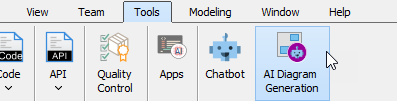
- Choose Your Diagram: Select Composite Structure Diagram as your target diagram type.
- Input Your Prompt: Enter the topic (e.g., “Generate a Composite Structure Diagram for a hospital management system illustrating relationships between patients, doctors, and medical records”).
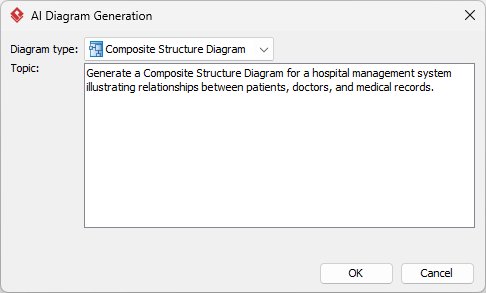
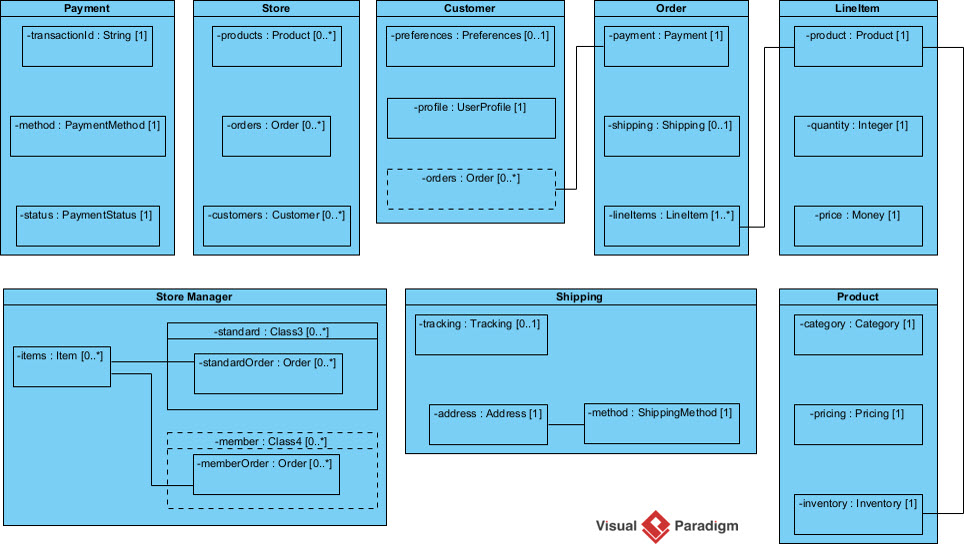
- Generate and Refine: Click OK. The AI renders the model on your canvas, where you can continue manual modeling or further architectural refinement.
This desktop integration makes Visual Paradigm the most robust AI UML tool for engineers who need to bridge the gap between AI automation and formal documentation.
2. OpenDocs: Create and Embed Dynamic Internal Structure Diagrams
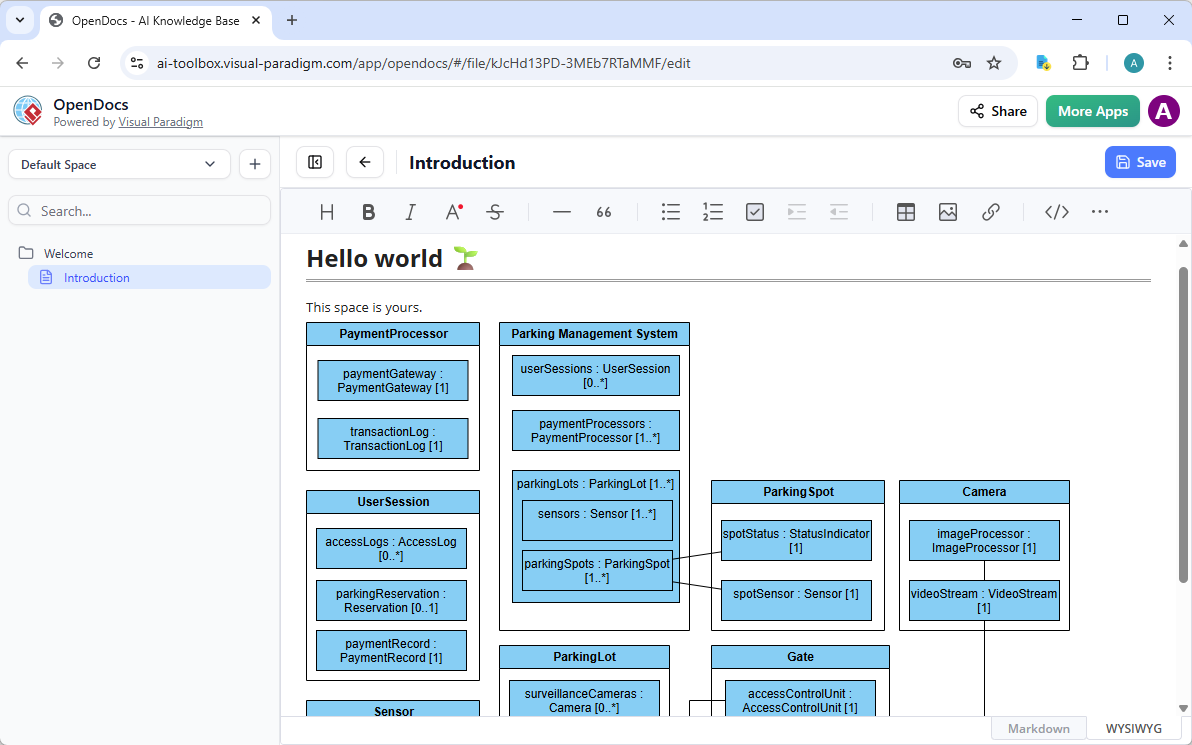
OpenDocs transforms how engineering teams share architectural knowledge. It allows you to generate UML composite structure diagrams directly within your documentation, turning static pages into interactive technical wikis.
How to Insert an AI-Generated Diagram into OpenDocs
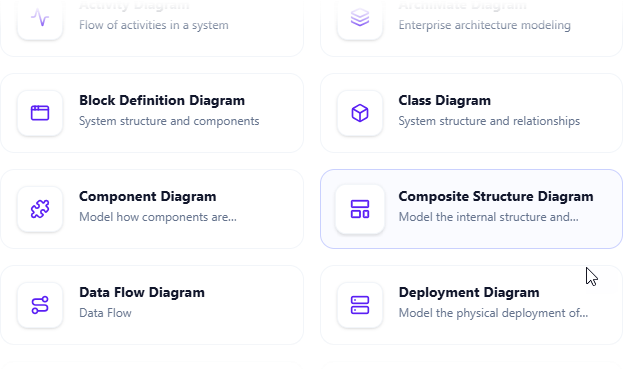
- Open the Editor: In your OpenDocs page, click Insert > Diagram > Composite Structure Diagram.
- Activate the AI: Click the Create with AI button in the top-right corner of the editor.
- Describe Your Architecture: Type a description, such as “Internal structure of a Car class with Engine, Wheels, and Transmission parts connected via ports,” and click Generate.
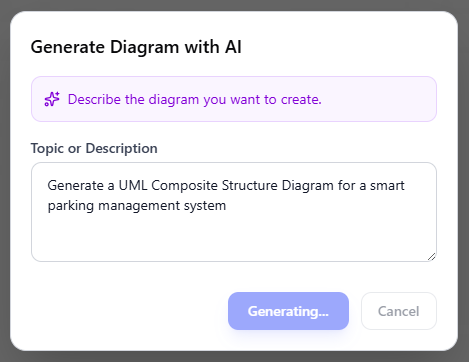
- Refine the Model: The AI renders the diagram instantly. Use drag-and-drop tools to fine-tune labels or adjust ports.
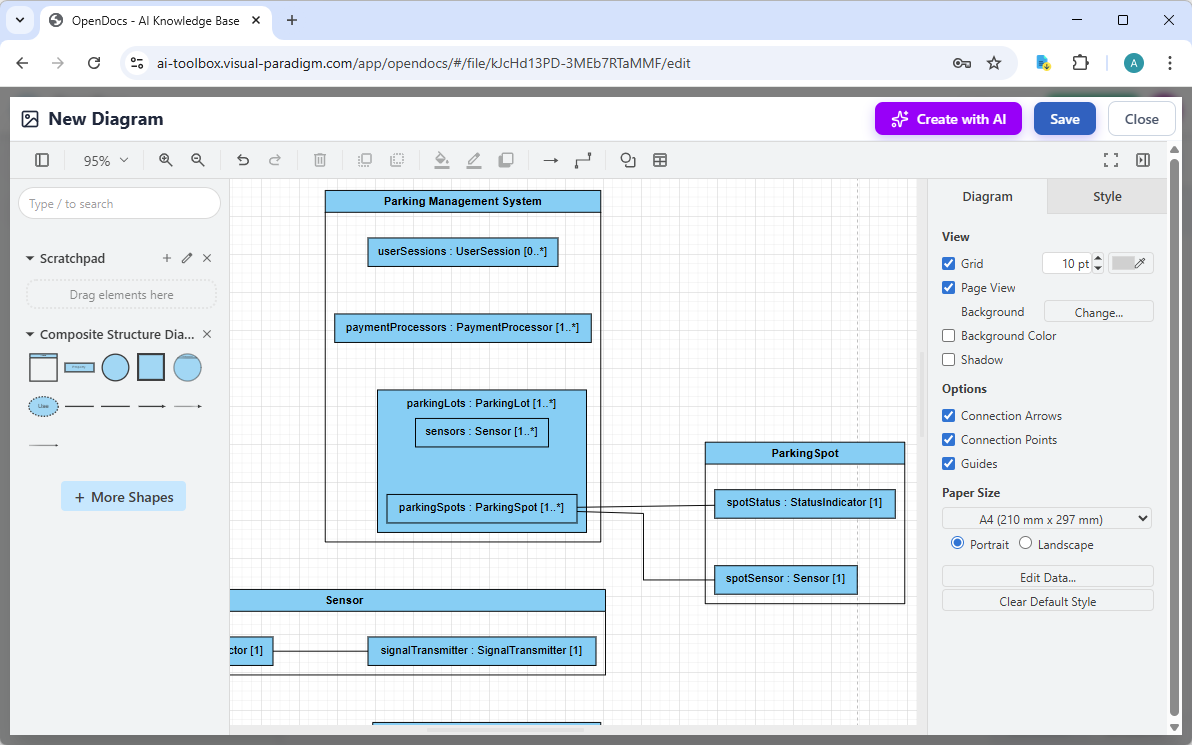
- Embed and Save: Click Save and Close to embed the live visual block.
3. AI Visual Modeling Chatbot: Conversational Prototyping
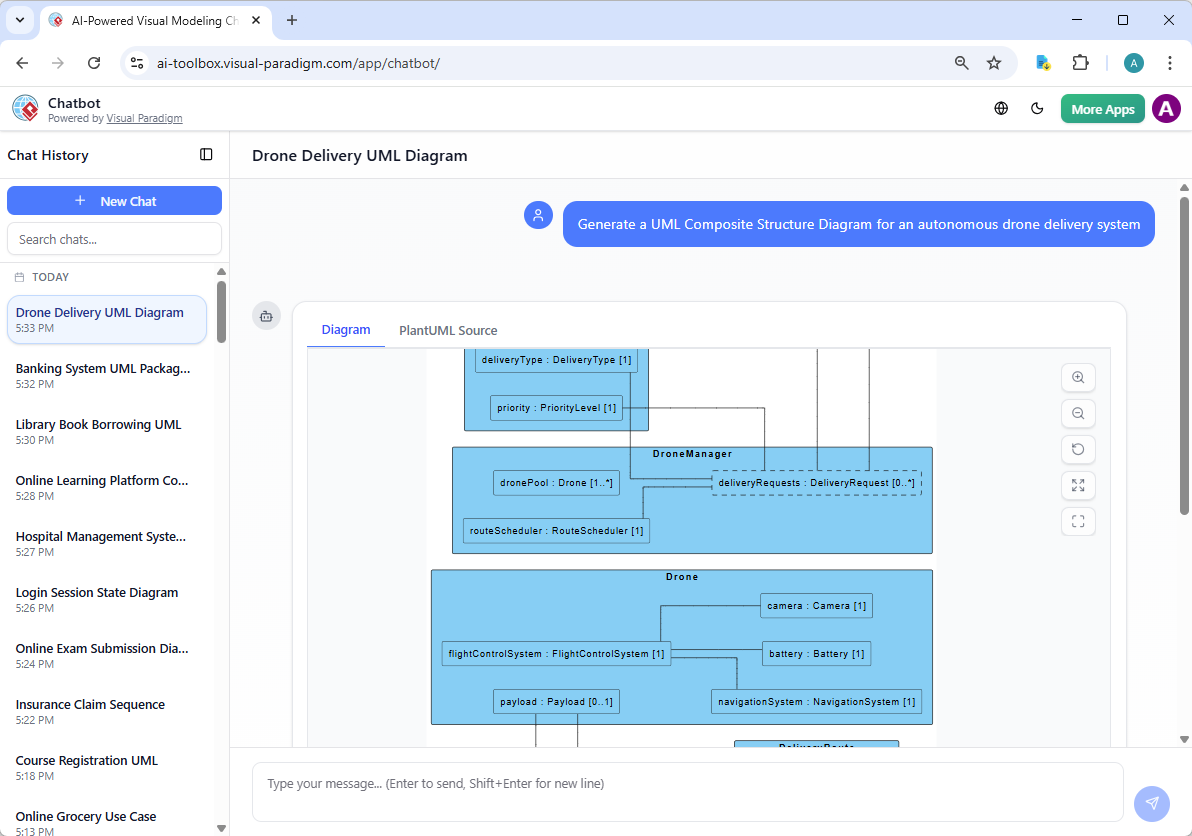
The AI Visual Modeling Chatbot is the ultimate AI UML diagram maker for rapid brainstorming. It bridges the gap between conceptual ideas and professional models through simple dialogue.
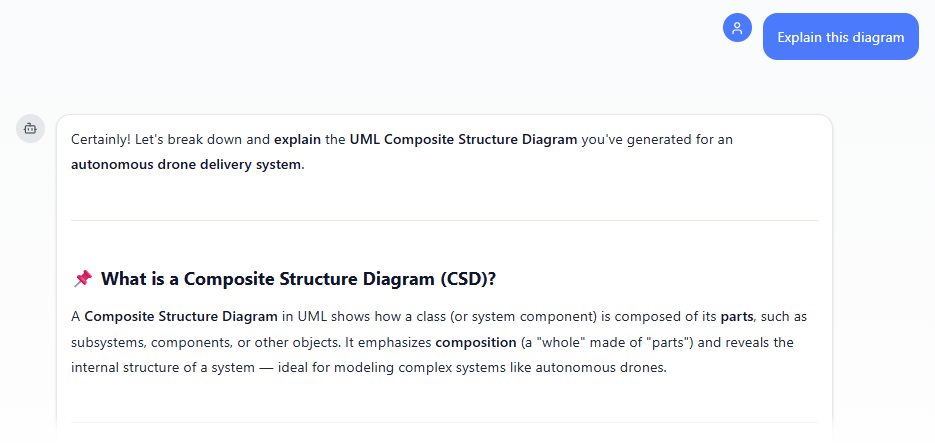
Simply ask: “Generate a UML Composite Structure Diagram for an autonomous drone delivery system.” The UML internal structure AI renders the model in seconds.
Intelligent Refinement and Analysis
The chatbot understands context. You can continue the conversation to refine your architecture or ask for a detailed explanation of the component relationships:
Why Choose Visual Paradigm as Your AI Composite Structure Diagram Tool?
| Modeling Requirement | Visual Paradigm AI | Standard AI Drawing Apps |
|---|---|---|
| Port & Connector Logic | Supports Delegation and Assembly connectors | Generic lines only |
| Internal Part Modeling | Maintains parent-child class hierarchy | Independent boxes only |
| Professional Notation | Full UML 2.5 compliance | Approximated visuals |
Ready to Master Complex System Modeling?
Stop wrestling with manual drawing tools. Use Visual Paradigm’s integrated AI-powered diagram software to generate, refine, and document your internal architectures with speed and precision.
Download VP Desktop |
Try the AI Chatbot Online
Next Steps: From Structure to Behavior
Defining the internal architecture is just the beginning. Now that you’ve modeled the what, it’s time to model the how:
- Define Object Lifecycle: Use our AI State Machine Diagram Generator to see how your components change states.
- Model Interactions: Visualize communication between internal parts with the AI Sequence Diagram Tool.