


Creating flowcharts can be a tedious bottleneck. Staring at a blank page, manually dragging shapes, and struggling with overlapping arrows often turns a simple process map into a chaotic task. If you are looking to automate business processes, you need a professional AI flowchart generator that transforms plain-text descriptions into clean, structured diagrams instantly.
Visual Paradigm is the leader in AI-powered workflow diagrams. Since 2002, we have provided the robust modeling tools required for enterprise-level projects. Our integrated AI ecosystem allows you to create flowcharts from text across desktop, web, and collaborative documents. Whether you are mapping a support ticket system or a complex software approval logic, our tools ensure your workflows are professional, balanced, and standards-compliant.
VP Desktop: Your Professional Hub for AI Flowchart Creation
VP Desktop is the flagship application for users who need automated process mapping with professional depth. It brings generative AI into a full-featured environment built for precision, offline work, and team collaboration.
How to Generate a Flowchart with AI in VP Desktop
- Access the Generator: Select Tools > AI Diagram Generation from the main menu.
- Select Your Type: Choose Flowchart from the dropdown list.
- Describe Your Process: Input a prompt like: “Model a customer support ticket workflow from submission to closure, including validation steps and manager escalation.”
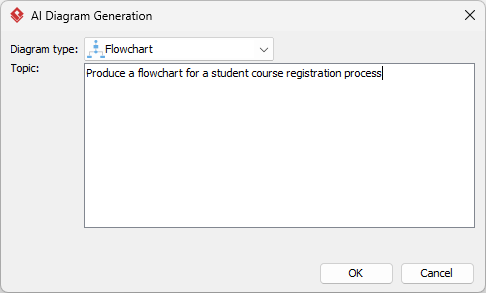
- Automated Generation: The AI renders a native, fully editable flowchart with process rectangles, decision diamonds, and start/end ovals.
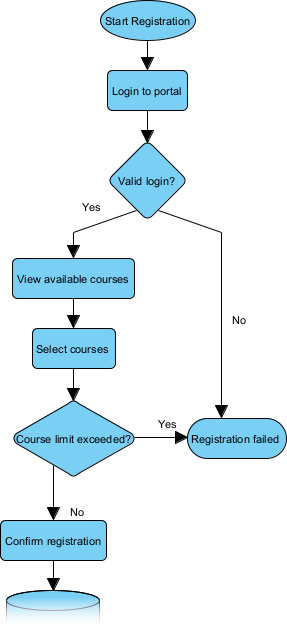
Unlike simple “one-shot” image generators, VP Desktop allows you to visualize workflows with AI while maintaining full control. You can add swimlanes for roles, link shapes to requirements, and even generate code stubs, keeping your diagrams interconnected and production-ready.
OpenDocs: Embed Living Flowcharts in Your Knowledge Base
Flowcharts shouldn’t be isolated files. OpenDocs allows you to integrate an AI flowchart generator directly into your reports, wikis, and strategic guides, turning static visuals into dynamic assets.
How to Insert an AI Generated Flowchart in OpenDocs
- Open Your Page: Create or open a document in your Visual Paradigm Online workspace.
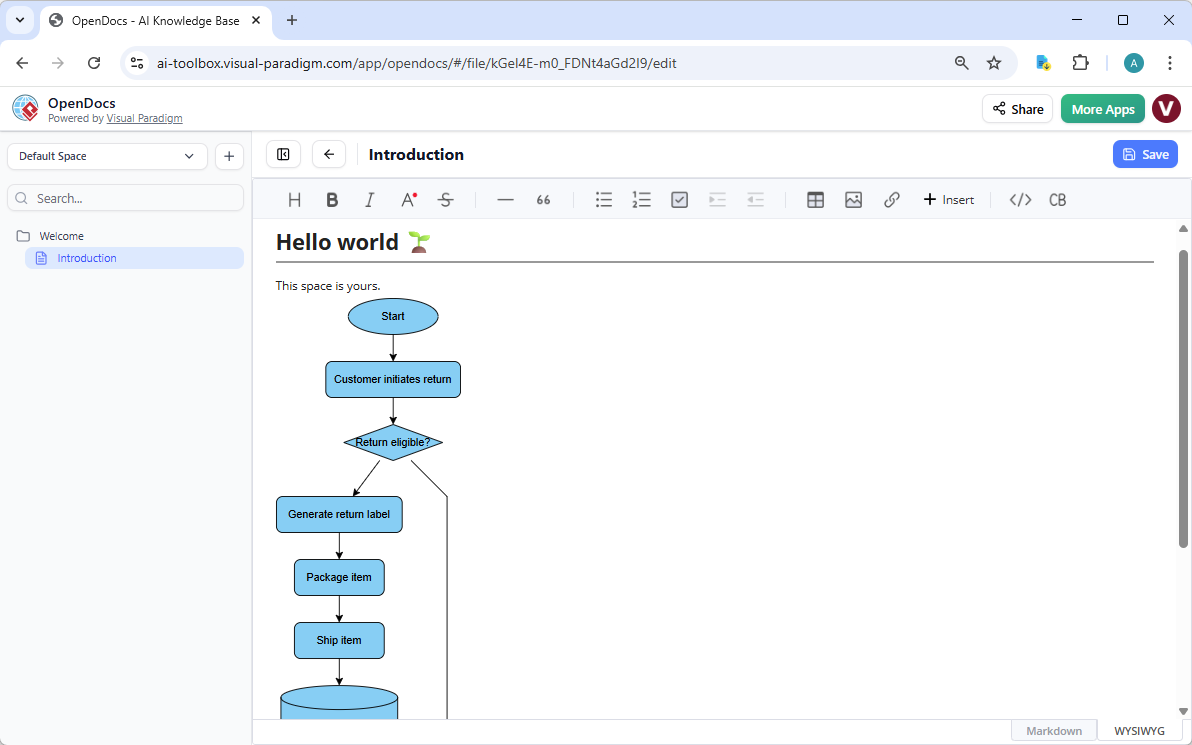
- Insert Diagram: Click Insert > Diagram > Flowchart.
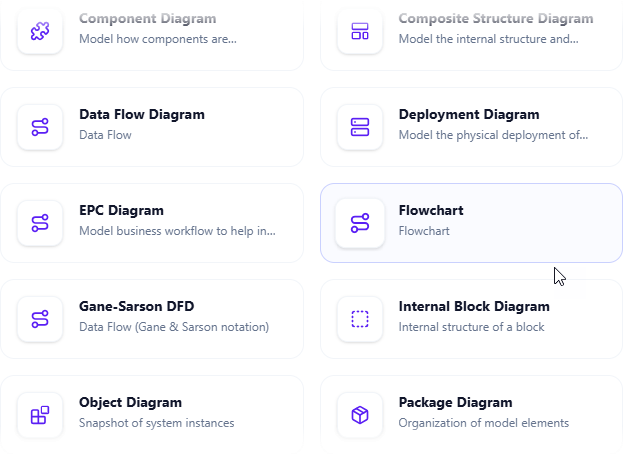
- Create with AI: Describe your scenario (e.g., “Employee onboarding procedure”) and click Generate.
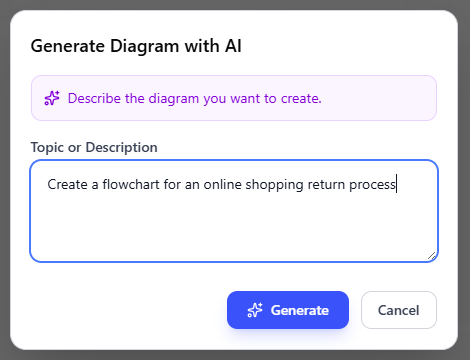
- Live Embedding: Once saved, the flowchart appears as an editable visual block. Team members can refine it collaboratively, ensuring the documentation stays as current as your processes.
Why Visual Paradigm is the Ultimate AI Diagram Tool for Flowcharts
While basic tools can draw a box and an arrow, Visual Paradigm provides a comprehensive professional flowchart software ecosystem designed for scalability:
- Multi-Platform Entry: Chat for speed, Desktop for precision, and OpenDocs for collaboration.
- Real Traceability: Link your flowcharts to User Stories, BPMN, or UML diagrams.
- Standardized Layouts: Automatically balanced diagrams that follow industry best practices for readability.
- No Silos: Move your AI-generated prototypes fluidly between platforms without losing data.
Modernize Your Workflow Documentation Today
Stop wrestling with manual drawing tools and static images. Visual Paradigm’s AI flowchart generator combines the ease of natural language with the power of enterprise modeling. Experience how AI-powered visual modeling can make your business processes faster, smarter, and more professional.