


Creating a SysML Internal Block Diagram (IBD) manually is a complex task. You must precisely define parts, ports, connectors, and item flows to show how a system’s internals function. Engineers often struggle with messy layouts or starting from a blank canvas. If you need to generate SysML ports and connectors with AI, you need a professional AI SysML IBD generator that understands the logic of system interfaces.
Visual Paradigm stands out as the leading Internal Block Diagram AI tool. Our ecosystem allows you to describe your system’s internal structure in plain English and receive a clean, standards-compliant IBD in seconds. From instant generation to deep architectural refinement, we provide the most comprehensive AI-powered diagram software for systems engineering.
VP Desktop: The Powerhouse for AI-Driven SysML IBD Creation
For engineers requiring full control over Model-Based Systems Engineering (MBSE) workflows, VP Desktop offers a high-performance environment. The integrated AI diagram tool allows you to generate detailed internal structures directly within your project repository.
Step-by-Step: Generate a SysML IBD with AI in VP Desktop
- Open the AI Tool: Select Tools > AI Diagram Generation from the main menu.
- Select IBD: Choose Internal Block Diagram from the dropdown list.
- Describe Your System: Input a description of your block’s internal parts and interfaces.
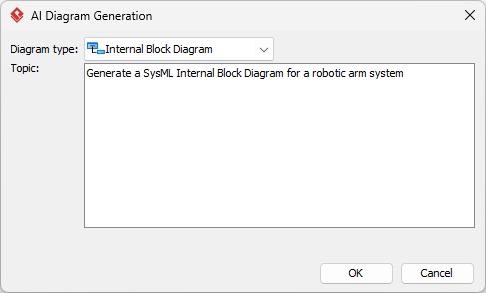
- Automated Generation: The AI builds the diagram instantly.
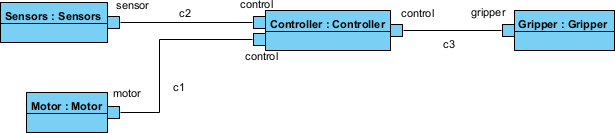
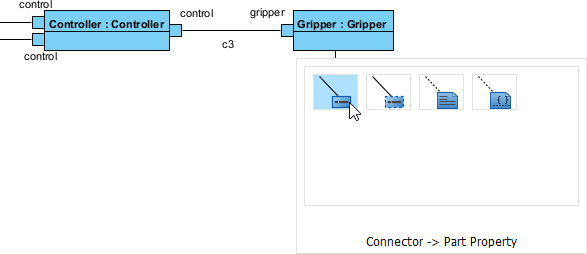
- Refine Manually: The output is a native model. Use the professional editor to adjust layouts or add traceability links.
OpenDocs: Create and Embed AI IBDs in Living Documentation
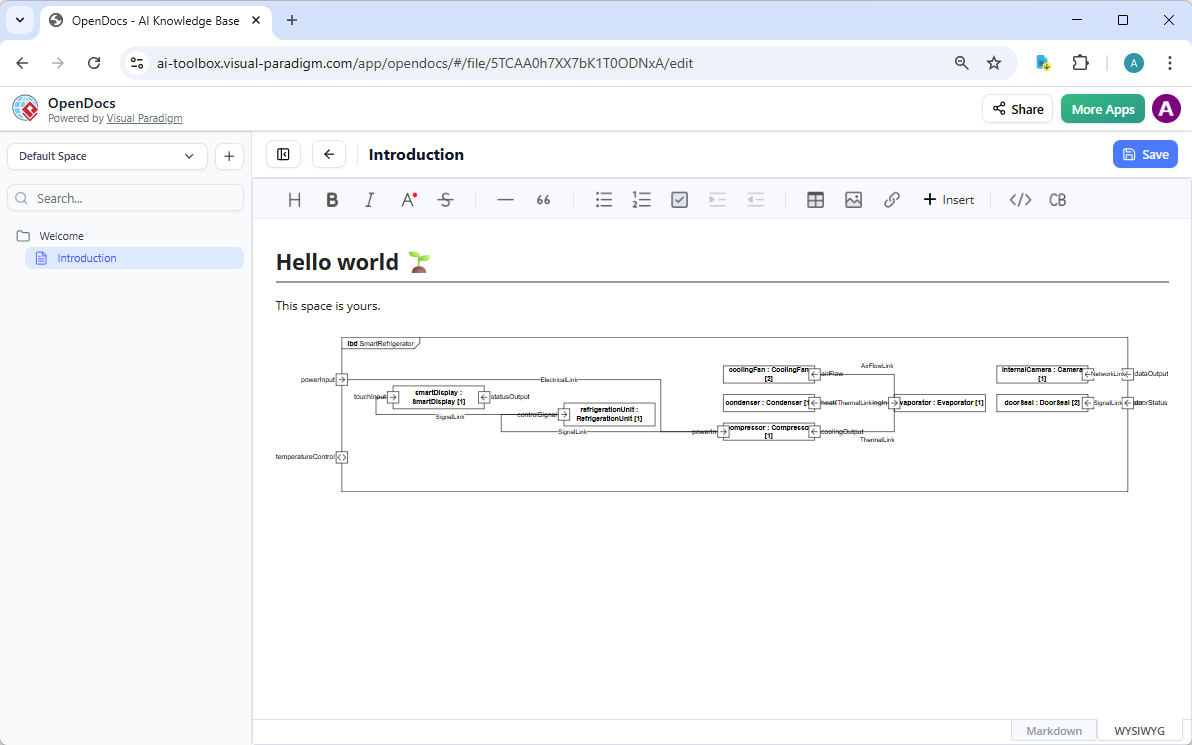
With OpenDocs, your Internal Block Diagrams become living parts of your design records. This platform allows you to generate SysML IBDs directly within your document editor and embed them as interactive visual blocks.
How to Insert an AI-Generated IBD into OpenDocs
- Insert Diagram: In the OpenDocs editor, click Insert > Diagram > Internal Block Diagram. This opens the diagram editor window.
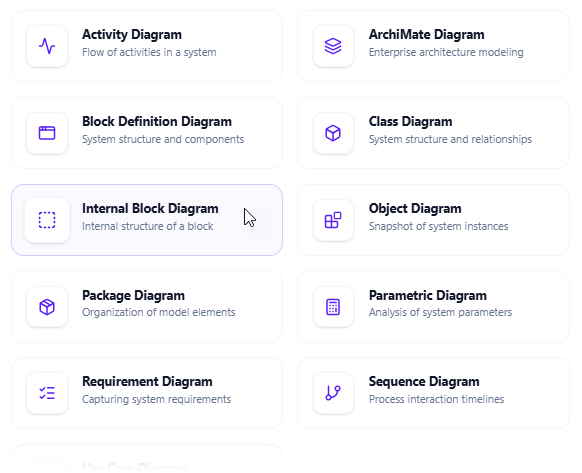
- Activate AI: Look for the Create with AI button in the top-right corner of the editor window and click it to open the AI input screen.
- Generate: Describe your system scenario and click Generate.
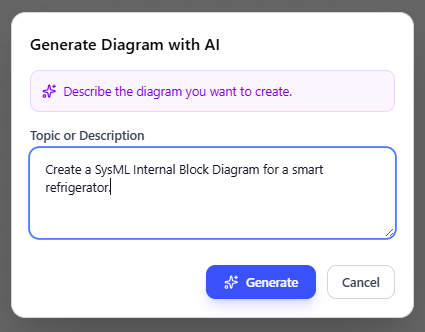
- Refine and Save: The diagram appears in the editor for fine-tuning.
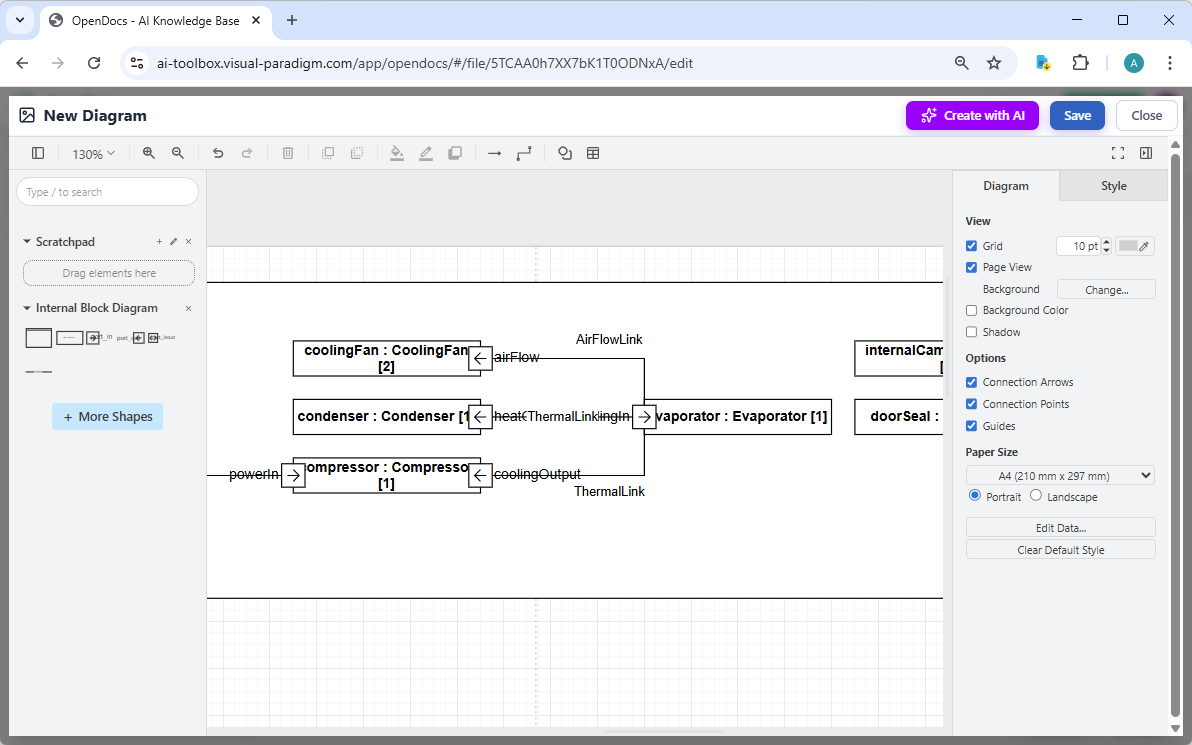
- Embed in Document: Once satisfied, click Save and then Close. The diagram is now embedded directly into your OpenDocs page as a live, editable visual block.
AI Visual Modeling Chatbot: Conversational SysML IBD Prototyping
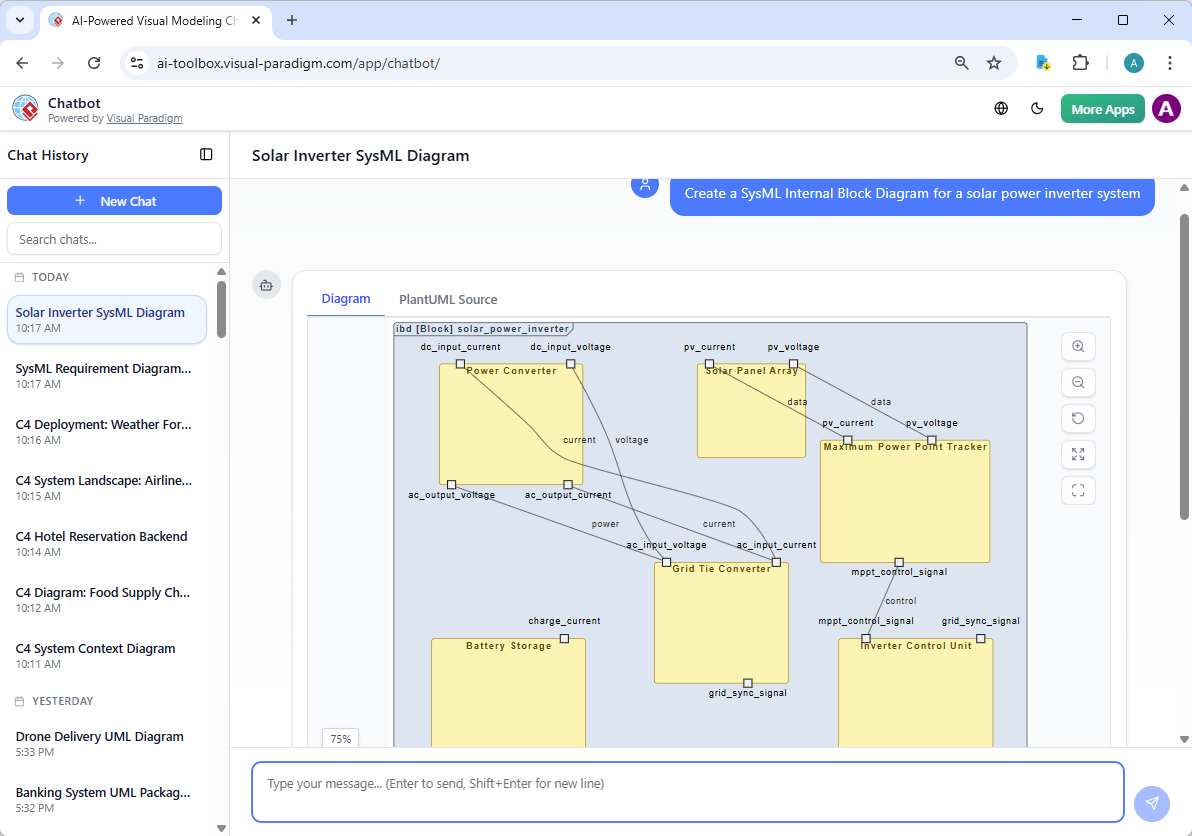
The AI Visual Modeling Chatbot is your virtual co-pilot for rapid prototyping. It allows you to generate diagrams through natural conversation, making it perfect for brainstorming.
Simply type: “Create an IBD for a satellite’s power subsystem.” The SysML AI tool renders the diagram immediately.
Interactive Refinement
Ask the chatbot to “add a backup controller” or “explain the flow between components.” This conversational approach makes Visual Paradigm one of the most flexible AI Internal Block Diagram generators available.
Why Choose Visual Paradigm as Your AI SysML IBD Tool?
| Engineering Requirement | Visual Paradigm AI Tool | Basic AI Drawing Tools |
|---|---|---|
| Port & Flow Support | Full support for Proxy/Full Ports and Item Flows | General boxes and lines only |
| Model Consistency | Integrated modeling across IBD and BDD | Isolated, disconnected images |
| Traceability | Full MBSE traceability to requirements | None |