


Architecting software systems shouldn’t feel like manual labor. Designing a component diagram—mapping out interfaces, dependencies, and modular structures—often consumes hours of manual drawing. When those diagrams are static images, they quickly become outdated, losing their connection to the live project.
Visual Paradigm changes the game with a professional-grade AI diagram generator. Since 2002, we have pioneered UML solutions. Today, we offer the most comprehensive AI component diagram generator ecosystem, integrating artificial intelligence across Desktop, Web, and collaborative documentation platforms.
Whether you need a free AI UML diagram maker for a quick prototype or an enterprise AI UML tool for complex systems, here is how Visual Paradigm delivers end-to-end support.
1. Visual Paradigm Desktop: The Professional AI UML Generator
For deep architectural work, the AI component diagram generator in Visual Paradigm Desktop is unmatched. It doesn’t just draw shapes; it generates actual model elements that support code engineering and traceability.
How to Generate a Component Diagram in Desktop
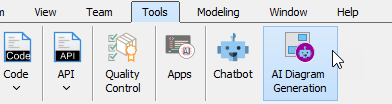
- Navigate to Tools > AI Diagram Generation to open the generator interface.
- Select Component Diagram as your target diagram type.
- Enter your prompt: Describe your architecture (e.g., “Generate a Component Diagram for a banking application highlighting authentication service, transaction processing, account management, and notification systems.”).
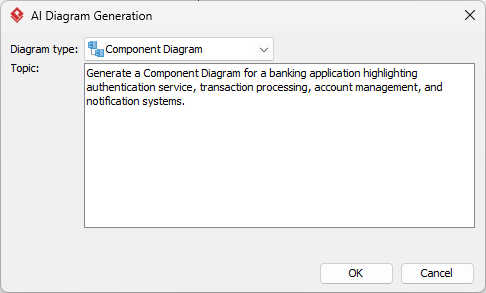
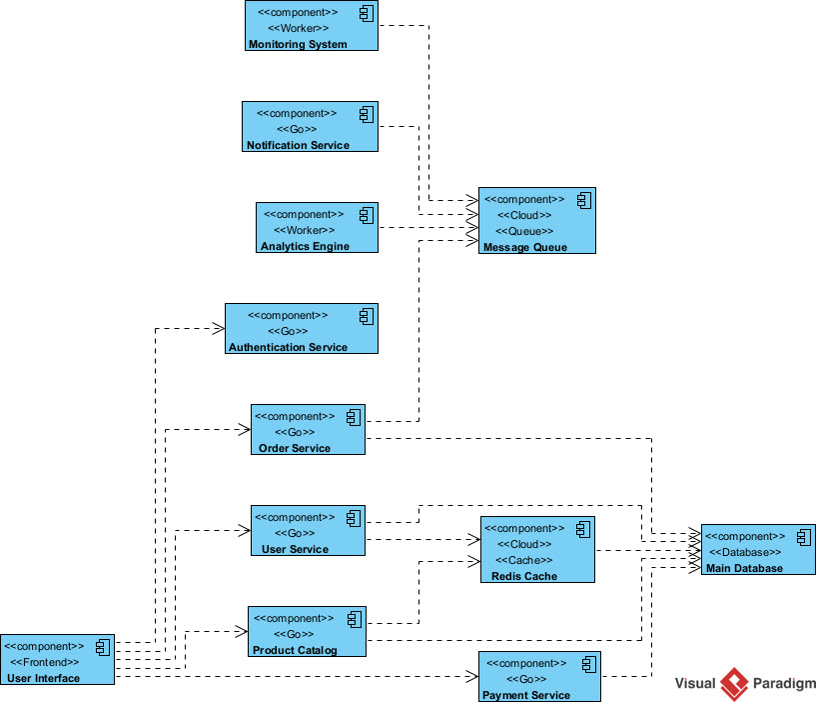
- Click OK. The AI diagram generator builds the model instantly, allowing you to refine and continue modeling with professional precision.
2. OpenDocs: Living Architecture for Teams
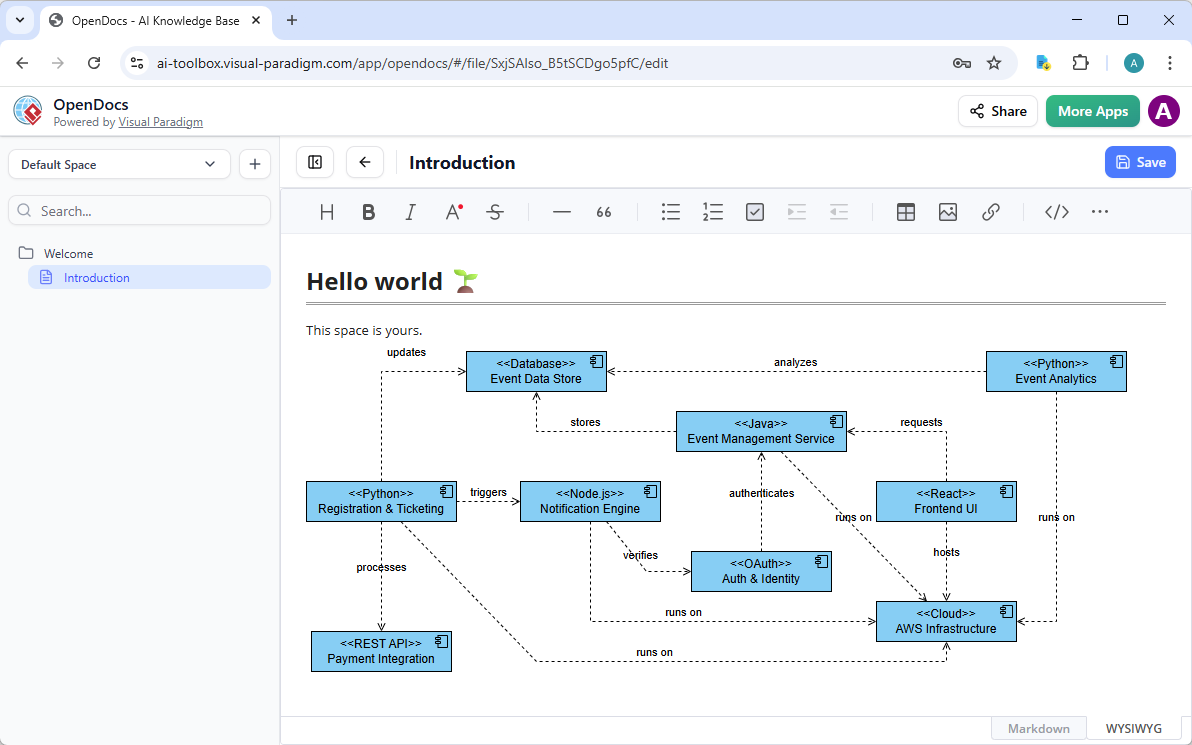
Static documentation is where diagrams go to die. OpenDocs transforms your AI-powered diagram software into a living knowledge base. Embed your models directly into wikis and reports so they stay synchronized with your design.
How to Embed AI Component Diagrams in OpenDocs
- Create a Page: Open your workspace in Visual Paradigm Online and start a new document in OpenDocs.
- Insert Diagram: Click Insert > Diagram > Component Diagram from the toolbar.
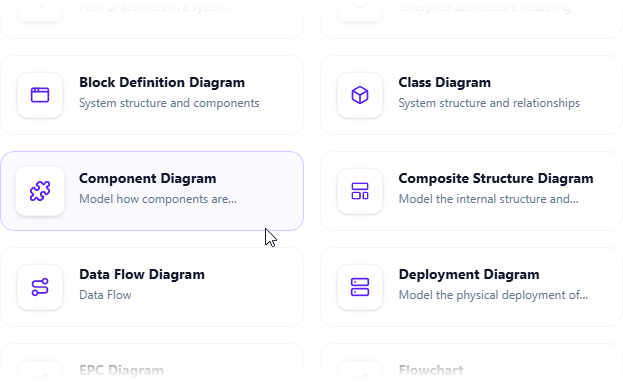
- Generate with AI: Click Create with AI in the top-right corner of the editor.
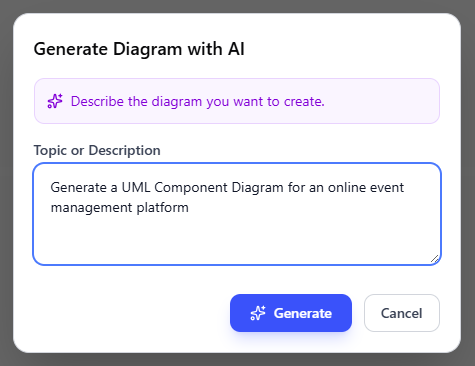
- Submit Prompt: Describe your system and click Generate.
- Save and Embed: Review the generated visual. Once satisfied, click Save to embed the live, editable block directly into your document.
3. AI Modeling Chatbot: Conversational Architecture
If you prefer a “brainstorm-first” approach, our AI Visual Modeling Chatbot is the perfect online AI diagram editor for professionals. Simply talk to the AI to build your system.
Rapid Prototyping Steps
- Launch the Chatbot: Access it via web or via Tools > Chatbot in Desktop.
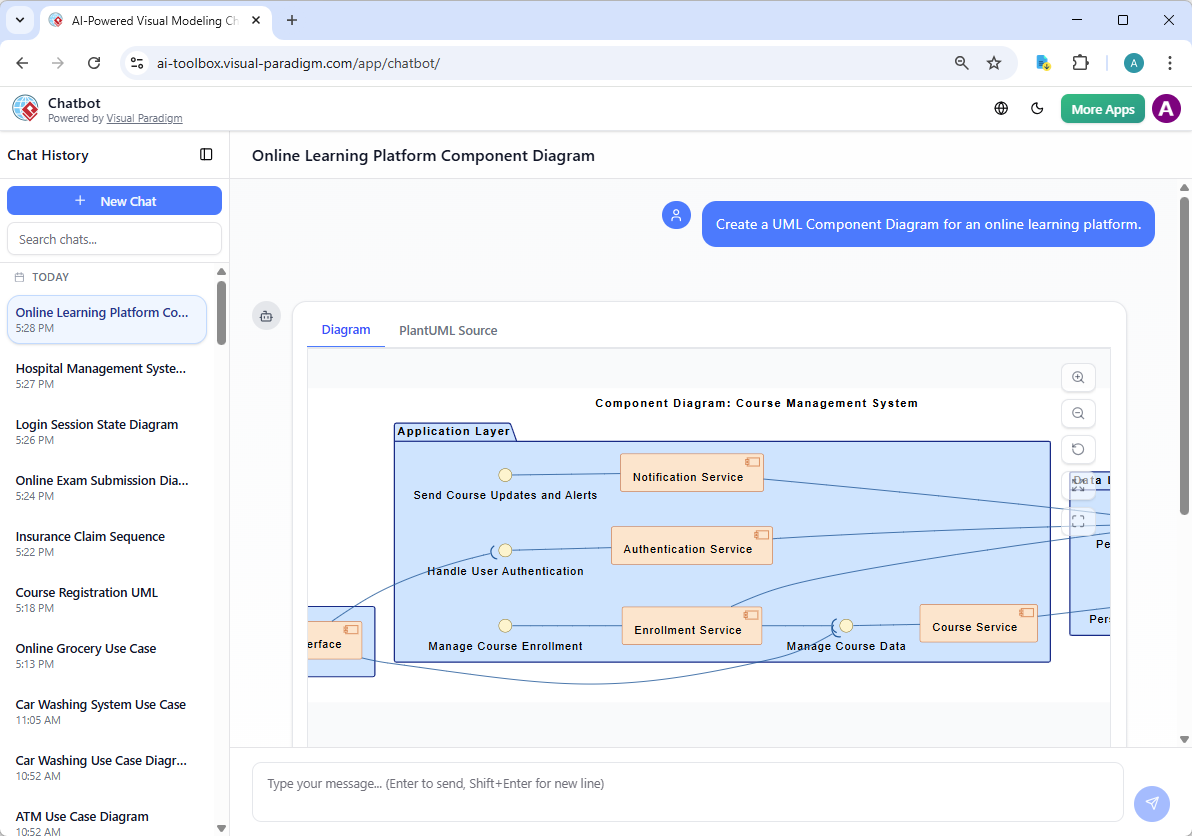
- Describe Your Goal: Type a natural language request like, “Create a UML Component Diagram for an online learning platform.”
- View and Iterate: The AI UML tool generates the visual instantly. You can then chat to refine: “Add a dependency from the login module to the user database.”
Why Visual Paradigm is the Ultimate AI Diagram Tool
Many “AI generators” create pretty pictures that can’t be edited or integrated. Visual Paradigm offers a professional AI UML generator that fits into your actual dev cycle.
- Widest Diagram Coverage: Not just component diagrams—generate Use Case, Sequence, Class diagrams and more.
- Enterprise Traceability: Changes in your AI-generated models propagate across your entire project.
- Cohesive Ecosystem: Start a sketch in the Chatbot, refine it in Desktop, and document it in OpenDocs.
Start Building Better Systems Faster
Stop fighting with shapes and start modeling with intelligence. Whether you are looking for the best AI tool for creating component diagrams or a robust AI UML generator, Visual Paradigm is the industry standard.