


Creating UML Profile Diagrams no longer needs to be a tedious manual process. To make UML fit a specific domain—such as healthcare, aerospace, or IoT—you must define custom stereotypes, tagged values, and constraints. If you are looking to extend UML with AI, you need a tool that understands the underlying metamodel. Visual Paradigm provides the most advanced AI Profile Diagram generator to help you build domain-specific languages in seconds.
Whether you need an AI UML diagram maker for rapid prototyping or a professional UML Profile AI tool for enterprise architecture, our ecosystem delivers. From instant generation in our desktop app to collaborative embedding in documentation, Visual Paradigm is the best AI tool for creating profile diagrams that are syntactically correct and implementation-ready.
New: Generate AI Profile Diagrams in Visual Paradigm Desktop
We have brought the power of our AI UML generator directly into the Visual Paradigm Desktop environment. This allows you to generate structural foundations and continue modeling immediately within your professional workspace.
How to Use the AI UML Tool in Desktop
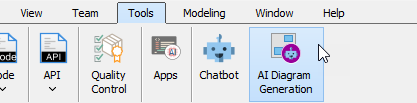
- Access the Tool: Select Tools > AI Diagram Generation from the main menu to open the generation dialog.
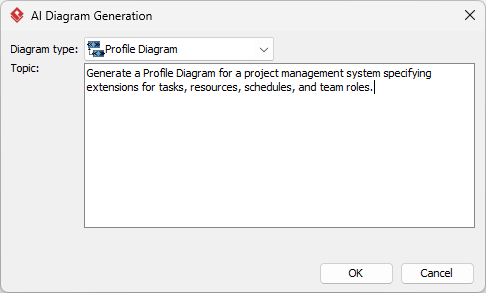
- Set the Type: Select Profile Diagram as your target diagram type.
- Define Your Topic: Enter a specific prompt, such as: “Generate a Profile Diagram for a project management system specifying extensions for tasks, resources, schedules, and team roles.”
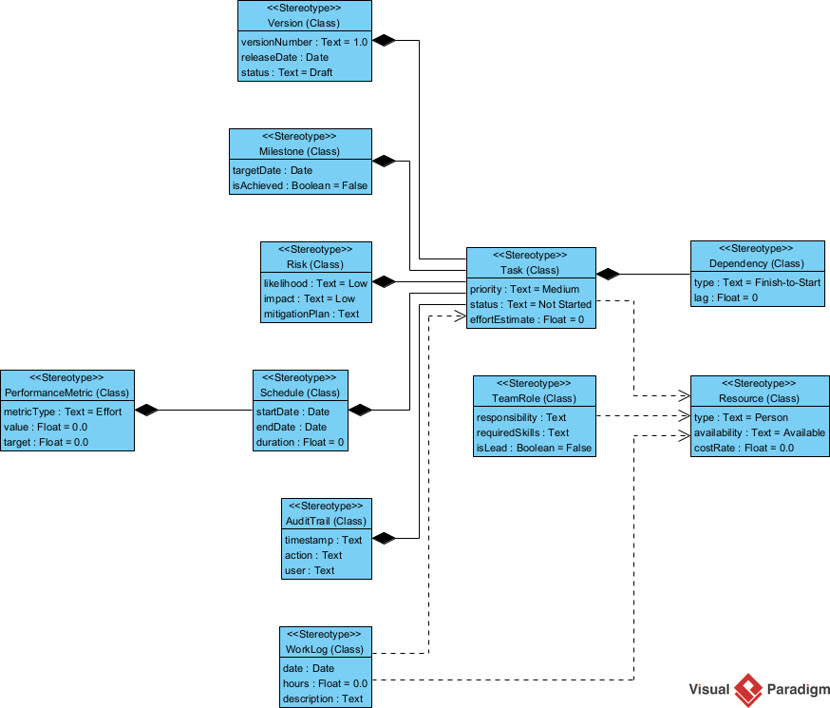
- Generate & Model: Click OK. The AI diagram generator will render the elements on your canvas, where you can refine stereotypes and continue your design.
OpenDocs: Collaborate on AI-Generated Profile Diagrams
Documentation is where your custom profiles are defined and shared. OpenDocs turns static technical specs into living knowledge hubs by allowing you to automate UML stereotypes directly within your document editor.
Step-by-Step: Inserting AI Diagrams into OpenDocs
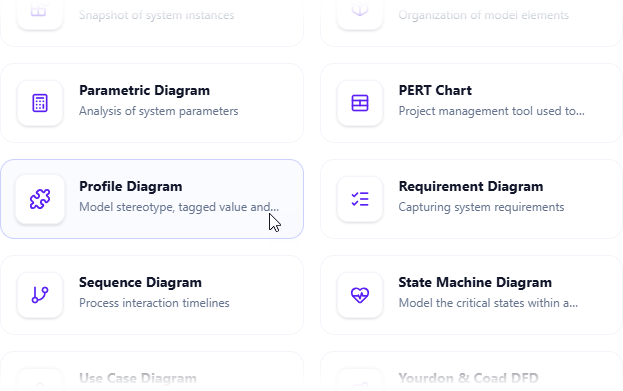
- Open the Editor: Log in to your workspace and open a page. Click Insert > Diagram > Profile Diagram to launch the editor.
- Activate AI Generation: Click the Create with AI button in the top-right corner.
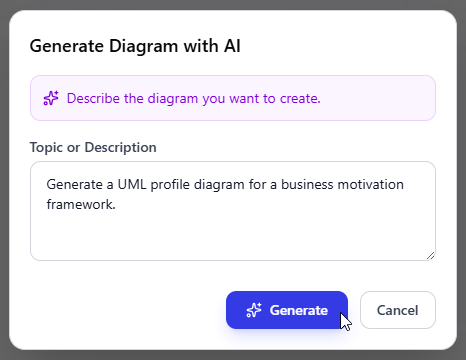
- Describe Your Domain: Input a description like “Create a UML profile for an IoT system with stereotypes for Sensor, Actuator, and Gateway” and click Generate.
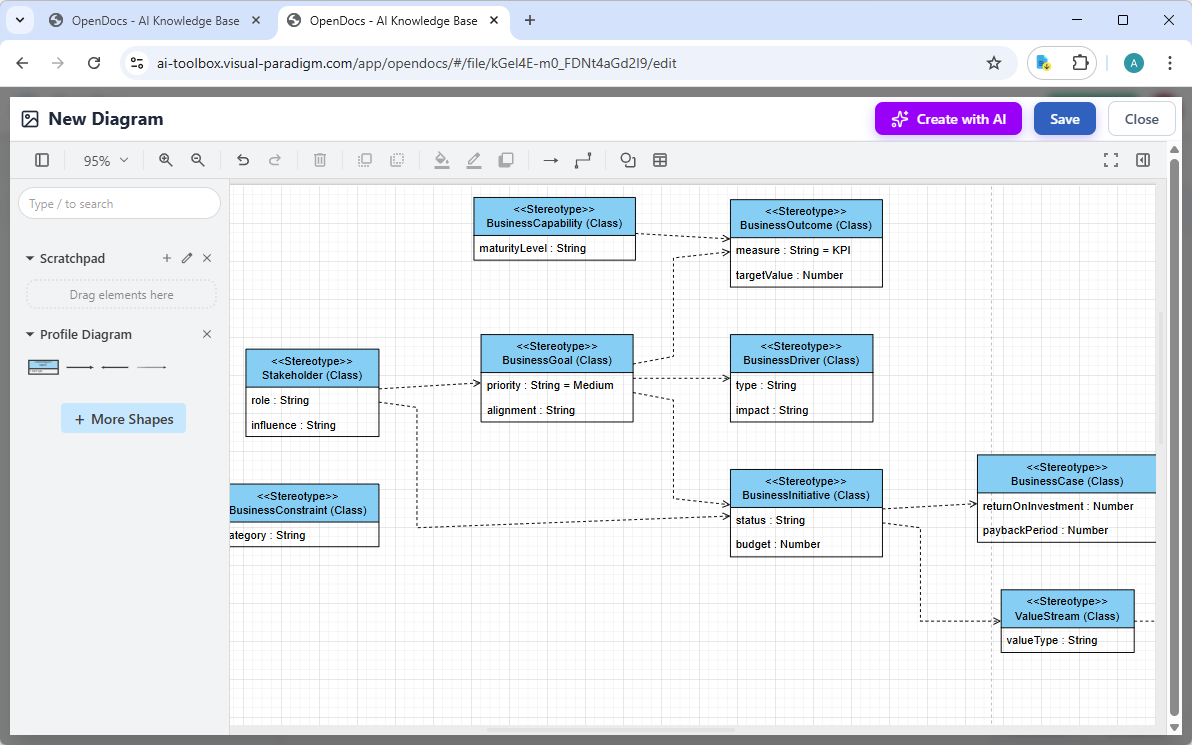
- Refine the Model: The AI renders the profile instantly. You can manually adjust tagged values or constraints within the editor.
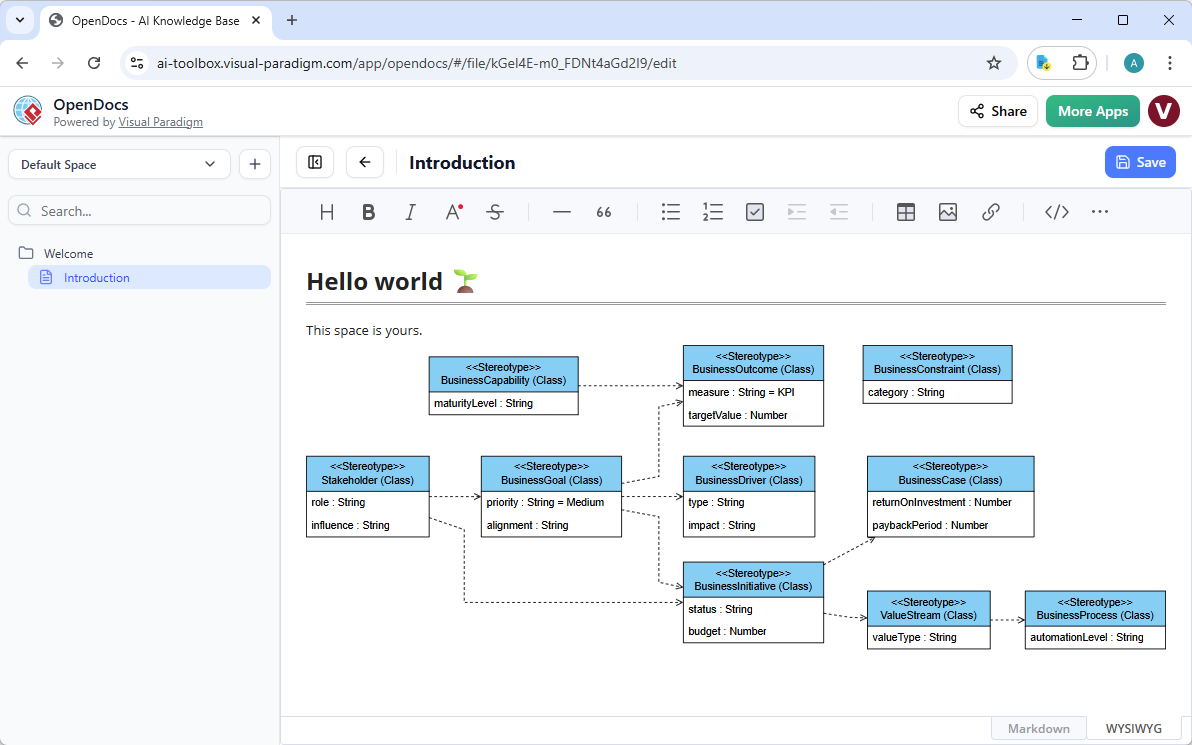
- Save and Embed: Click Save and then Close. Your diagram is now a live, editable block.
AI Visual Modeling Chatbot: Conversational Prototyping
The AI Visual Modeling Chatbot is perfect for rapid brainstorming. Instead of searching through menus, you can build your profile through simple dialogue. It acts as an AI-powered UML profile maker that understands the relationships between base UML elements and your new stereotypes.
Simply ask: “Help me build a UML profile for financial trading. Include stereotypes for ‘Order’ and ‘Trade’ that extend the Class metaclass.” The chatbot renders the diagram immediately.
Key Benefits of Chat-Based Modeling:
- Overcome Blank-Page Syndrome: Get a professional structure in seconds.
- Instant Refinement: Tell the AI to “add a tagged value for ‘Timestamp’ to the Order stereotype” to see updates in real-time.
- Educational Insights: Ask the AI to explain why a specific relationship (like Extension) was used.
Why Visual Paradigm is the Industry-Leading AI Diagram Platform
Unlike generic drawing tools that treat diagrams as simple pictures, Visual Paradigm treats them as models. When you use our AI Profile Diagram generator, you are creating real UML elements that integrate with your entire project lifecycle.
| Feature | Visual Paradigm AI | Basic AI Chart Tools |
|---|---|---|
| Stereotype Application | Apply generated stereotypes to other model elements | Visual labels only |
| Metamodel Awareness | Understand Extension, Generalization, and Tagged Values | Basic boxes and arrows |
| Platform Handoff | Seamlessly move from Chat to Desktop to OpenDocs | Isolated files |
Ready to Professionalize Your UML Modeling?
Stop struggling with manual custom UML extensions. Use Visual Paradigm’s integrated ecosystem to generate, document, and share your domain-specific profiles with ease. Experience why we are the top choice for AI-powered diagram software since 2002.