


Creating SysML requirement diagrams can be overwhelming. Manually capturing functional and non-functional requirements while maintaining a complex web of traceability—tracing to design elements and test cases—is a slow, error-prone process. If you need to generate SysML requirements from text, you need a professional AI SysML requirement diagram generator that understands engineering logic.
Visual Paradigm is the leading AI requirement modeling tool. Our comprehensive ecosystem allows you to generate, refine, and manage requirement hierarchies across multiple platforms. Whether you are an engineer needing precise satisfy/verify links or a team sharing documentation, our automated SysML requirement tools ensure your models are professional and implementation-ready.
VP Desktop: Professional AI-Driven SysML Requirement Engineering
For serious systems engineering, VP Desktop is the flagship environment where AI speed meets robust, offline modeling. It is the perfect MBSE requirement software for architects who demand high-fidelity models with deep traceability.
Step-by-Step: Generate a SysML Requirement Diagram with AI in VP Desktop
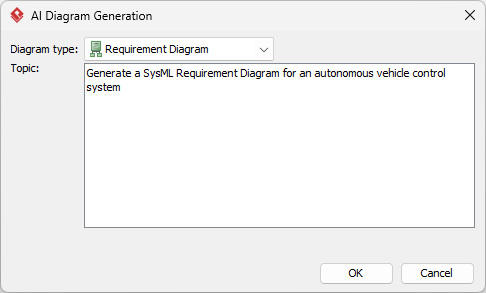
- Open the AI Interface: Select Tools > AI Diagram Generation from the main menu.
- Select Diagram Type: Choose Requirement Diagram from the dropdown list.
- Describe Your Specs: Input your system requirements in natural language.
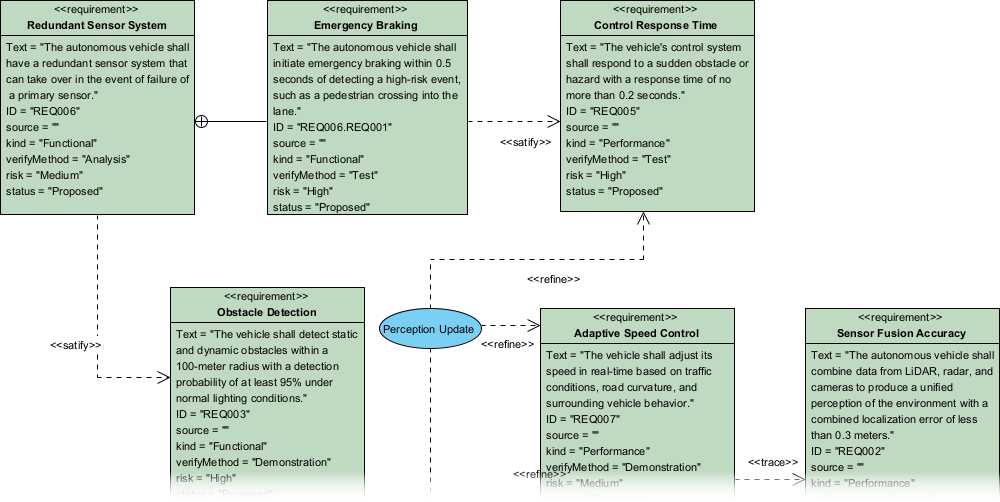
- Automated Generation: The AI instantly renders a diagram with properly stereotyped «requirement» blocks and relationships.
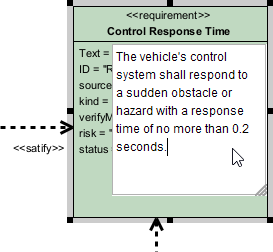
- Detailed Refinement: Unlike basic AI tools, you can edit hierarchies and properties directly in the modeler.
OpenDocs: Collaborative AI Requirement Documentation
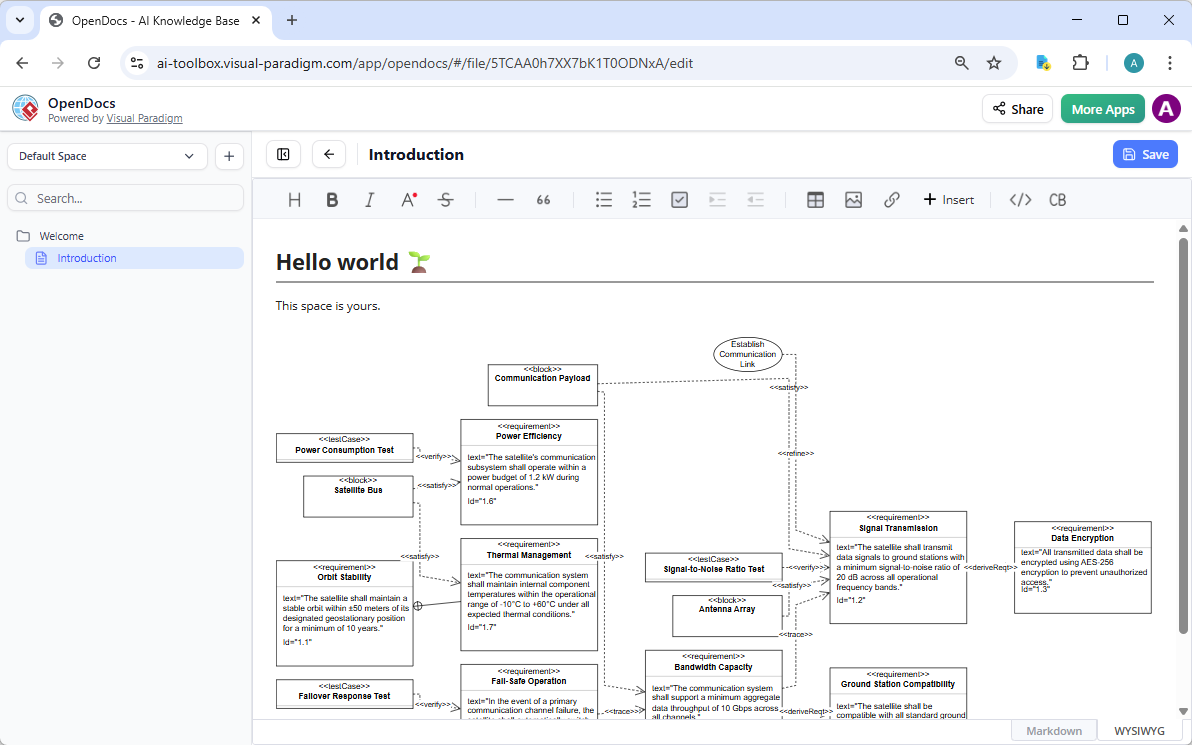
OpenDocs transforms how teams share and evolve requirements. It acts as a smart wiki where your AI-generated SysML requirement diagrams live as interactive blocks within your technical documentation.
How to Insert an AI SysML Requirement Diagram into OpenDocs
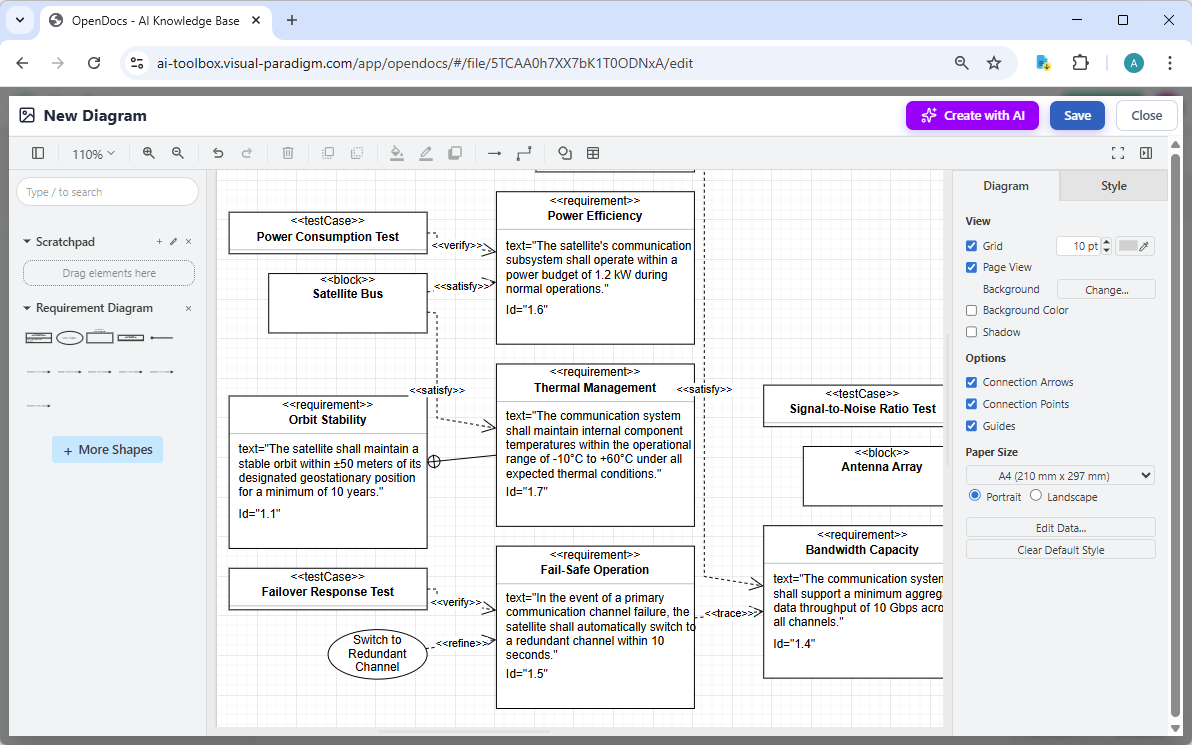
- Start in the Editor: Open your document and click Insert > Diagram > Requirement Diagram. This opens the diagram editor.
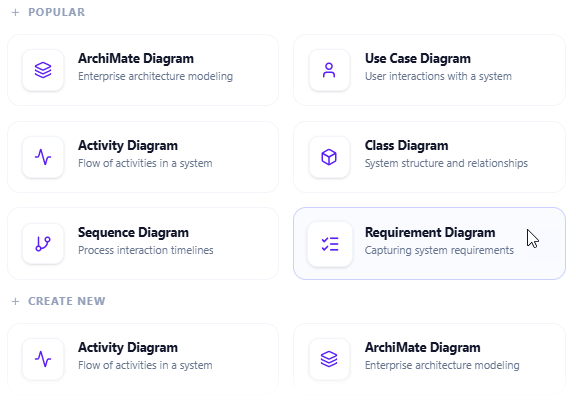
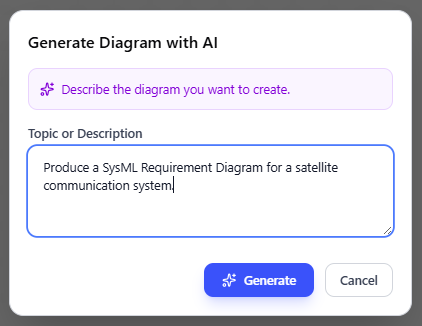
- Generate with AI: Click the Create with AI button in the top-right corner. Describe your system scenario and click Generate.
- Refine and Embed: Adjust labels or styles within the editor window.
- Save to Page: Click Save and then Close. The diagram is now a live visual block in your document.
AI Visual Modeling Chatbot: Conversational Requirement Refinement
Agile teams use the AI Visual Modeling Chatbot for rapid prototyping. It is an always-available co-pilot that turns natural language into structured traceability diagrams with AI.
Simply type: “Create a SysML Requirement Diagram for a medical infusion pump.” The automated SysML requirement tool renders the model instantly.
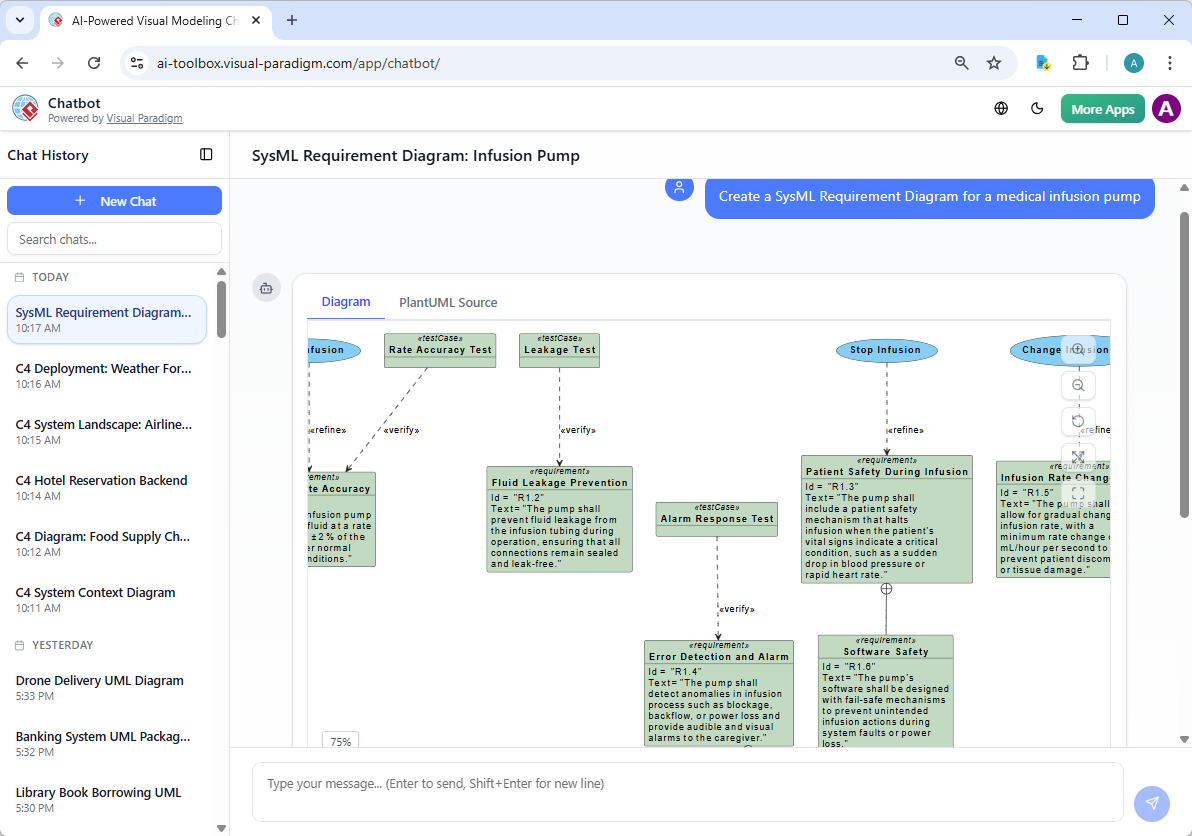
Refining the Traceability Model
The chatbot understands the depth of SysML. You can ask it to “Add a verify relationship to this test case” or “Explain the deriveReqt chain.” This level of conversational AI modeling ensures your requirements are grounded in professional standards.
Why Visual Paradigm is the Ultimate AI SysML Requirement Tool
| Feature | Visual Paradigm AI Tool | Generic AI Diagram Apps |
|---|---|---|
| Standard Relationships | Satisfy, Verify, Derive, Refine, Trace | Basic lines only |
| Traceability Matrix | Native support for traceability management | No tracking capability |
| Professional Notation | Full SysML v1 & v2 compliance | Approximated visuals only |
Start Your Free Trial Now | Try the AI Chatbot Online
Next Steps: Moving from Requirements to System Architecture
Once you have defined your system requirements, the next step in the Model-Based Systems Engineering (MBSE) workflow is to define the physical or logical structure of your system. Visual Paradigm makes this transition seamless with our integrated AI tools.
- Define the Structure: Use our AI SysML BDD Generator to turn your requirements into a structural hierarchy of blocks.
- Map the Internal Logic: Visualize how your components connect and exchange data with the AI SysML IBD Tool.
- Verify with Constraints: Ensure your design meets performance specs using the AI SysML Parametric Diagram Generator.
By interlinking your AI-generated SysML diagrams, you maintain a single source of truth across the entire development lifecycle.